1つのワークスペースでVeo 3.1動画を生成
DisVideoAIでVeo 3.1を主要なAI動画生成ツールとしてご利用ください。ログインし、無料クレジットを受け取り、プロンプト、ストーリーボード、素材を1つのログイン済みワークスペースで完成度の高いAI動画に変換します。
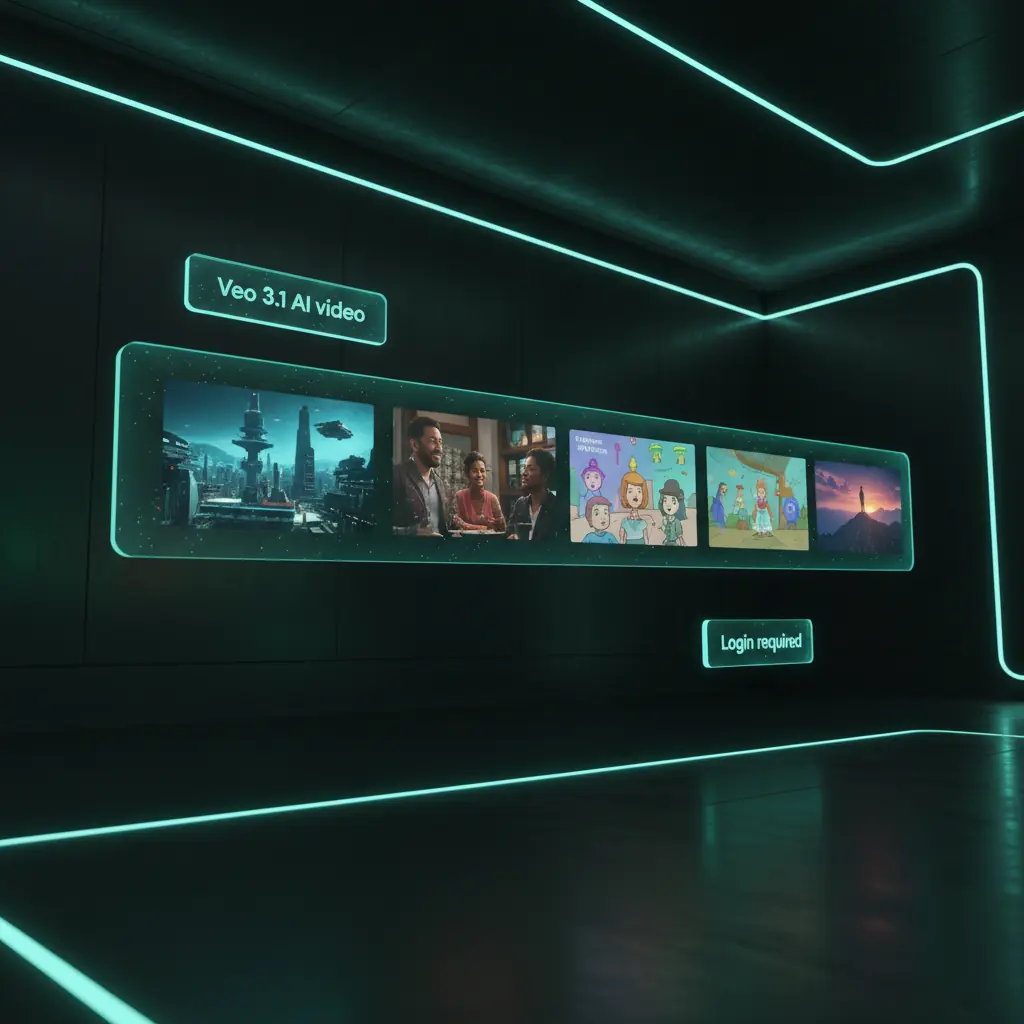
Veo 3.1 AI動画生成機能
プロンプトを計画し、動画を生成し、無料スタータークレジットで支 powered されるDisVideoAIアカウント内ですべてのAI動画実行を管理します。
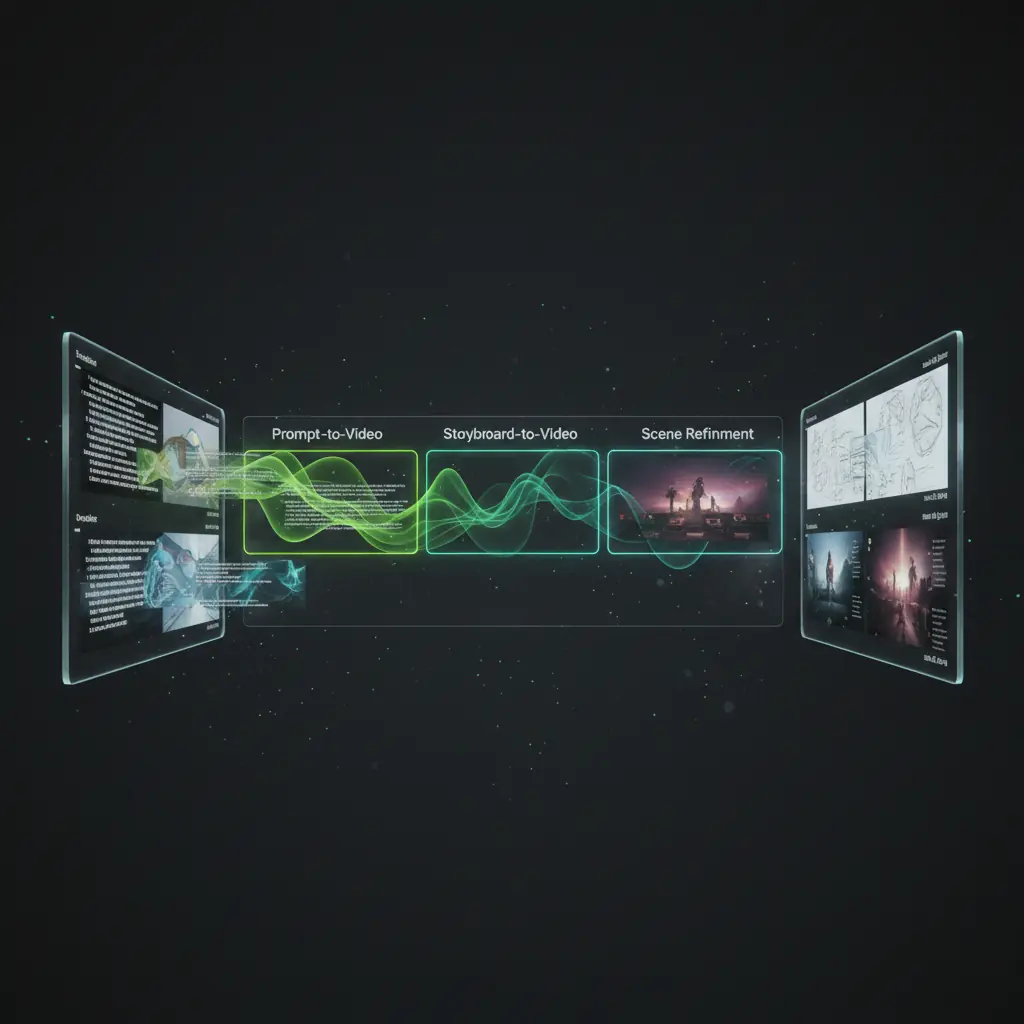
プロンプト→動画
テキストプロンプトを入力し、主要オプションを調整し、ログインしてクレジットを所持している場合にDisVideoAIワークスペースから直接動画生成をトリガーします。

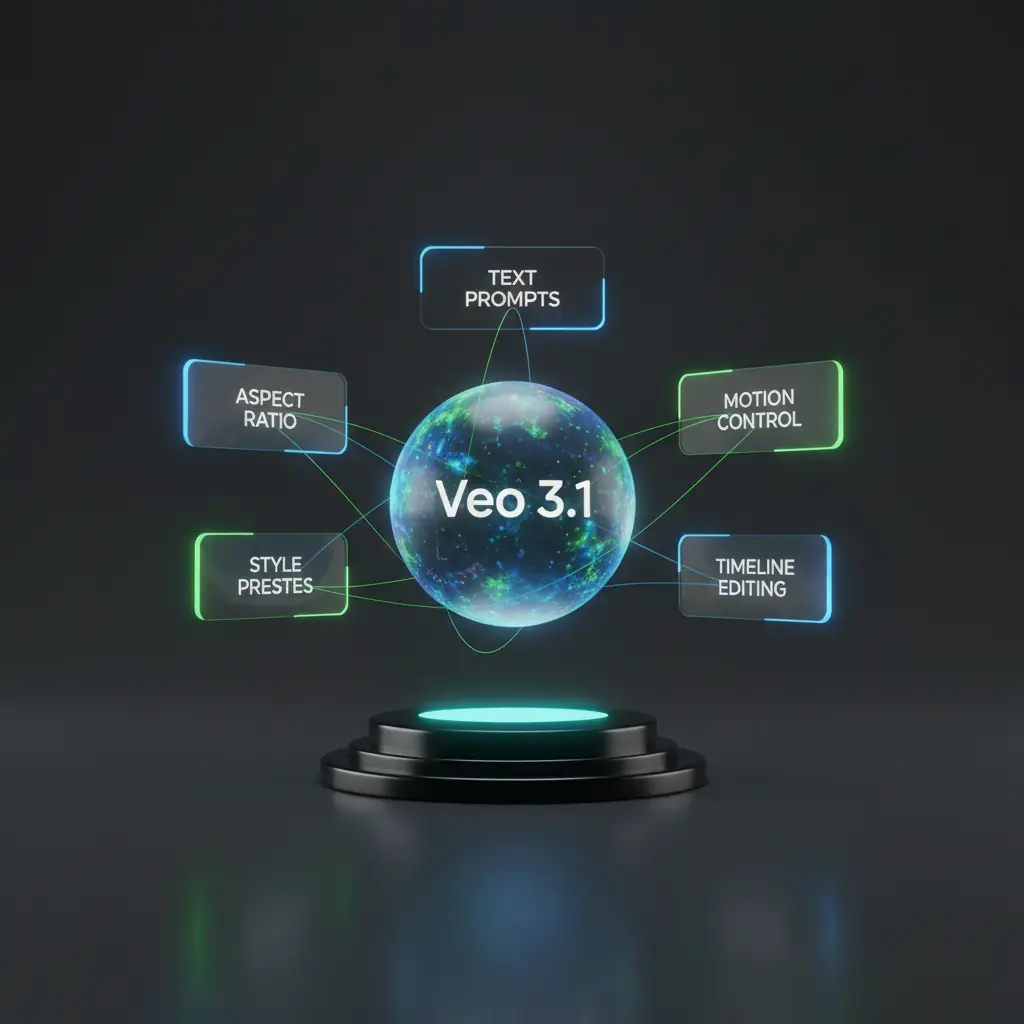
Veo 3.1 の機能で可能性を広げる
DisVideoAI でログイン後、无料クレジットとプロンプトを使って、すばやく高品質動画を作成する方法をスクロールでご確認ください。

Veo 3.1 のプロンプトビルダー
被写体、動き、映画スタイルを記述し、ログイン後、無料のスタータークレジットを使って Veo 3.1 動画を生成します。
すべての Veo 3.1 クリップを整理
ログイン中の個人アカウントに Veo 3.1 の生成物、編集、クライアント向けエクスポートを添付して、チームが常に迅速に承認済み動画を見つけるようにします。
ガイド付きテキスト
Veo 3.1 のプロンプトビルダー
被写体、動き、映画スタイルを記述し、ログイン後、無料のスタータークレジットを使って Veo 3.1 動画を生成します。
成功パターンの再利用
動画テンプレートと効果を再利用
1クリックで新しいスクリプトやキャンペーン用に再生成された動画を再利用します。
ライブラリビュー
すべての Veo 3.1 クリップを整理
ログイン中の個人アカウントに Veo 3.1 の生成物、編集、クライアント向けエクスポートを添付して、チームが常に迅速に承認済み動画を見つけるようにします。
[JA] Multimodal Veo 3.1 generator workspace
[JA] Go beyond simple prompts. With a logged‑in DisVideoAI account you can connect ai videos to reference images, music, and scripts for a full AI video production pipeline.
![[JA] Reference boards that feed Veo 3.1](https://static.disvideo.ai/y2CF2mti1ZbQEjzY9rMkoqngMt06X02k/cms/optimized/1763969886109-s54bu7b45a-optimized-31a01357-3615-4ce4-95ab-b5710b5c4782.webp)
[JA] Reference boards that feed Veo 3.1
[JA] Combine stills, style frames, and text notes into reference boards that you can instantly turn into AI video prompts once you are signed in.
![[JA] Audio and narration for your Veo 3.1 clips](https://static.disvideo.ai/y2CF2mti1ZbQEjzY9rMkoqngMt06X02k/cms/optimized/1763969891772-qqmce6l39n-optimized-7109a04b-26e7-443f-9959-daa81dcc2f3c.webp)
[JA] Audio and narration for your Veo 3.1 clips
[JA] Write voiceover, choose music, and align beats with ai video segments so your final AI videos feel complete, not just visual tests.
![[JA] Track every Veo 3.1 experiment](https://static.disvideo.ai/y2CF2mti1ZbQEjzY9rMkoqngMt06X02k/cms/optimized/1763969896641-3rnye2wmxsi-optimized-3e769fd5-44dc-47c8-8e28-859616b285a8.webp)
[JA] Track every Veo 3.1 experiment
[JA] Run many video generations, compare thumbnails and notes side by side, and keep the best ones pinned in your logged‑in workspace for future reuse.
[JA] How to use Veo 3.1 as your AI video generator
[JA] Follow these steps to go from login and free credits to finished AI videos in DisVideoAI.
[JA] Choose Veo 3.1 Model
[JA] Start a new project, add your brief, upload references, and choose Veo 3.1 as your AI video generator inside the workspace.
[JA] Write prompts or storyboards
[JA] Use the prompt builder or storyboard view to describe scenes, motion, pacing, and style before triggering Veo 3.1 generations.
[JA] Generate Veo 3.1 videos
[JA] Spend credits to run video generation from your logged‑in account, then preview, compare, and bookmark the best AI video outputs.
[JA] export & Share
[JA] export ready‑to‑share AI videos and post to different socail media platform
[JA] Who uses our Veo 3.1 AI video generator
[JA] Creators, teams, and studios log in to DisVideoAI to run AI generations, organize experiments, and build repeatable AI video workflows.
[JA] Content creators and YouTubers
[JA] Log in, claim free credits, and quickly generate Veo 3.1 clips for intros, explainers, and b‑roll, keeping prompts and versions in one place.
[JA] Marketing and growth teams
[JA] Use Veo 3.1 as an AI video generator for ads and social content. Test multiple prompts, log conversions, and keep all generations tied to your team account.
[JA] Product and UX storytellers
[JA] Create Veo 3.1 walkthroughs and product demos from a logged‑in workspace, then pair them with UI captures, annotations, and scripts.
[JA] Agencies and studios
[JA] Standardize Veo 3.1 prompting and approval flows across client projects, all secured behind account login and credit controls.
[JA] Developers and technical teams
[JA] Experiment with AI video outputs, record parameters and prompts, and manage runs per logged‑in environment for reproducible tests.
[JA] Education and training teams
[JA] Generate AI educational videos from your account, organize lessons, and keep scripts, captions, and versions together for every course.
[JA] Veo 3.1 FAQs
[JA] Get quick answers about Veo 3.1 on DisVideoAI, including login, free credits, workflows, and secure project storage.
[JA] It is the latest generative video model integrated directly into your DisVideoAI workspace. You describe scenes, motion, and style in natural language, then Veo 3.1 turns your prompt into short, high quality clips. Because everything runs in a logged in account, each generation run, prompt, and output is saved for review, collaboration, and iteration.
[JA] Teams generating AI video with Veo 3.1
[JA] Once we logged into DisVideoAI and started using Veo 3.1, AI video drafts went from scattered tests to a clear, repeatable generator workflow.
[JA] Once we logged into DisVideoAI and started using Veo 3.1, AI video drafts went from scattered tests to a clear, repeatable generator workflow.
[JA] Our team signs in, spends a few credits on Veo 3.1 prompts, and instantly sees which AI video concept is worth scaling into a full campaign.
[JA] Our team signs in, spends a few credits on Veo 3.1 prompts, and instantly sees which AI video concept is worth scaling into a full campaign.
[JA] Having all Veo 3.1 generations, edits, and feedback inside one logged‑in workspace cut our AI video review time nearly in half.
[JA] Having all Veo 3.1 generations, edits, and feedback inside one logged‑in workspace cut our AI video review time nearly in half.
[JA] We treat DisVideoAI as our Veo 3.1 notebook and generator. Every logged‑in run leaves a trail of prompts, settings, and outputs our team can trust.
[JA] We treat DisVideoAI as our Veo 3.1 notebook and generator. Every logged‑in run leaves a trail of prompts, settings, and outputs our team can trust.
![[JA] Sara Kim](/avatar/avatar-17.jpg)
![[JA] Leo Ortiz](/avatar/avatar-02.jpg)
![[JA] Anita Rao](/avatar/avatar-03.jpg)
![[JA] Mark Chen](/avatar/avatar-04.jpg)
[JA] start generating Veo 3.1 videos
[JA] Create your account or sign in to DisVideoAI, get free credits, and use Veo 3.1 as your AI video generator for storyboards, campaigns, and experiments.