크리에이터를 위한 이미지에서 비디오 AI
이미지를 소셜 미디어, 브랜드, 캠페인을 위한 멈춤 않는 스크롤 영상으로 몇 초 만에 변환하세요. 로그인하고 무료 크레딧을 획득한 후 AI 비디오를 생성하세요.
[KO] AI image to video powerhouse
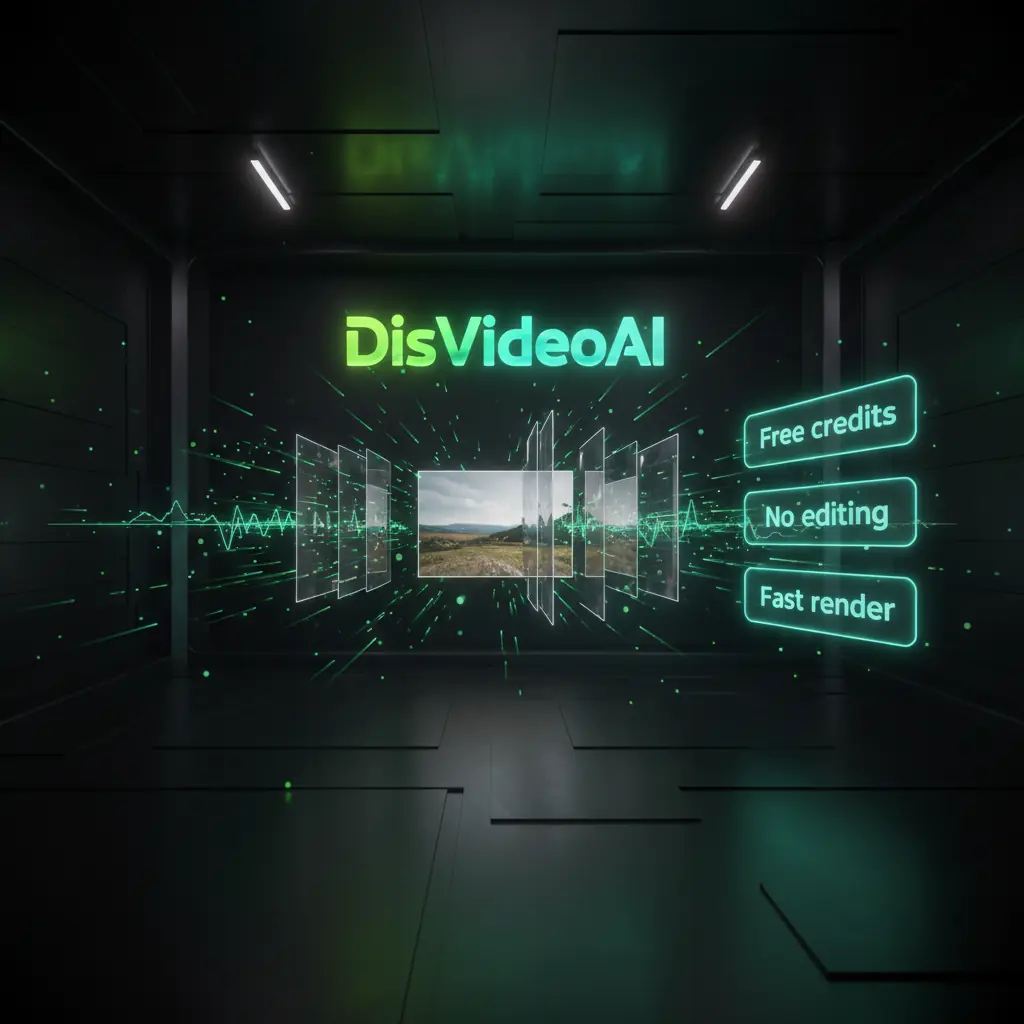
[KO] Use DisVideoAI’s Image To Video AI workspace with credit based pricing, batch tools, and templates to create AI video for social media at scale. Sign in to claim free credits.
![[KO] Turn single images into rich videos](https://static.disvideo.ai/y2CF2mti1ZbQEjzY9rMkoqngMt06X02k/cms/optimized/1763734027098-ev1qkn2cj9l-optimized-b2a46234-368a-4ce6-845e-184ccb87b5ef.webp)
[KO] Turn single images into rich videos
[KO] Upload any photo and let Image To Video AI add motion, camera moves, and pacing. Adjust duration, aspect ratio, and music, then render MP4s ready for social media and ads.
![[KO] Batch convert photos into campaigns](https://static.disvideo.ai/y2CF2mti1ZbQEjzY9rMkoqngMt06X02k/cms/optimized/1763734035864-qvx18p15uhj-optimized-4922fa79-3164-470a-9bac-28862b6cd460.webp)
![[KO] Mix image, text, and video AI](https://static.disvideo.ai/y2CF2mti1ZbQEjzY9rMkoqngMt06X02k/cms/optimized/1763734043662-c82m6rpj85o-optimized-4a02181f-0113-42f7-80cc-cd091fdd7d97.webp)
[KO] Image To Video Designed for real content teams
[KO] Scale Image To Video AI production with quality and control. DisVideoAI blends collaboration, automation, and credits so creators ship more AI image to video content.
![[KO] Simple workflow for non editors](https://static.disvideo.ai/y2CF2mti1ZbQEjzY9rMkoqngMt06X02k/cms/optimized/1763734051481-tgf3v33y7-optimized-c6f6473f-68c0-4180-827f-737b1a474861.webp)
[KO] Simple workflow for non editors
[KO] Drop your image, choose a template, and let Image To Video AI suggest motion and formats for TikTok, Instagram, YouTube, and ads. Create AI video without complex editing.
![[KO] Creative controls when you need them](https://static.disvideo.ai/y2CF2mti1ZbQEjzY9rMkoqngMt06X02k/cms/optimized/1763734062501-btz6k6re4g9-optimized-603d811a-7098-4656-a943-b45c9661328a.webp)
[KO] Creative controls when you need them
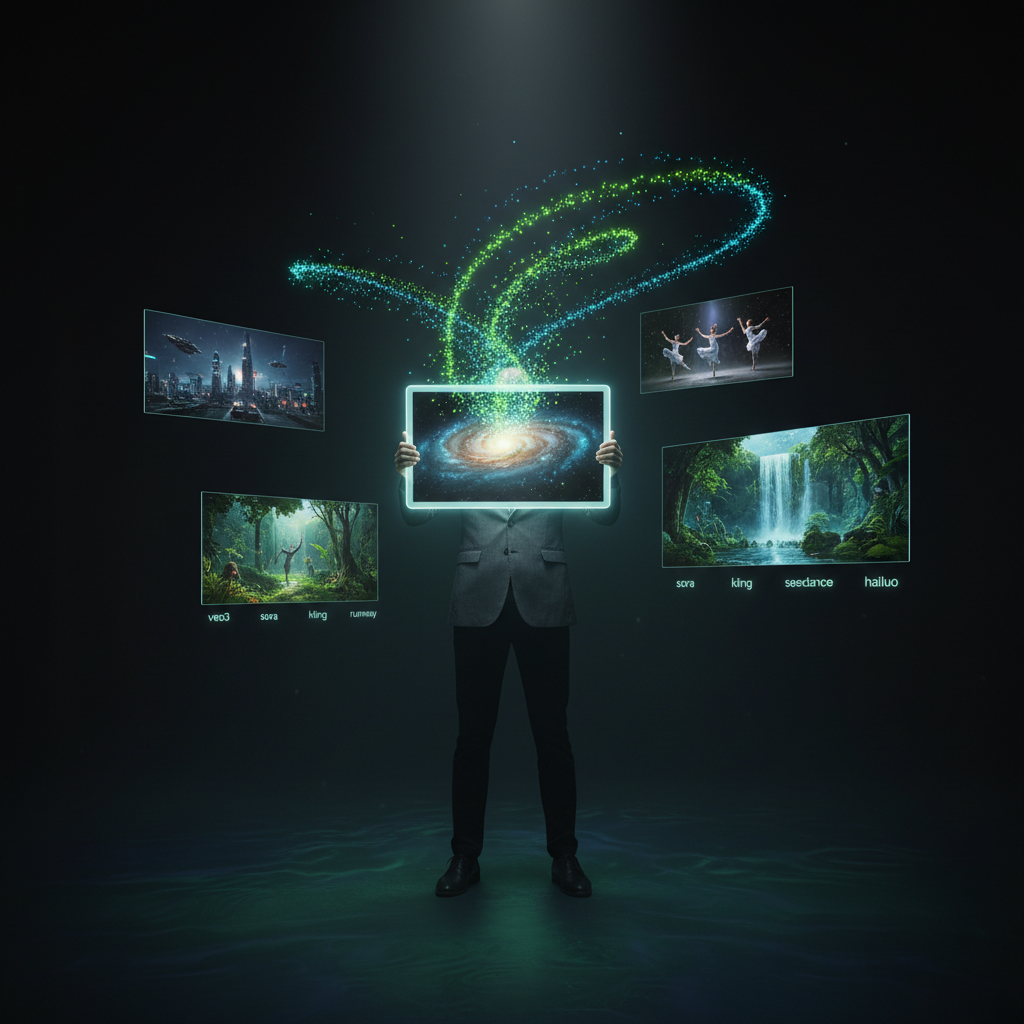
[KO] Fine tune camera paths, motion, overlays, and color. Use AI suggestions from engines like Google Gemini or Kling AI, then save presets your team can reuse.
![[KO] Team friendly credit based pricing](https://static.disvideo.ai/y2CF2mti1ZbQEjzY9rMkoqngMt06X02k/cms/optimized/1763734072293-hh6wuvf09x-optimized-f86421a1-a381-45c9-8a65-bf8938b84b86.webp)
[KO] Team friendly credit based pricing
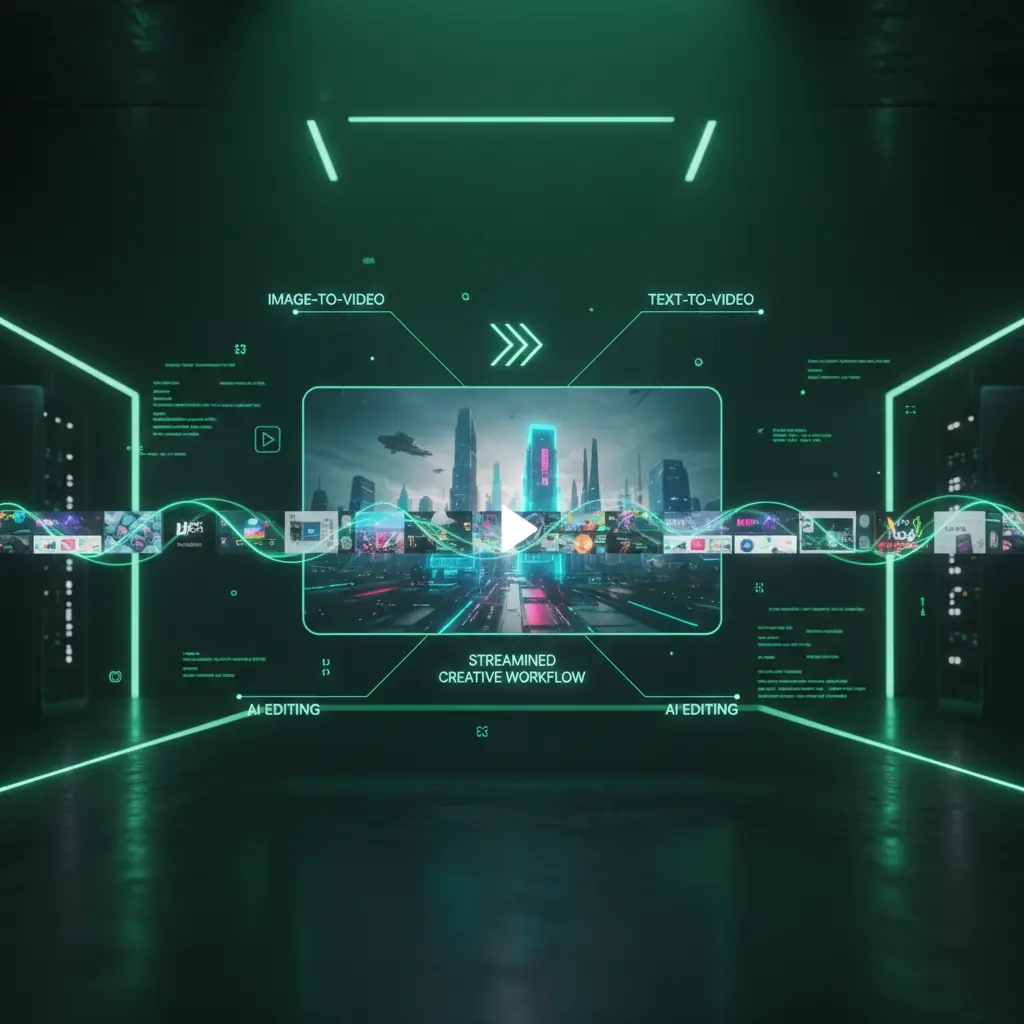
[KO] Use one credit system across Image To Video AI, text to video, and AI editing. Sign in to claim free credits, share pools with teammates, and control campaign costs.
[KO] No timeline headaches required
[KO] Simple workflow for non editors
[KO] Drop your image, choose a template, and let Image To Video AI suggest motion and formats for TikTok, Instagram, YouTube, and ads. Create AI video without complex editing.
[KO] Advanced settings for power users
[KO] Creative controls when you need them
[KO] Fine tune camera paths, motion, overlays, and color. Use AI suggestions from engines like Google Gemini or Kling AI, then save presets your team can reuse.
[KO] Predictable, scalable generation costs
[KO] Team friendly credit based pricing
[KO] Use one credit system across Image To Video AI, text to video, and AI editing. Sign in to claim free credits, share pools with teammates, and control campaign costs.
[KO] Visual storytelling made effortless With Image To Video
[KO] Create cinematic Image To Video AI content online. DisVideoAI delivers fast, high quality image to video generation with control for brand-safe marketing teams.
![[KO] Portrait and character animation magic](https://static.disvideo.ai/y2CF2mti1ZbQEjzY9rMkoqngMt06X02k/cms/optimized/1763734080874-z8595o82lf-optimized-9f013cdd-3683-40cd-b5dc-4e879207fc4a.webp)
[KO] Portrait and character animation magic
[KO] Animate portraits, avatars, and character art with Image To Video AI motion models. Add natural movement and depth for narrative shorts, VTubers, and branded spokescharacters.
![[KO] Social first templates and formats](https://static.disvideo.ai/y2CF2mti1ZbQEjzY9rMkoqngMt06X02k/cms/optimized/1763734085061-km7287zf7ig-optimized-c9869394-d39b-4d4f-aefa-354007579dd9.webp)
[KO] Social first templates and formats
[KO] Use social templates for Reels, Shorts, TikTok, and stories. Image To Video AI fits your photos into on trend layouts, adds motion text, and syncs pacing to royalty free tracks.
![[KO] Slideshows, storyboards, and sequences](https://static.disvideo.ai/y2CF2mti1ZbQEjzY9rMkoqngMt06X02k/cms/optimized/1763734088970-meluu0x85vm-optimized-e70b2ef6-ddd3-46dd-9188-4147ffaffd9c.webp)
[KO] Slideshows, storyboards, and sequences
[KO] Combine multiple images into storyboard-style AI video. Drag photos into order, pick a theme, and let Image To Video AI animate transitions, zooms, captions, and music.
[KO] How Image To Video AI works
[KO] Turn images into AI video in four simple steps. Upload, style, customize, and export ready to publish clips for every channel.
[KO] Upload one or many images
[KO] Sign in, then drag in a photo, portrait, storyboard frame, or full folder from your device or cloud storage.
[KO] Choose style, format, and length
[KO] Pick a template, aspect ratio, and duration. Image To Video AI suggests motion styles for social, ads, and slideshows.
[KO] Customize captions, music, and effects
[KO] Add text, brand fonts, and logos. Choose music, tweak transitions, and preview your AI image to video in the browser.
[KO] Render, download, and publish
[KO] Use credits to render high quality MP4s, then download or publish to social channels, CMS, or ad platforms.
[KO] Image To Video AI use cases
[KO] Use DisVideoAI to turn photos, illustrations, and screenshots into Image To Video AI content for marketing, social media, learning, and ads.
[KO] Product promo videos
[KO] Turn ecommerce product photos into polished promo videos. Use Image To Video AI for smooth pans, zooms, and callout text in every format.
[KO] Social media content
[KO] Convert photos, UGC, and testimonials into short AI videos for social media. Swap images and captions while Image To Video AI keeps layouts on brand.
[KO] Portrait and avatar animation
[KO] Bring portraits and avatars to life for YouTube, Twitch, and TikTok. Use Image To Video AI motion plus voiceovers for personal explainer content.
[KO] Learning and presentations
[KO] Turn slide decks, whiteboards, and diagrams into micro-learning videos. Image To Video AI animates highlights and zooms into key details.
[KO] Storyboards and concept videos
[KO] Preview ideas using concept art and storyboard frames. Image To Video AI adds camera moves and transitions to sell direction fast.
[KO] Ads and performance creatives
[KO] Generate multiple ad variations from one hero image. Combine Image To Video AI with dynamic text and local offers while credits keep tests affordable.
이미지에서 비디오 AI FAQ
이미지에서 비디오 AI, 무료 크레딧, 가격, 내보내기 품질 및 DisVideoAI가 다른 AI 비디오 생성기와 어떻게 다른지에 대한 빠른 답변을 찾으세요.
브라우저, 이미지, DisVideoAI 계정만 있으면 됩니다. 사진, 아트워크, 스크린샷 또는 스토리보드 프레임을 업로드한 후 제품 프로모션 또는 포트레이트 애니메이션과 같은 템플릿을 선택하세요. AI가 움직임, 카메라 움직임 및 템포를 추가합니다. 텍스트, 색상 및 오디오를 사용자 정의한 후 크레딧을 사용해 고품질 MP4를 렌더링하여 다운로드하거나 게시하세요.
[KO] Start creating Image To Video AI content today
[KO] Sign in, upload a single photo or full folder, and let Image To Video AI turn them into videos for social, ads, and presentations. Claim free credits and explore AI image to video, text to video, and AI editing in one workflow.