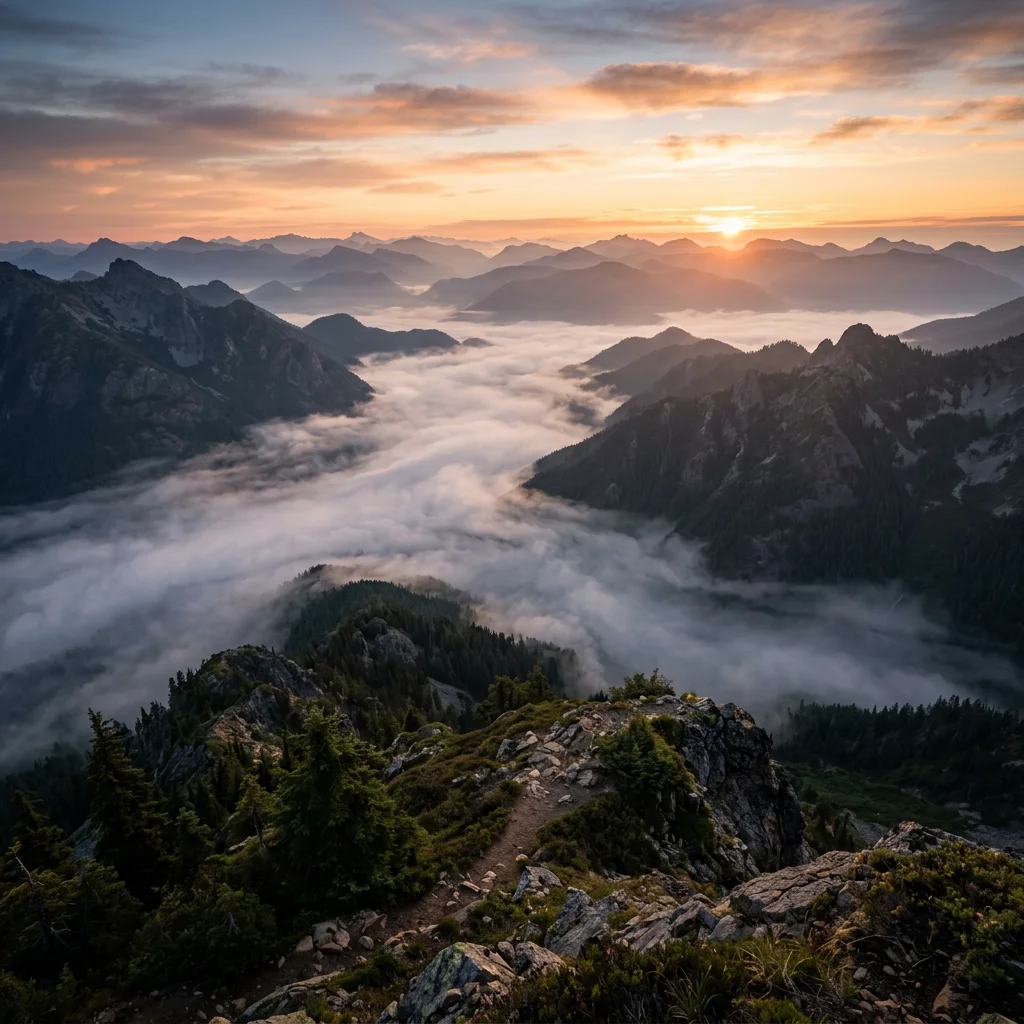
Misty valley at dawn, sweeping wide shot, atmospheric haze
DisVideoAI Text to Image Generator
Describe the subject, style, and mood - get a finished image from text alone, in photoreal, illustrated, or branded styles.
Text to Image From a Single Sentence
Text to image builds the picture from your words - composition, lighting, and style resolved from one prompt, with nothing to upload and nothing to draw.
Write like you would brief a photographer
Subject, setting, light, and mood in plain language. The model reads sentences, not magic incantations.
Describe the intended medium
Name photoreal, anime, oil painting, flat vector or 3D render as direction, then review whether the selected model followed it.
Language support varies
Use the language the selected model handles reliably; this page does not promise a fixed number of prompt languages.
Iterate one request at a time
Generate, review, change one prompt detail, and run again. This page does not expose a batch-variation workflow.
What People Create From Text
Text to image covers the visual jobs that used to mean a stock subscription or a freelancer brief.
Campaign and ad visuals
Hero images, backgrounds, and lifestyle scenes for landing pages and paid social - generated to fit the brief.
Product and concept mockups
Visualize packaging, interiors, or products that do not exist yet, before anyone commits to a shoot.
Blog and social illustrations
On-style illustrations for articles, posts, and newsletters without trawling stock libraries.
Characters and avatars
Character concepts for stories, games, and mascots, with every result checked for identity and style drift.
Writing Text to Image Prompts That Work
Most disappointing results trace back to prompt structure, not the model. Four habits fix the drift.
Front-load the subject
Open with the subject phrase - "cinematic portrait of a watchmaker" - then add medium and modifiers. First words carry the most weight.
Name real specifics
Replace "high quality" with "85mm, golden hour, shallow depth of field". Specifics steer the model; generic praise does not.
Use negative prompts only where shown
Add exclusions such as blur or extra fingers only when the selected model's form exposes a negative-prompt control.
Save prompts that worked
A prompt that produced a keeper is a template. Change the subject, keep the structure, and build a house style.
How DisVideoAI Text to Image Works
Four steps from a written idea to a downloaded image.
Write the Prompt
Subject first, then style, light, and mood. One clear sentence beats a paragraph of adjectives.
Choose Displayed Controls
Set only the style, ratio or other options shown for the selected model.
Generate and Review
Generate one request and inspect the returned image before changing the prompt or controls.
Refine and Download
Download the result when available and use a separate editor for upscaling or detailed post-production.
Text to Image in numbers
What a run costs and returns
Available in the form today, each priced in the same credits.
Per run, depending on the model and length chosen.
Includes a commercial licence for what you make.
The longest prompt every model on this page accepts.
On a new account, before any plan.
Text to Image FAQ
Common questions about DisVideoAI text to image - styles, consistency, commercial use, and free credits.
Turn a Prompt Into a Picture
Choose a current model, write the scene, review its controls and credit estimate, then inspect the generated image.
