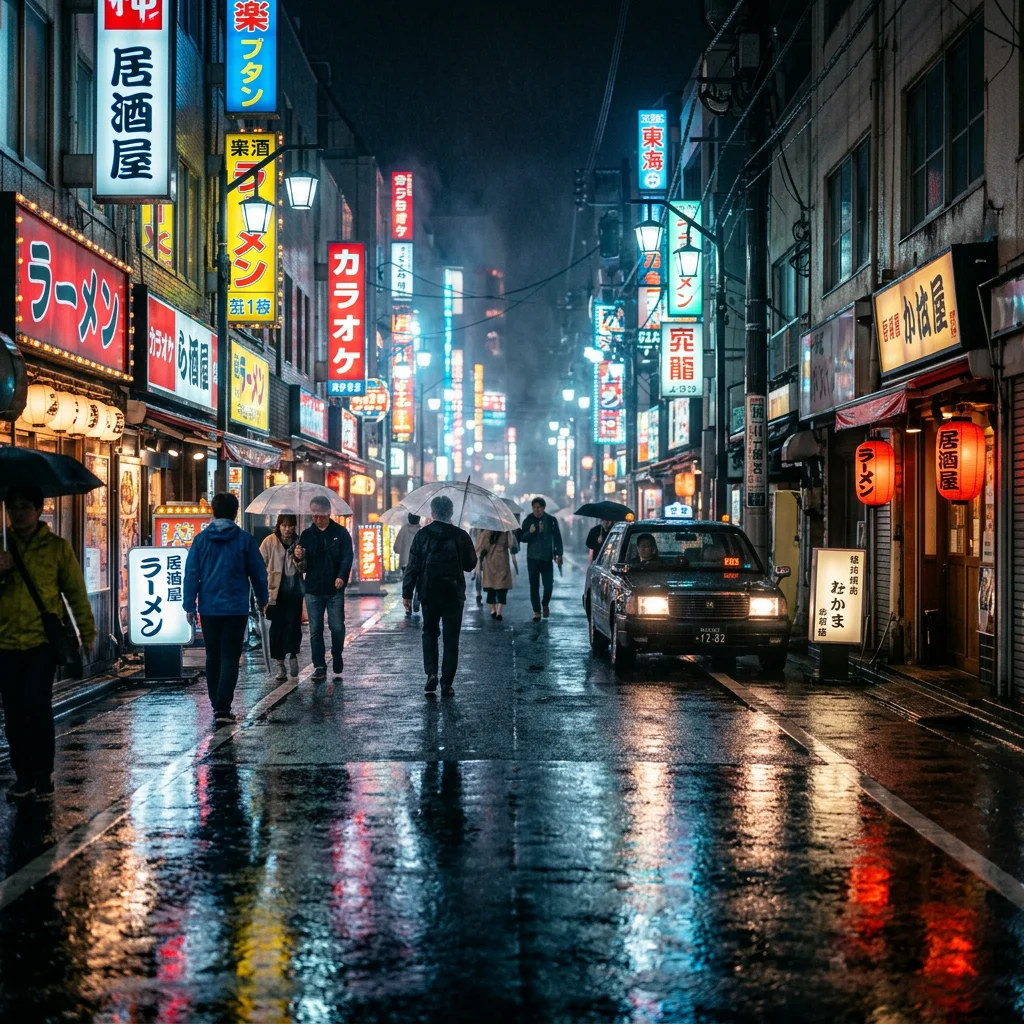
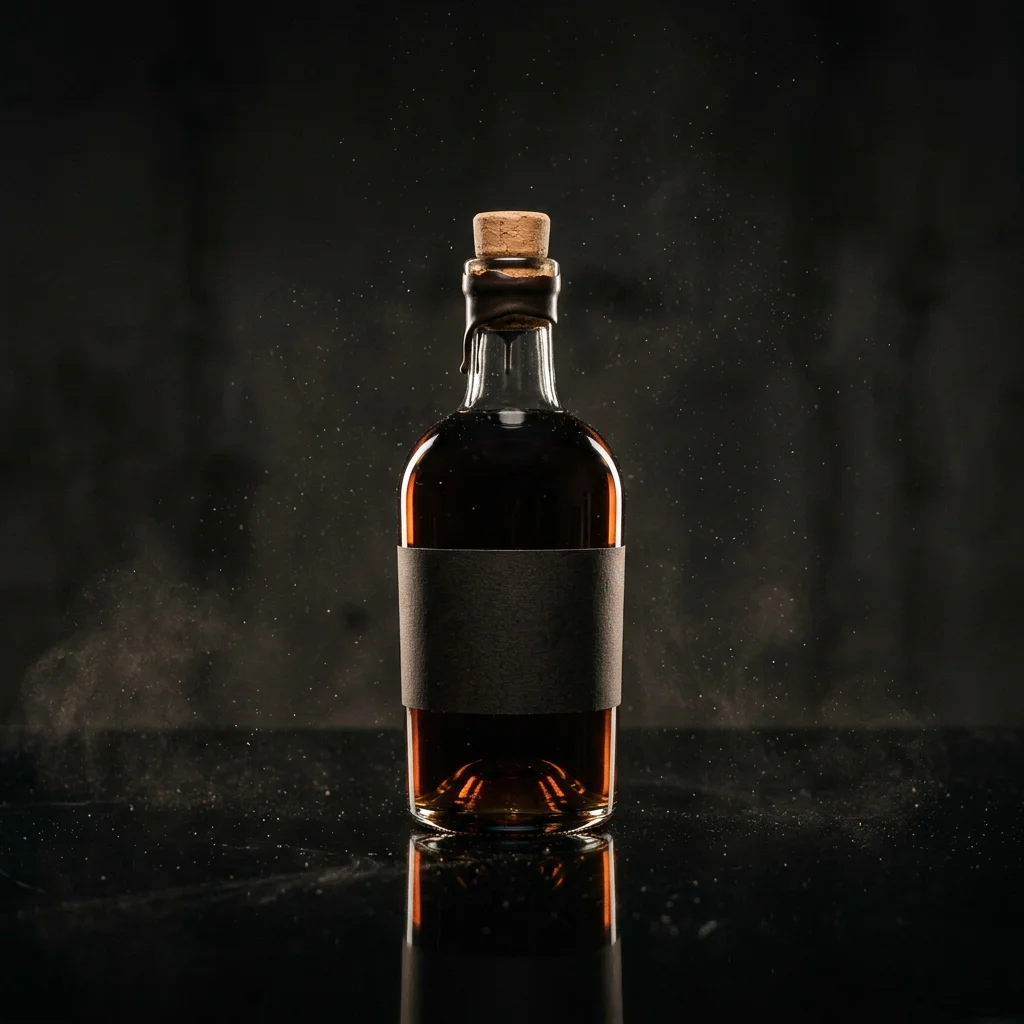
Studio product shot on a dark reflective table, soft rim light, drifting dust
DisVideoAI AI Image Generator for Fast, On-Brand Visuals
Generate images from text prompts or source photos with a current model, visible controls, and a credit estimate before each run.
AI Image Generator Features for Creators
Text-to-image and image-to-image models share one selector while retaining model-specific inputs and controls.
Text to Image
Write a direct prompt, choose a current text-to-image model, and use only the controls shown in its form.


Image workflows and boundaries
Generation is model-specific, and every returned image requires review before it becomes a production asset.


Create portrait concepts for review
AI Avatars and Characters
Prompt for an avatar or portrait and add a source image where accepted, but do not assume identity consistency across a set.
Start from an accepted source image
Reference-Driven Changes
Describe one clear change and review whether the selected model preserved the subject, framing and important details.
Use the canonical rights policy
Rights Require a Plan Check
Check the plan-rights policy before commercial use and keep your own record of prompts, source assets and outputs.
A Visual-First AI Image Experience
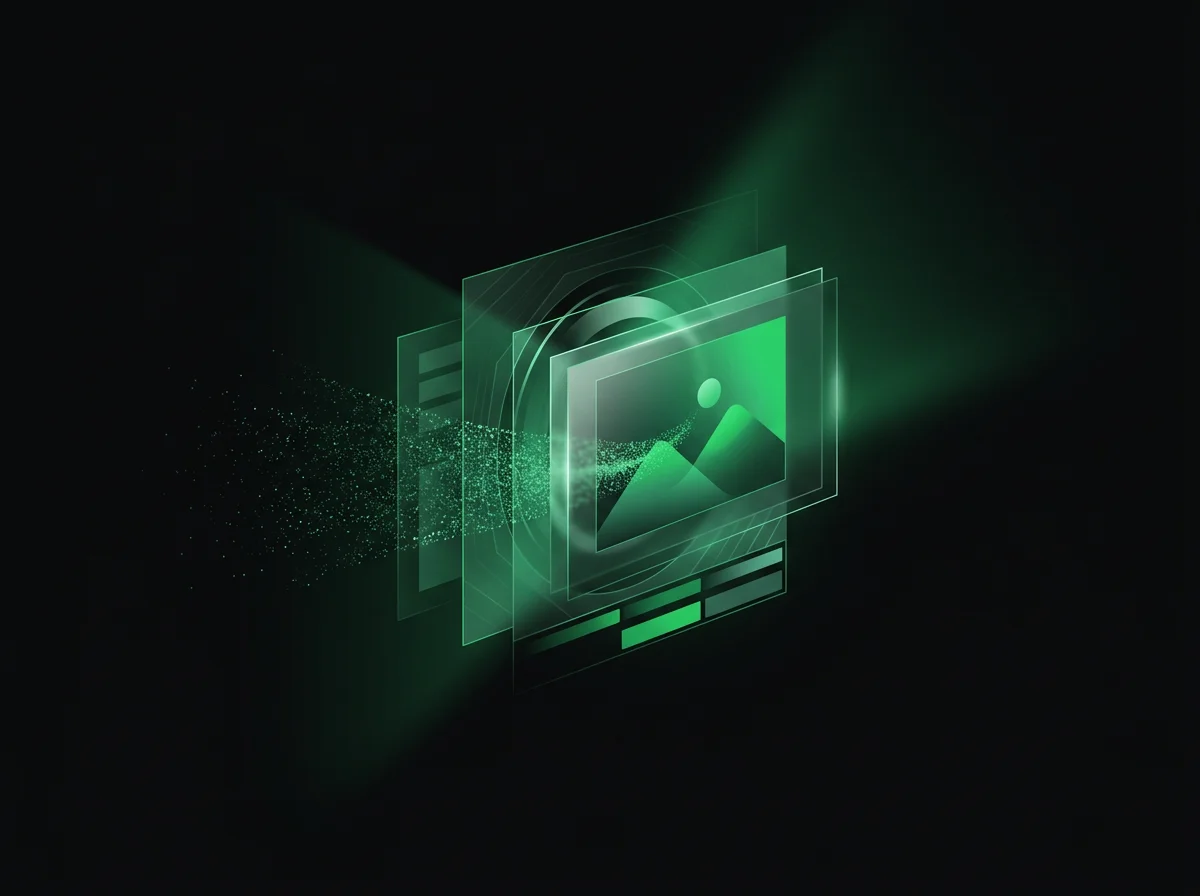
Use a model selector, explicit input controls and visible credits, then inspect the generated result carefully.
One Submitted Generation
Each run uses the prompt, accepted source input and controls submitted for the selected model.
Result Review
Check prompt adherence, text, identity, hands, edges and source-image consistency before downloading the result.
Downloaded Image Output
Download a completed result when available and use a separate editor or publishing tool for later layout work.
How the DisVideoAI AI Image Generator Works
Turn text prompts into downloadable images in four steps - free credits cover your first runs.
Claim Free Credits
Use starter credits on eligible image generations and check the shown cost before each submission.
Describe the Image You Need
Write a clear prompt and add a source image only when the selected form accepts one.
Generate and Refine Variations
Generate one request, review it, then change one prompt clause, source image or control before trying again.
Download or Export Your Images
Download a completed result when available and keep your own project record if it will be reused elsewhere.
What a run costs and returns
Available in the form today, each priced in the same credits.
Per run, depending on the model and length chosen.
Includes a commercial licence for what you make.
The longest prompt every model on this page accepts.
On a new account, before any plan.
AI Image Generator FAQ
How the DisVideoAI AI image generator handles model controls, output review, rights boundaries, and credits.
Start Creating With the AI Image Generator
Choose a current image model, add only accepted inputs, confirm the credit estimate, and review the generated result carefully.

GPT Image 2.5: how should I brief a video cover?
Pick one recognizable moment and describe its focal subject. These models generate a still rather than extracting a frame from your video, so compare the result with the actual clip.