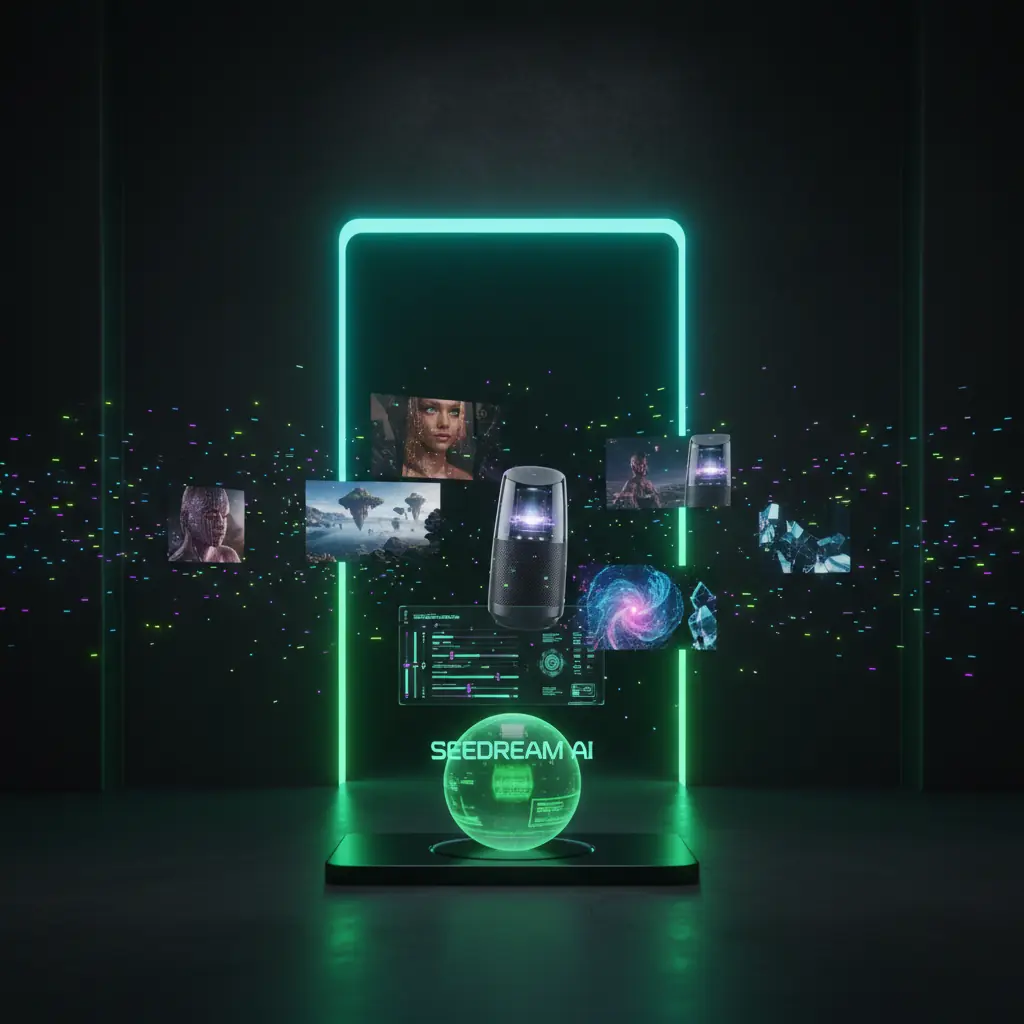
[ZH-CN] Explore Seedream tools
[ZH-CN] Switch between text to image, Photo Editor style editing, and all in one generation flows powered by credits. Sign in is required for all features.
[ZH-CN] Seedream AI text to image generation
[ZH-CN] Turn prompts into sharp images using presets and controls inside the editor. All generations use your credits.
![[ZH-CN] Photo Editor style enhancements](https://static.disvideo.ai/y2CF2mti1ZbQEjzY9rMkoqngMt06X02k/cms/optimized/1763720761127-lhr1asyjgvf-optimized-2c24a6fc-ece8-4aef-829f-ac9692f57f67.webp)
![[ZH-CN] Style all in one generator workflows](https://static.disvideo.ai/y2CF2mti1ZbQEjzY9rMkoqngMt06X02k/cms/optimized/1763720787052-01njotnx39rn-optimized-82f63471-c754-4133-a911-a6894e226cfb.webp)
深入探究Seedream AI的力量
滚动查看关键功能以及4.0风格的控件,在编辑器中实时预览提示、图像编辑和高级模型设置。


为什么创作者使用 Seedream
在单一仪表板中直接访问高级图像模型以及视频、音频和设计工具,登录后所有生成器的积分共享。

所有 AI 模型的统一工作空间
在一个工作空间中结合使用模型与视频、音频和设计工具,共享提示、模板和团队积分。

基于积分的用量
使用一个积分钱包支持图像生成、Photo Editor 风格编辑和工作流,每生成一次成本可预测。
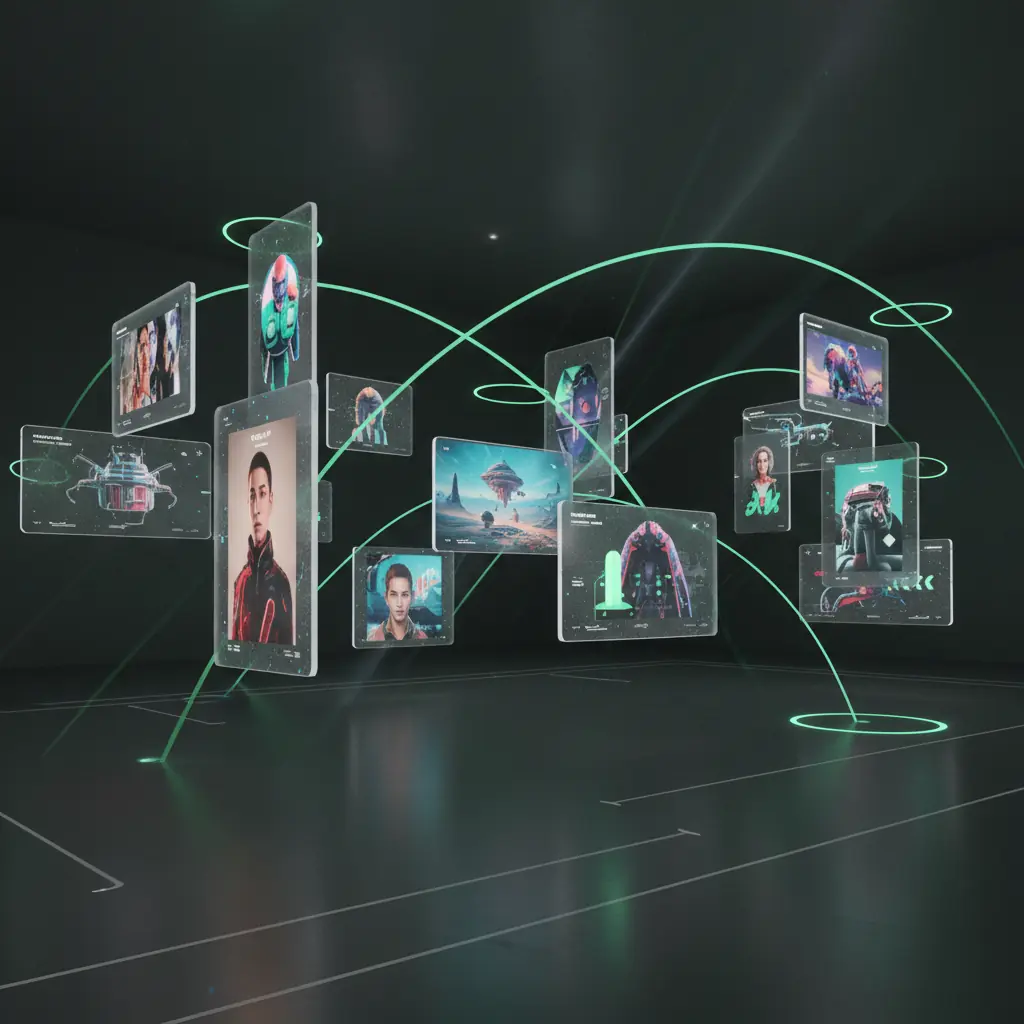
多语言提示与全球协作
使用多种语言输入提示,在全球团队和机构中共享项目并标准化 4.0 风格的工作流,支持共享工作空间。
[ZH-CN] How to use Seedream AI
[ZH-CN] Create images and 4.0‑style edits in a few steps using free credits after you sign in.
[ZH-CN] Create your free account
[ZH-CN] Sign up, sign in, claim free credits, and start using AI for images, videos, and designs in one place.
[ZH-CN] Choose image generation mode
[ZH-CN] Open the editor and pick text to image or photo editing with powerful presets and tools.
[ZH-CN] Describe your idea and tweak settings
[ZH-CN] Write a prompt, adjust 4.0‑style controls like guidance and size, then run the generation using your credits.
[ZH-CN] Review, edit, export, and reuse assets
[ZH-CN] Refine with Photo Editor style tools, export, and save prompts as reusable workflows.
[ZH-CN] Seedream AI use cases
[ZH-CN] See how teams use this model to extend or replace 4.0‑style and manual design workflows.
[ZH-CN] Social media content creators
[ZH-CN] Turn ideas into eye‑catching posts and thumbnails, batch generate formats, and export in platform ready sizes.
[ZH-CN] Brand and performance marketers
[ZH-CN] Use 4.0‑level generation for on‑brand product shots, lifestyle scenes, and ad creatives to test fast.
[ZH-CN] Designers and creative studios
[ZH-CN] Speed up concept art by combining high‑end image models with Photo Editor style controls and your design tools.
[ZH-CN] Product, UX, and startup teams
[ZH-CN] Prototype pages and app visuals with AI‑generated imagery and layouts before committing to full design and development.
Seedream AI:常见问题解答
了解 Seedream 4.0 与字节跳动模型的关系,以及它如何通过积分制和登录访问在此平台提供。
创建免费账户并登录,打开图像编辑器,选择“文本到图像”,挑选预设并输入提示词。可添加负面提示、设置变化数量,然后生成图像。生成后可使用积分进行放大或编辑,最后导出消耗积分。
[ZH-CN] Start creating with Seedream AI today
[ZH-CN] Use advanced AI for 4.0‑class image generation and Photo Editor style tools. Sign up, sign in, claim free credits, and turn prompts into ready‑to‑use visuals.