
Veo 3.1 AI视频生成器功能
规划提示词、生成视频,并在登录DisVideoAI账户后管理所有AI视频任务,该账户由免费初始积分驱动。
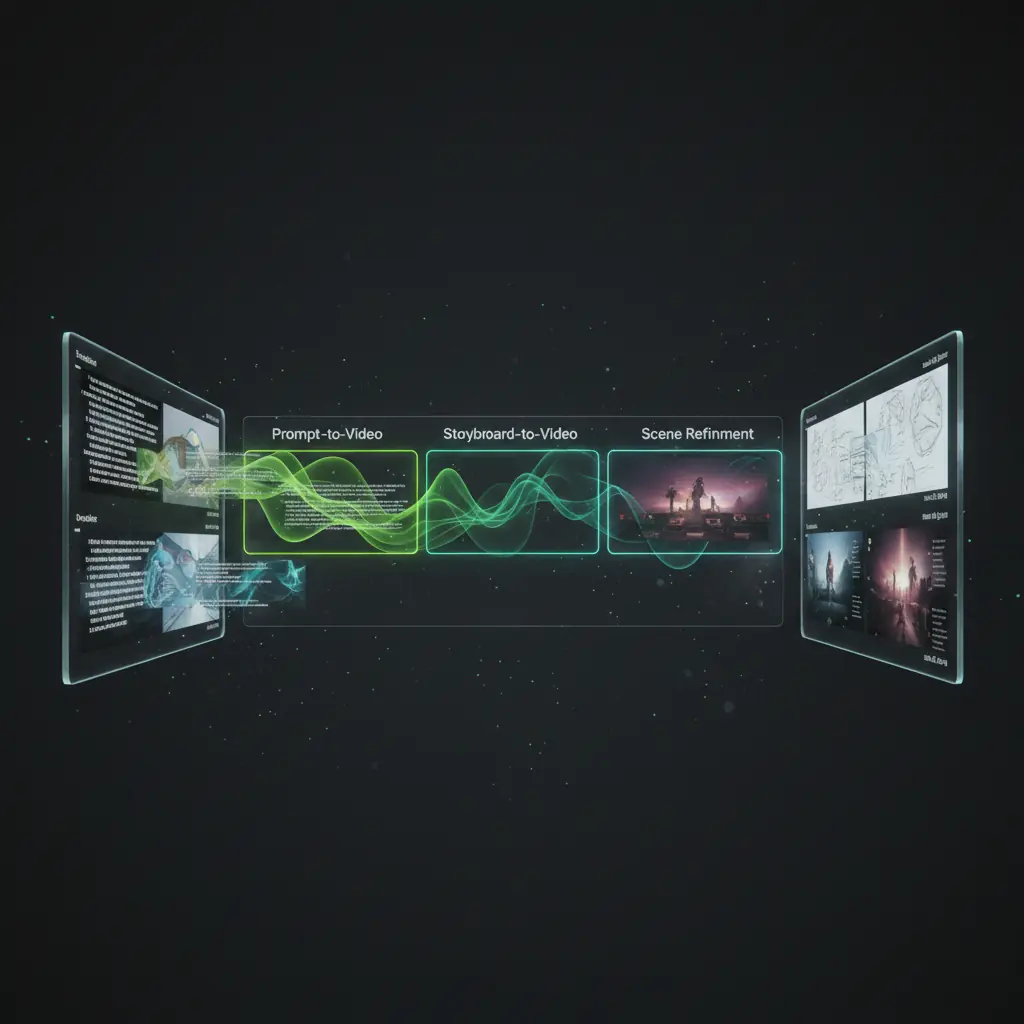
提示词转视频
输入文本提示词,调整关键参数,并在登录并拥有积分后直接从DisVideoAI工作区触发视频生成。

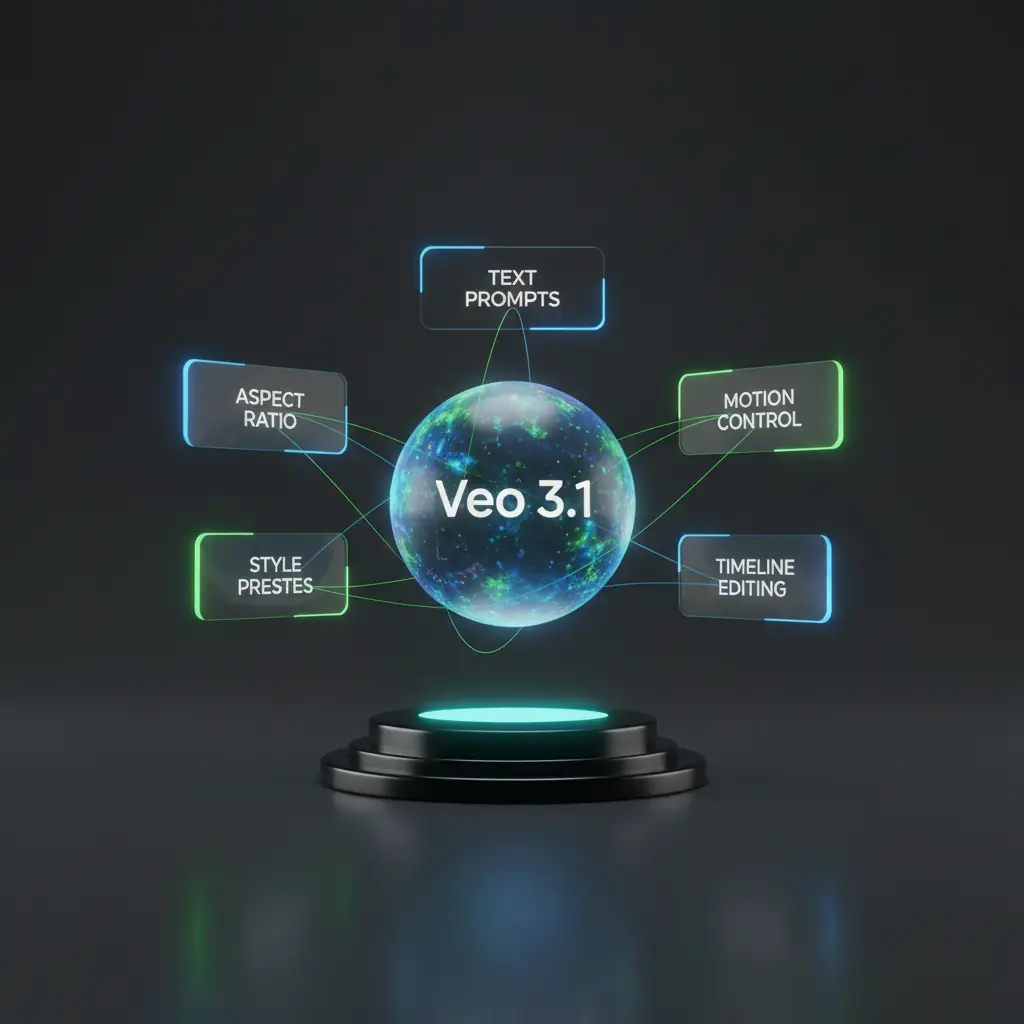
Veo 3.1 的功能解锁更多
滚动了解 DisVideoAI 如何将登录、免费积分和提示词转化为精美的视频。

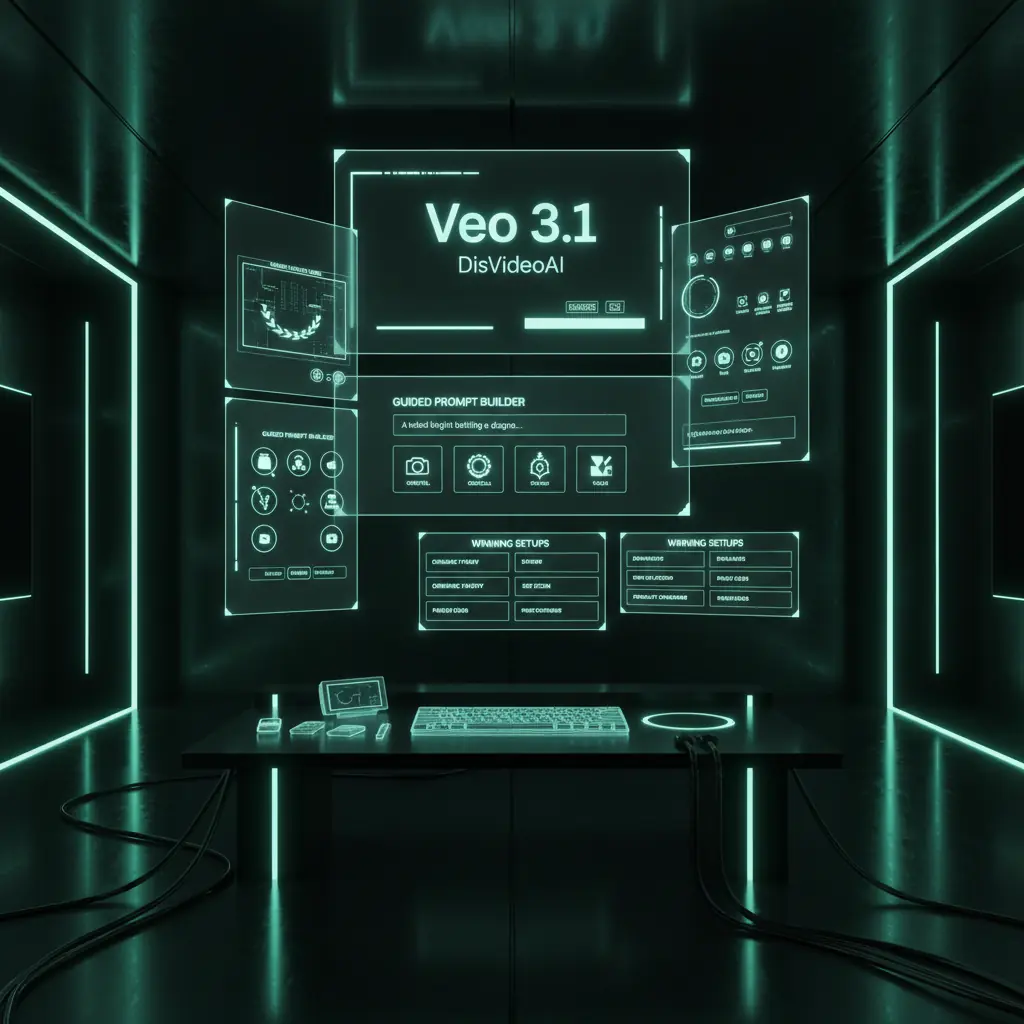
多模态Veo 3.1生成器工作区
超越简单提示。登录DisVideoAI后,您可以将AI视频与参考图像、音乐和脚本连接,打造完整的AI视频制作流程。
供Veo 3.1使用的参考板
将静图、风格帧和文字笔记组合成参考板,登录后可一键转换为AI视频提示。

Veo 3.1片段的音频和旁白
撰写旁白、选择音乐,并将节拍与AI视频片段对齐,使您的最终AI视频完整而非仅仅是视觉测试。

追踪每个Veo 3.1实验
运行多次视频生成,侧比缩略图和笔记,并将在登录工作区中保留最佳结果以供未来复用。
[ZH-CN] How to use Veo 3.1 as your AI video generator
[ZH-CN] Follow these steps to go from login and free credits to finished AI videos in DisVideoAI.
[ZH-CN] Choose Veo 3.1 Model
[ZH-CN] Start a new project, add your brief, upload references, and choose Veo 3.1 as your AI video generator inside the workspace.
[ZH-CN] Write prompts or storyboards
[ZH-CN] Use the prompt builder or storyboard view to describe scenes, motion, pacing, and style before triggering Veo 3.1 generations.
[ZH-CN] Generate Veo 3.1 videos
[ZH-CN] Spend credits to run video generation from your logged‑in account, then preview, compare, and bookmark the best AI video outputs.
[ZH-CN] export & Share
[ZH-CN] export ready‑to‑share AI videos and post to different socail media platform
[ZH-CN] Who uses our Veo 3.1 AI video generator
[ZH-CN] Creators, teams, and studios log in to DisVideoAI to run AI generations, organize experiments, and build repeatable AI video workflows.
[ZH-CN] Content creators and YouTubers
[ZH-CN] Log in, claim free credits, and quickly generate Veo 3.1 clips for intros, explainers, and b‑roll, keeping prompts and versions in one place.
[ZH-CN] Marketing and growth teams
[ZH-CN] Use Veo 3.1 as an AI video generator for ads and social content. Test multiple prompts, log conversions, and keep all generations tied to your team account.
[ZH-CN] Product and UX storytellers
[ZH-CN] Create Veo 3.1 walkthroughs and product demos from a logged‑in workspace, then pair them with UI captures, annotations, and scripts.
[ZH-CN] Agencies and studios
[ZH-CN] Standardize Veo 3.1 prompting and approval flows across client projects, all secured behind account login and credit controls.
[ZH-CN] Developers and technical teams
[ZH-CN] Experiment with AI video outputs, record parameters and prompts, and manage runs per logged‑in environment for reproducible tests.
[ZH-CN] Education and training teams
[ZH-CN] Generate AI educational videos from your account, organize lessons, and keep scripts, captions, and versions together for every course.
[ZH-CN] Veo 3.1 FAQs
[ZH-CN] Get quick answers about Veo 3.1 on DisVideoAI, including login, free credits, workflows, and secure project storage.
[ZH-CN] It is the latest generative video model integrated directly into your DisVideoAI workspace. You describe scenes, motion, and style in natural language, then Veo 3.1 turns your prompt into short, high quality clips. Because everything runs in a logged in account, each generation run, prompt, and output is saved for review, collaboration, and iteration.
[ZH-CN] Teams generating AI video with Veo 3.1
[ZH-CN] Once we logged into DisVideoAI and started using Veo 3.1, AI video drafts went from scattered tests to a clear, repeatable generator workflow.
[ZH-CN] Once we logged into DisVideoAI and started using Veo 3.1, AI video drafts went from scattered tests to a clear, repeatable generator workflow.
[ZH-CN] Our team signs in, spends a few credits on Veo 3.1 prompts, and instantly sees which AI video concept is worth scaling into a full campaign.
[ZH-CN] Our team signs in, spends a few credits on Veo 3.1 prompts, and instantly sees which AI video concept is worth scaling into a full campaign.
[ZH-CN] Having all Veo 3.1 generations, edits, and feedback inside one logged‑in workspace cut our AI video review time nearly in half.
[ZH-CN] Having all Veo 3.1 generations, edits, and feedback inside one logged‑in workspace cut our AI video review time nearly in half.
[ZH-CN] We treat DisVideoAI as our Veo 3.1 notebook and generator. Every logged‑in run leaves a trail of prompts, settings, and outputs our team can trust.
[ZH-CN] We treat DisVideoAI as our Veo 3.1 notebook and generator. Every logged‑in run leaves a trail of prompts, settings, and outputs our team can trust.
![[ZH-CN] Sara Kim](/avatar/avatar-17.jpg)
![[ZH-CN] Leo Ortiz](/avatar/avatar-02.jpg)
![[ZH-CN] Anita Rao](/avatar/avatar-03.jpg)
![[ZH-CN] Mark Chen](/avatar/avatar-04.jpg)
[ZH-CN] start generating Veo 3.1 videos
[ZH-CN] Create your account or sign in to DisVideoAI, get free credits, and use Veo 3.1 as your AI video generator for storyboards, campaigns, and experiments.