[PT] Seedream AI image generator online
[PT] Generate high‑quality images and 4.0‑style edits online. Sign in, claim free credits, and use the model directly in our platform.
Explore ferramentas do Seedream
Alterne entre geração de texto para imagem, edição estilo Photo Editor e fluxos de geração integrados, todos baseados em créditos. O login é obrigatório para todas as funcionalidades.
Geração de texto para imagem do Seedream AI
Transforme prompts em imagens nítidas usando presets e controles dentro do editor. Todas as gerações usam seus créditos.
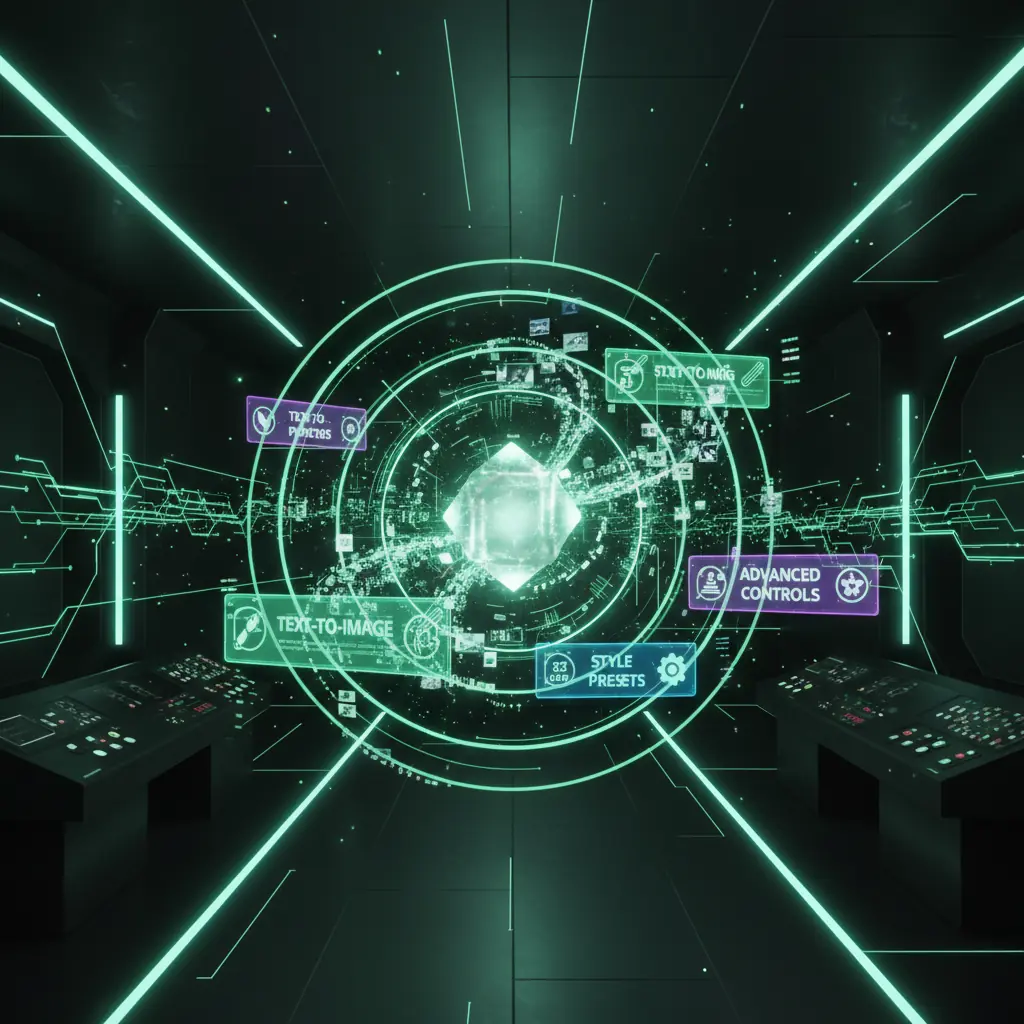
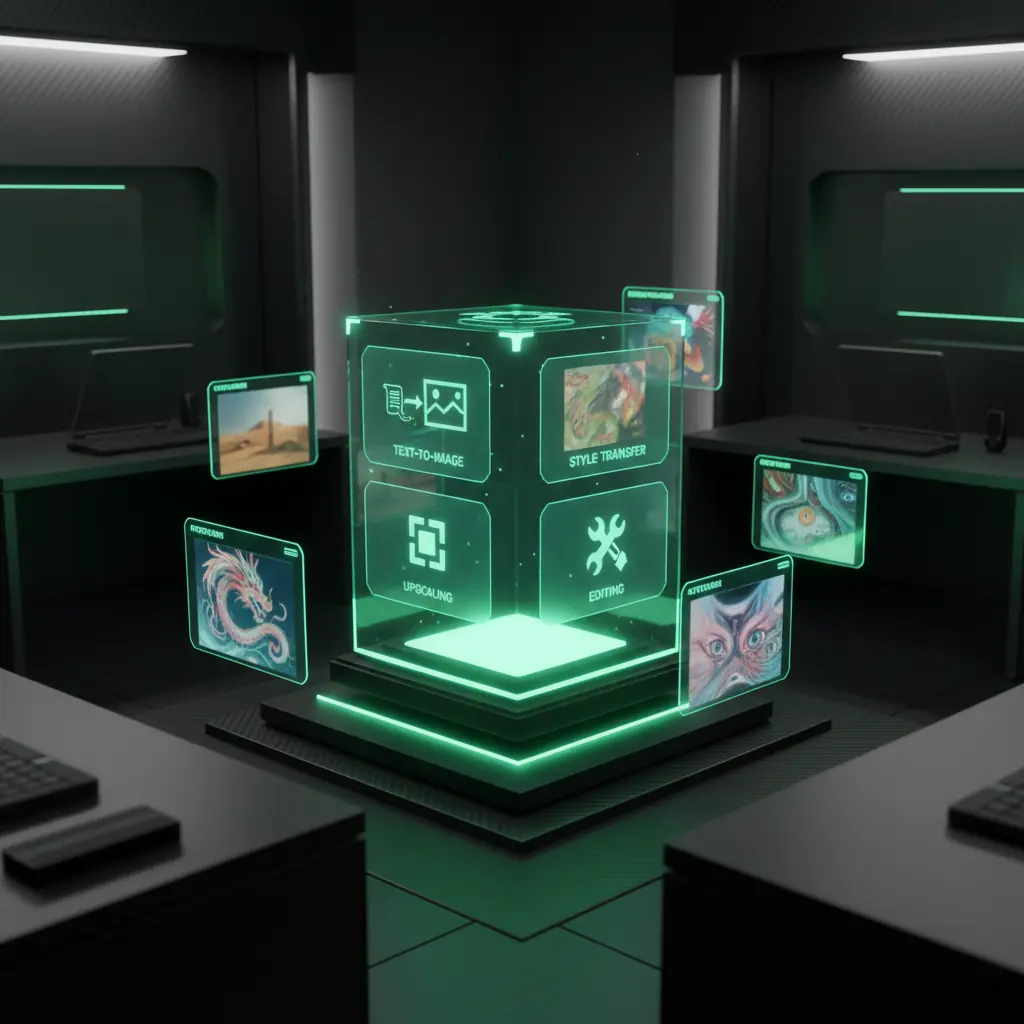
[PT] Deep dive into Seedream AI power
[PT] Scroll key features and 4.0‑style controls with live previews of prompts, image edits, and advanced model settings in the editor.
[PT] Text to image with 4.0 style controls
[PT] Control key settings like sharpness, composition, and negative prompts, then upscale to high quality images in seconds using your credits.
![[PT] Photo Editor quality refinements](https://static.disvideo.ai/y2CF2mti1ZbQEjzY9rMkoqngMt06X02k/cms/optimized/1763720835685-l567g9w3nic-optimized-5ccf9ea5-d106-44ff-a5e1-49663b745ccf.webp)
[PT] Photo Editor quality refinements
[PT] Use brush tools for precise erasing, relighting, and restyling while keeping subjects and details consistent.
![[PT] Batch generation powered by research models](https://static.disvideo.ai/y2CF2mti1ZbQEjzY9rMkoqngMt06X02k/cms/optimized/1763720859485-8z8y9a48w28-optimized-906f7c13-34df-489b-a32c-15a77727dba5.webp)
[PT] Batch generation powered by research models
[PT] Queue hundreds of generations using leading research models for campaigns at scale, all under one credit system.
[PT] Prompt, style, guidance, upscaling
[PT] Text to image with 4.0 style controls
[PT] Control key settings like sharpness, composition, and negative prompts, then upscale to high quality images in seconds using your credits.
[PT] Erase, relight, restyle instantly
[PT] Photo Editor quality refinements
[PT] Use brush tools for precise erasing, relighting, and restyling while keeping subjects and details consistent.
[PT] Create campaigns at massive scale
[PT] Batch generation powered by research models
[PT] Queue hundreds of generations using leading research models for campaigns at scale, all under one credit system.
[PT] Why creators use Seedream
[PT] Get direct access to advanced image models plus video, audio, and design tools in one dashboard, with credits shared across every generator after you sign in.
![[PT] Unified workspace for every AI model](https://static.disvideo.ai/y2CF2mti1ZbQEjzY9rMkoqngMt06X02k/cms/optimized/1763720885651-52s6koc3y97-optimized-e1aa529f-da83-4439-8dc5-53bb4d954dcf.webp)
[PT] Unified workspace for every AI model
[PT] Use the model together with video, audio, and design tools in one workspace that shares prompts, templates, and credits across your team.
![[PT] Credit based usage](https://static.disvideo.ai/y2CF2mti1ZbQEjzY9rMkoqngMt06X02k/cms/optimized/1763720907162-uu6n52qxs9m-optimized-a623ee03-c798-4492-89f6-47b1cada6519.webp)
[PT] Credit based usage
[PT] Use one credit wallet for image generation, Photo Editor style edits, and workflows, with predictable per generation costs.
![[PT] Multilingual prompts and global collaboration](https://static.disvideo.ai/y2CF2mti1ZbQEjzY9rMkoqngMt06X02k/cms/optimized/1763720930914-9w4eso751hm-optimized-c52f96b3-8b55-4bd9-bbe5-1a19893ff015.webp)
[PT] Multilingual prompts and global collaboration
[PT] Prompt in many languages, share projects, and standardize 4.0‑style workflows across global teams and agencies with shared workspaces.
Como usar o Seedream AI
Crie imagens e edições estilo 4.0 em alguns passos usando créditos gratuitos após fazer login.
Crie sua conta gratuita
Inscreva-se, faça login, resgate créditos gratuitos e comece a usar IA para imagens, vídeos e designs em um só lugar.
Escolha o modo de geração de imagem
Abra o editor e escolha entre geração de texto para imagem ou edição de foto com presets e ferramentas poderosas.
Descreva sua ideia e ajuste as configurações
Escreva um prompt, ajuste controles estilo 4.0, como orientação e tamanho, e execute a geração usando seus créditos.
Revise, edite, exporte e reutilize ativos
Refine com ferramentas estilo editor de fotos, exporte e salve prompts como fluxos de trabalho reutilizáveis.
[PT] Seedream AI use cases
[PT] See how teams use this model to extend or replace 4.0‑style and manual design workflows.
[PT] Social media content creators
[PT] Turn ideas into eye‑catching posts and thumbnails, batch generate formats, and export in platform ready sizes.
[PT] Brand and performance marketers
[PT] Use 4.0‑level generation for on‑brand product shots, lifestyle scenes, and ad creatives to test fast.
[PT] Designers and creative studios
[PT] Speed up concept art by combining high‑end image models with Photo Editor style controls and your design tools.
[PT] Product, UX, and startup teams
[PT] Prototype pages and app visuals with AI‑generated imagery and layouts before committing to full design and development.
[PT] Seedream AI: questions answered
[PT] Learn how Seedream 4.0 relates to the ByteDance model and how it is offered here with a credit system and sign‑in access.
[PT] Create a free account, sign in, open the image editor, pick text to image, choose a preset, and type your prompt. Add negative prompts, set variations, and generate images, then upscale or edit before export using your credits.
[PT] Start creating with Seedream AI today
[PT] Use advanced AI for 4.0‑class image generation and Photo Editor style tools. Sign up, sign in, claim free credits, and turn prompts into ready‑to‑use visuals.