Image To Image AI Generator Online
Use AI Model to turn any reference image into multiple high quality variations in your browser with free credits and no downloads.
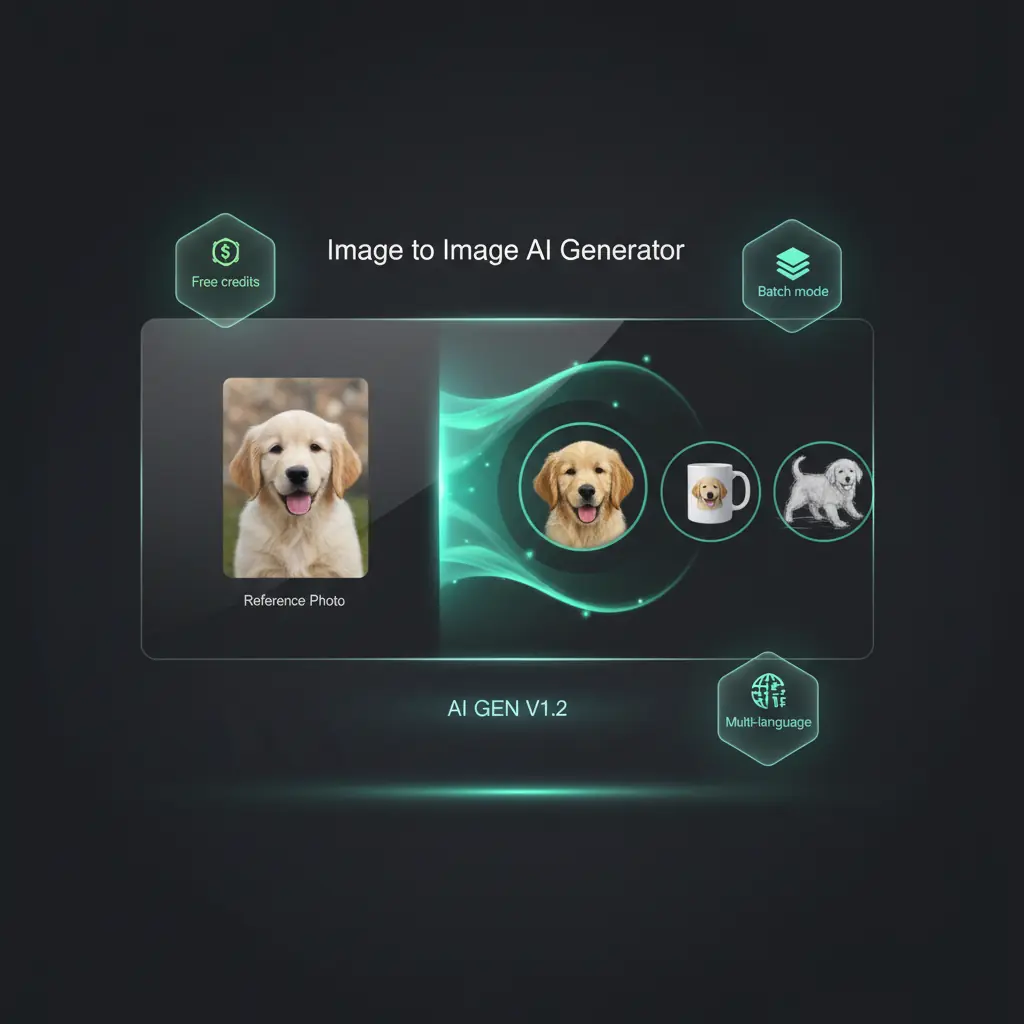
Image To Image AI Features
Discover how DisVideoAI's AI generator helps creators and brands restyle images, match visual branding, and create production ready content.
Instant image to image transformations
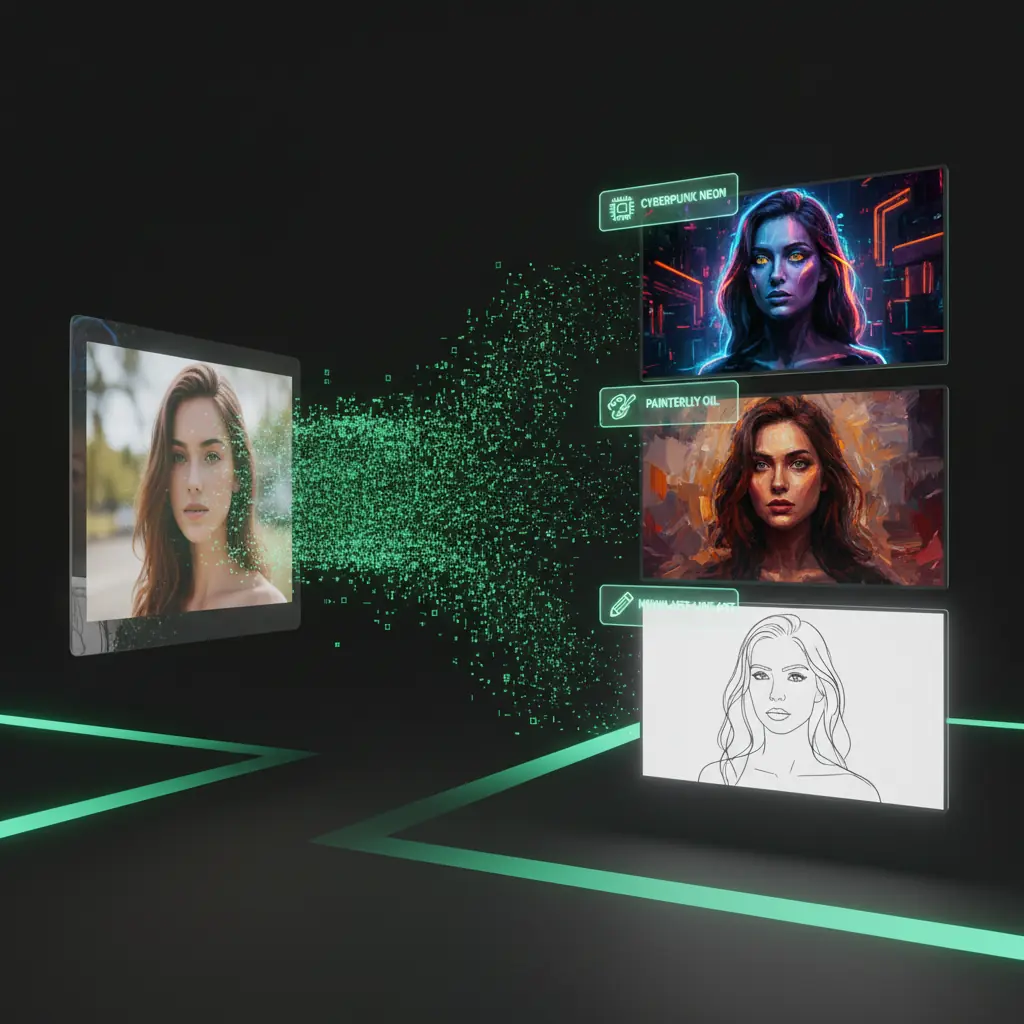
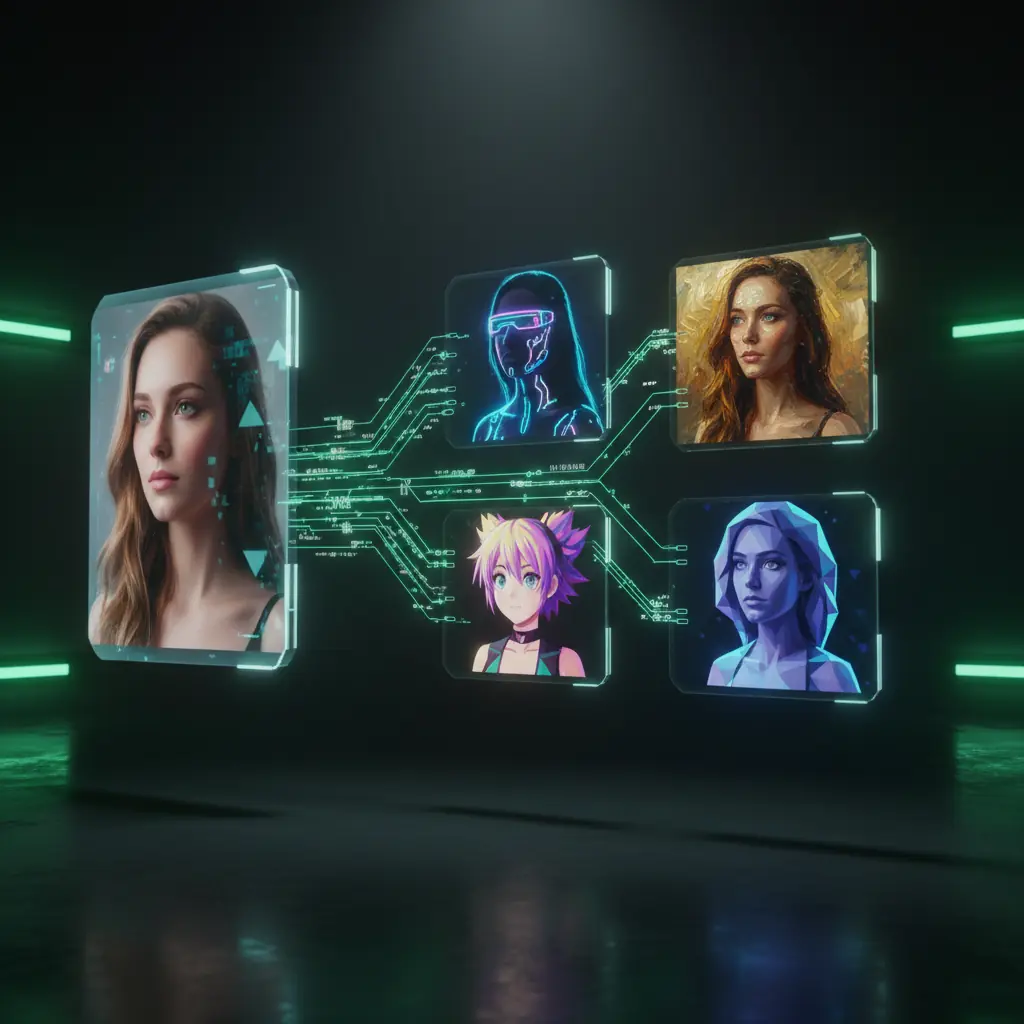
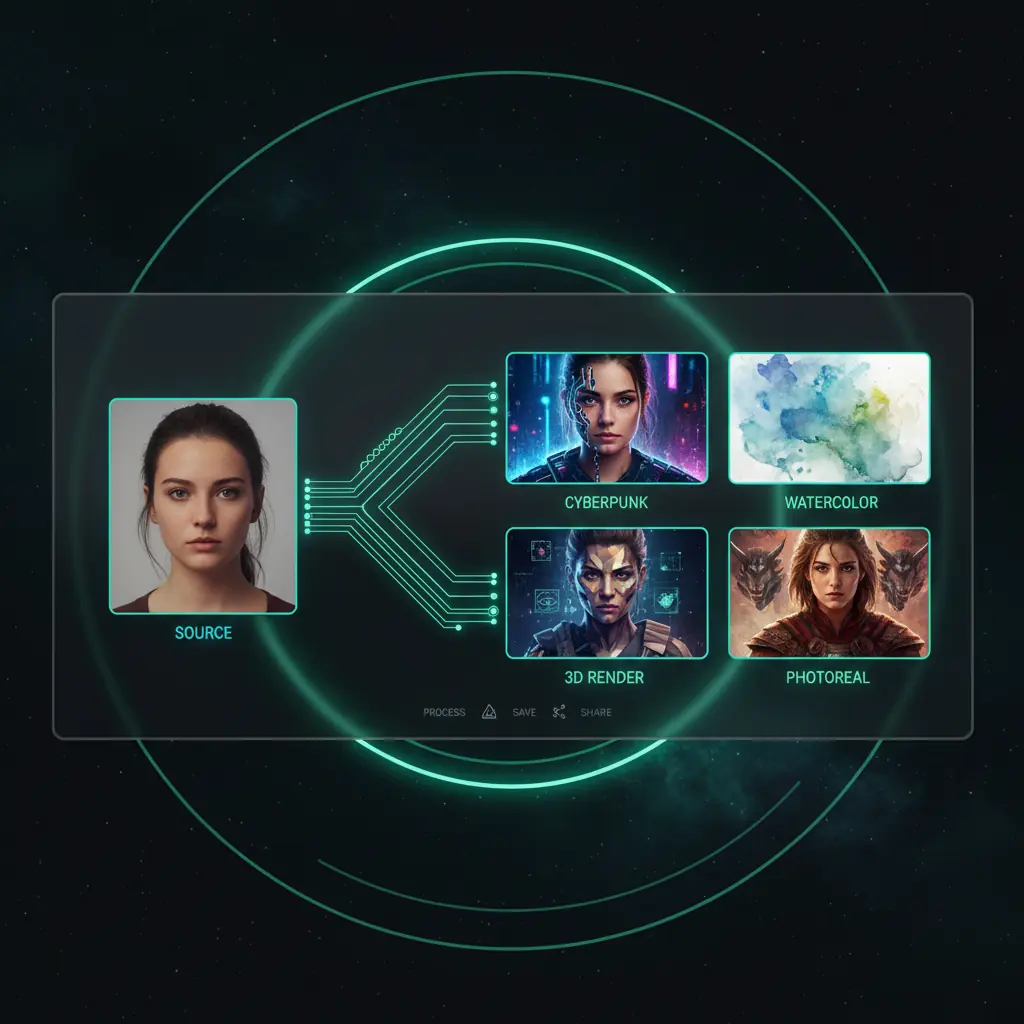
Upload a source image, describe your style, and let our Image To Image AI generator create multiple versions in seconds while keeping structure and composition.
Deep Image To Image Capabilities
Explore how DisVideoAI's Image AI handles sketch cleanup, brand style matching, and photo restoration with multilingual prompts and reusable templates.
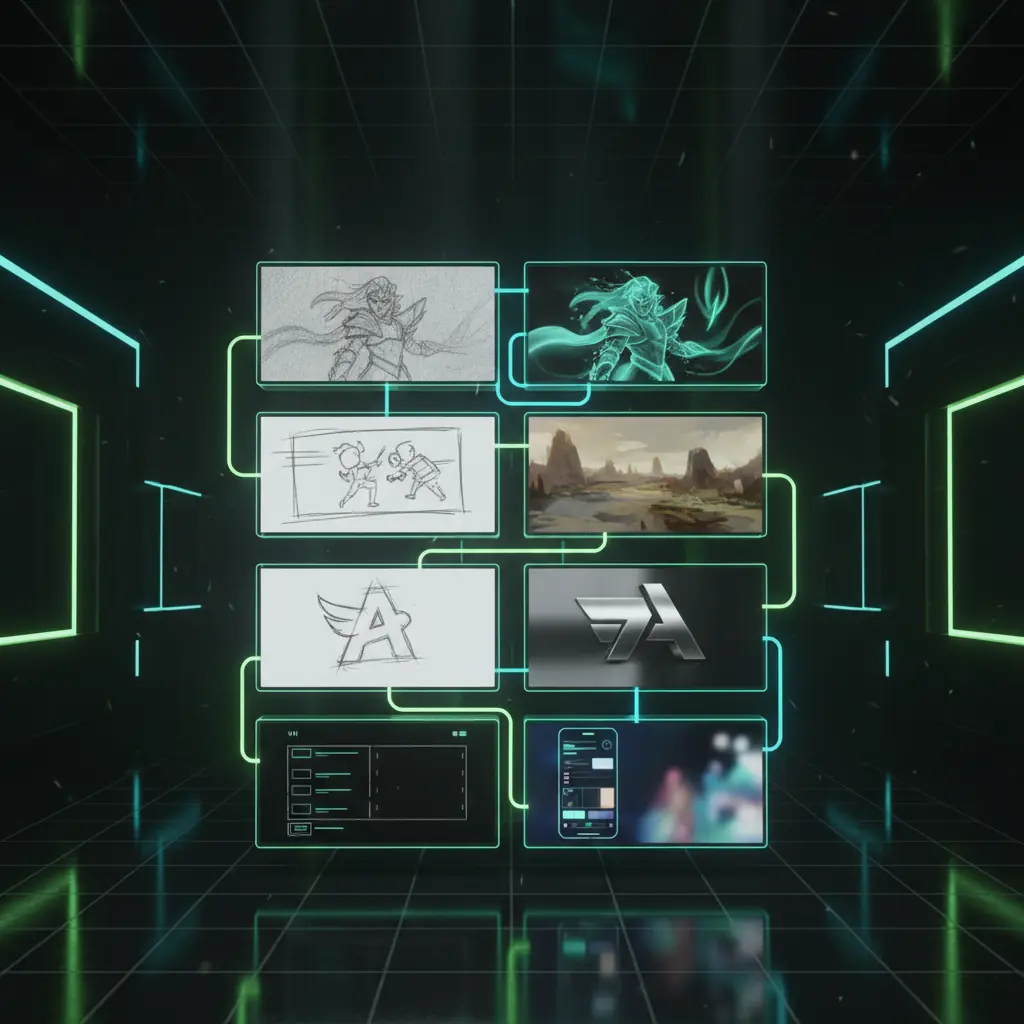
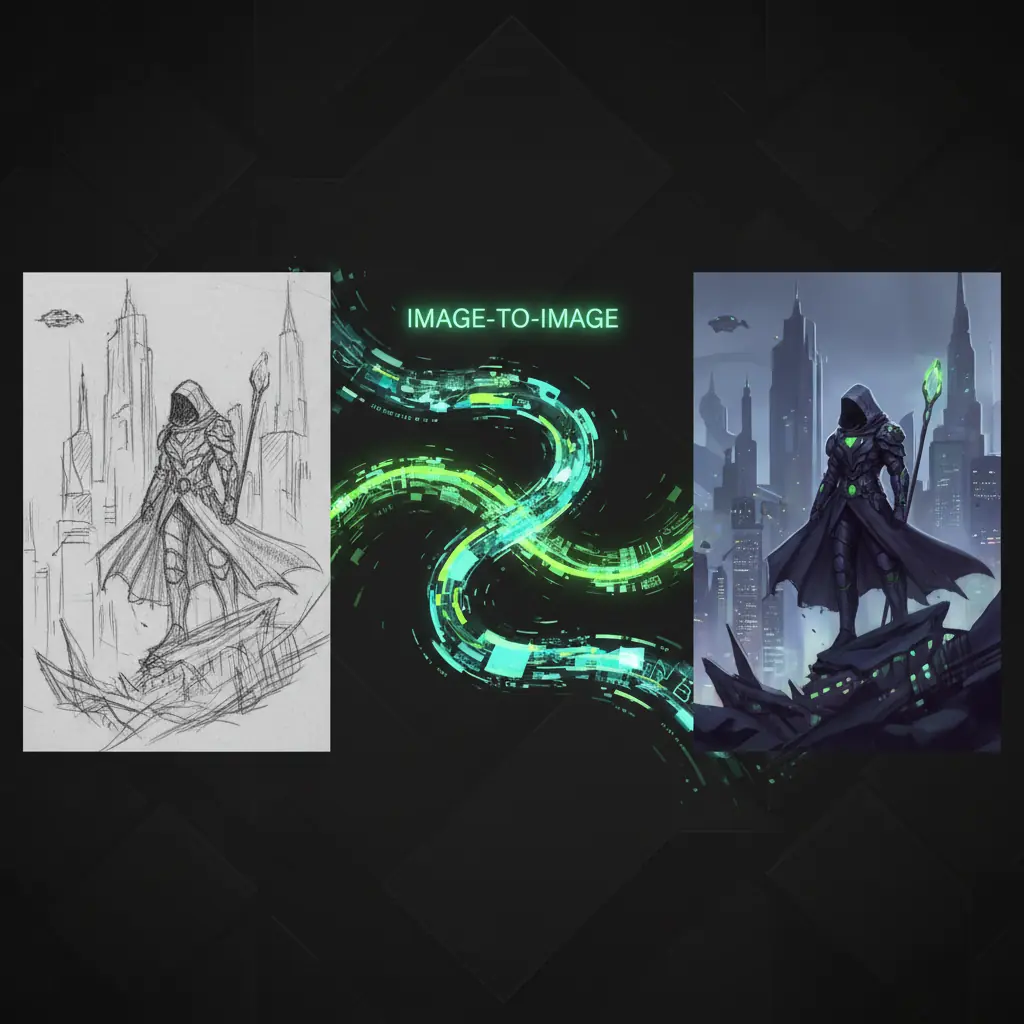
Turn sketches into polished illustrations
Upload a wireframe or sketch and let Image To Image AI turn it into clean, high resolution illustrations for UI, logos, storyboards, and product concepts.
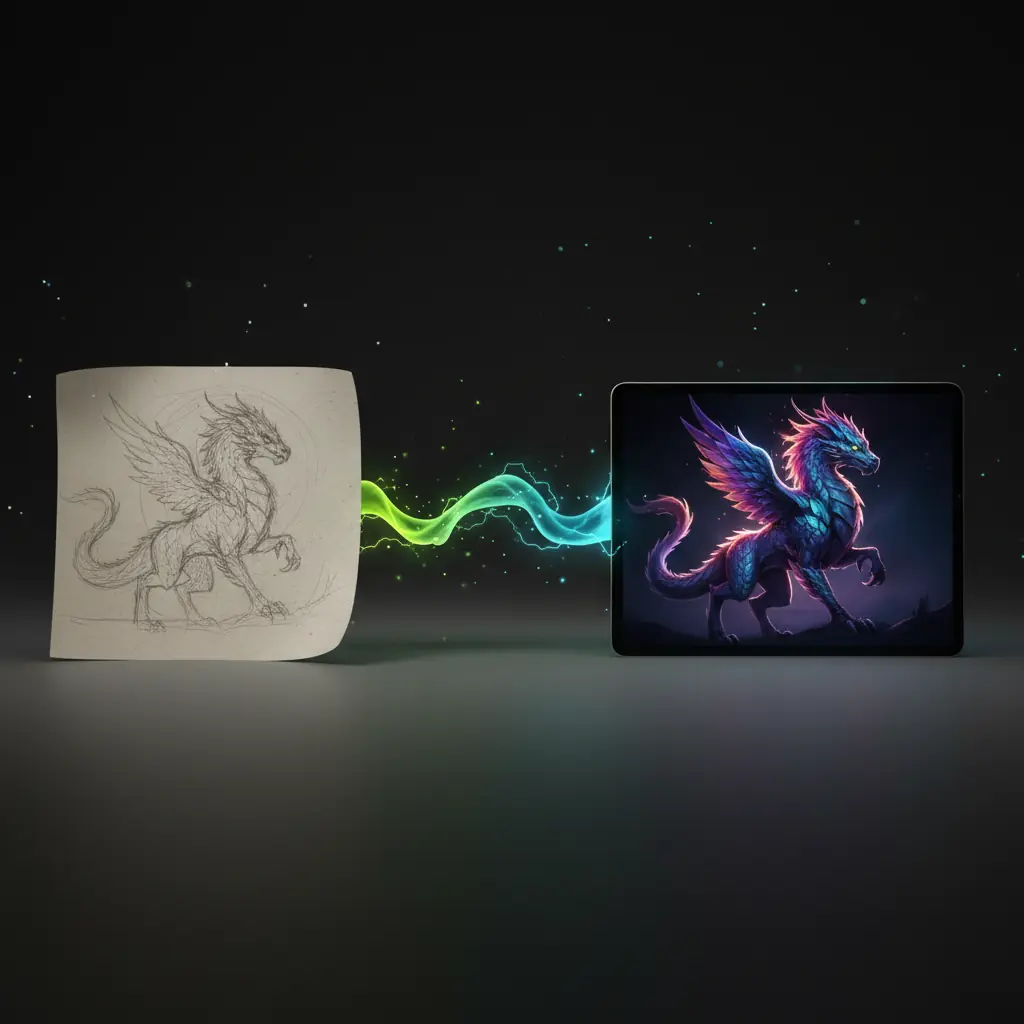
Match any brand or art style
Use one branded reference image and let Image To Image AI repeat that style at scale across ads, thumbnails, and landing pages in any language.
Restore and modernize old photos
Repair damaged scans with Image AI, then create modern, stylized versions for archives, documentaries, campaigns, and family photo sharing.
From rough lines to production art
Turn sketches into polished illustrations
Upload a wireframe or sketch and let Image To Image AI turn it into clean, high resolution illustrations for UI, logos, storyboards, and product concepts.
Consistent visuals across campaigns
Match any brand or art style
Use one branded reference image and let Image To Image AI repeat that style at scale across ads, thumbnails, and landing pages in any language.
Photo restoration powered by AI
Restore and modernize old photos
Repair damaged scans with Image AI, then create modern, stylized versions for archives, documentaries, campaigns, and family photo sharing.
Media Generation Across Every Format
Use DisVideoAI as a single credit based workspace, visuals, videos, and audio without switching tools or prompts.
Text to image AI generation
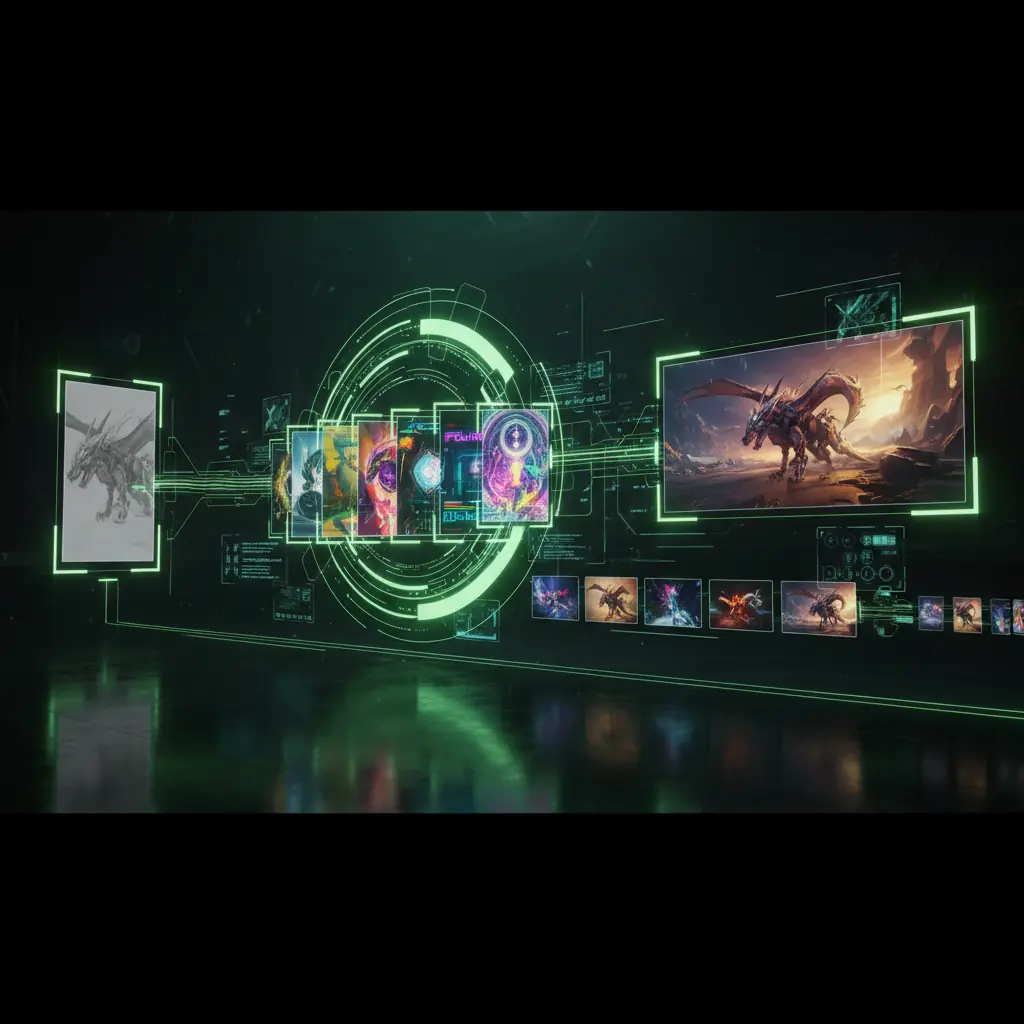
Start with text to image AI tools, then send your best result into Image To Image AI for precise restyling, refinements, and higher control.
AI video from images
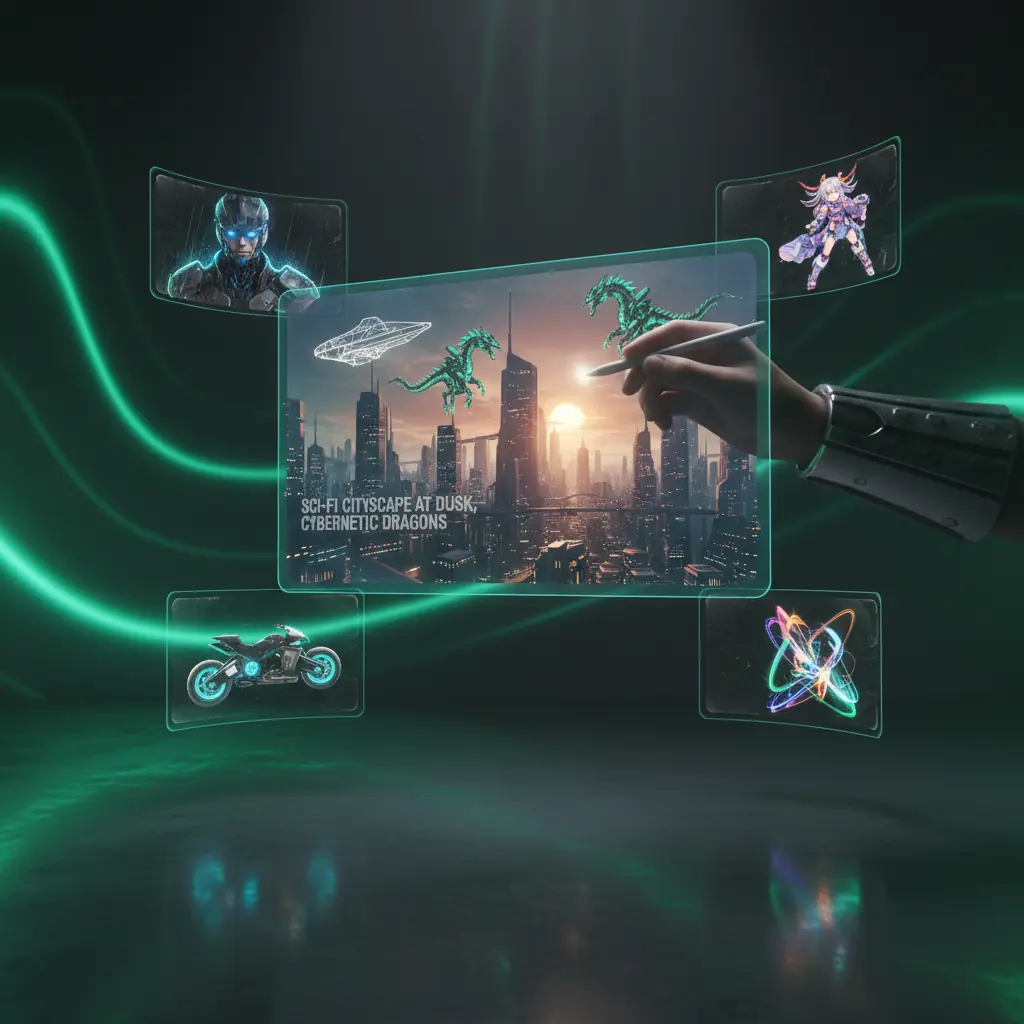
Turn Image To Image AI outputs into animated clips using our AI video generator for dynamic ads, reels, and explainers.
Credit based, team ready workspace
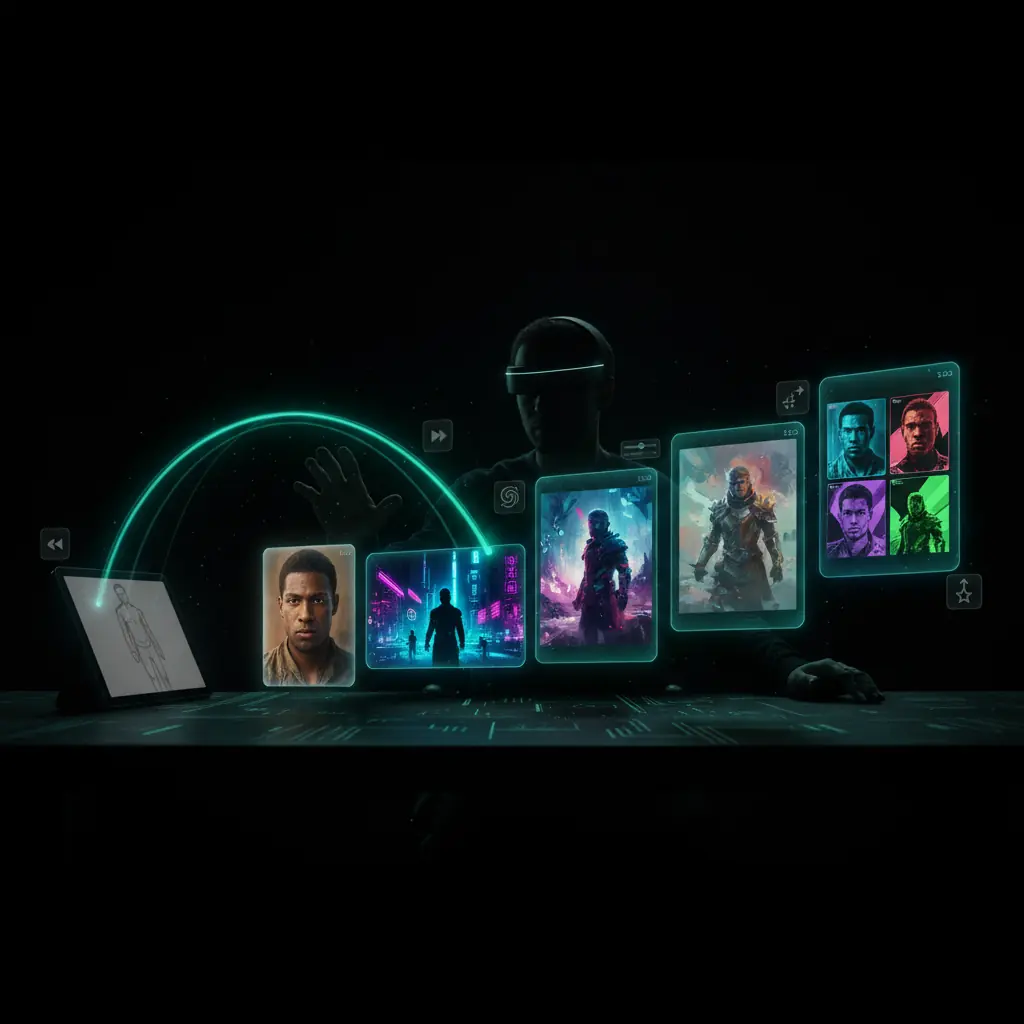
Use one transparent credit balance for Image To Image AI, text to image, and video, with team sharing, roles, and analytics for campaigns.
How Image To Image AI Works
Follow these steps to turn any input image into a fresh, professionally styled asset using our online AI generator.
Upload your reference image
Drop in a photo, sketch, render, or brand asset directly in your browser with no software installs.
Describe your desired style
Write a short prompt or add a second image so it understands mood, composition, and branding.
Adjust settings and generate
Set resolution, variation count, language, and guidance strength, then generate results in seconds.
Review, edit, and export
Compare results, apply quick AI edits, then export optimized files for web, social, print, or video.
Image To Image AI Use Cases
See how teams use DisVideoAI's Image To Image AI to generate on brand visuals, iterate concepts, and refresh existing assets.
Content creators and influencers
Turn a single photoshoot into weeks of content with Image To Image AI by changing backgrounds, outfits, and color grades while keeping your face consistent.
Marketing and growth teams
Feed top performing creatives into Image To Image AI to generate A/B test variations and localized visuals with multi language prompts.
Designers and art directors
Use it to test styles from rough renders or sketches, exploring color, texture, and mood before full production.
Ecommerce and product catalogs
Standardize product photos with AI, creating consistent backgrounds, lighting, and seasonal scenes from one base shot.
Agencies and production studios
Use AI Generator for fast pitch mockups, turning moodboards into campaign ready visuals that align client expectations.
Educators and hobbyist artists
Let students and hobbyists upload sketches and see how AI Generator changes lighting, perspective, and style for visual storytelling practice.
Image To Image AI FAQs
Get quick answers about using DisVideoAI's Image To Image AI generator online, including pricing, quality, and workflow tips.
Upload a reference image, then describe your target style or choose a preset. Our Image To Image AI keeps the core pose or layout while changing lighting, colors, backgrounds, and details. Everything runs online in your browser, and you get several AI image variations in seconds.
Start Using Image To Image AI Today
Upload one image and let DisVideoAI generate polished, on brand Image To Image AI variations for campaigns, thumbnails, and clients using free credits in your browser.