Text To Video AI for everyone
Turn any script or blog into a ready-to-publish video with Text To Video AI. Auto-generate scenes, voiceover, subtitles, and effects in 40+ languages—just sign in and use your free credits.
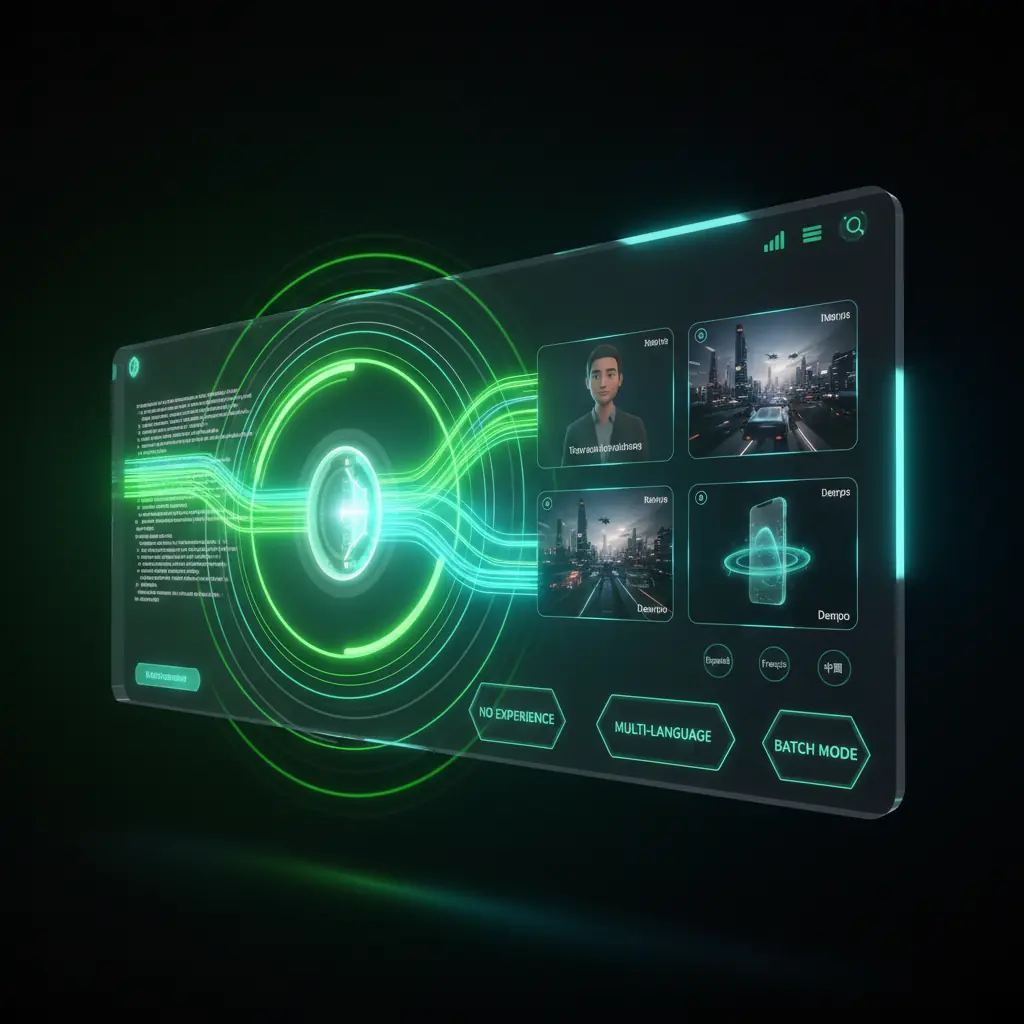
All-in-one Text To Video AI studio
DisVideoAI gives you a complete Text To Video AI workflow—from script import and scene generation to voiceover, branding, and export—for creators, marketers, and teams.
Script to video automation engine
Paste any script and let Text To Video AI auto-split scenes, pick footage, and set pacing. Tweak with drag-and-drop, then export for YouTube, TikTok, or ads.
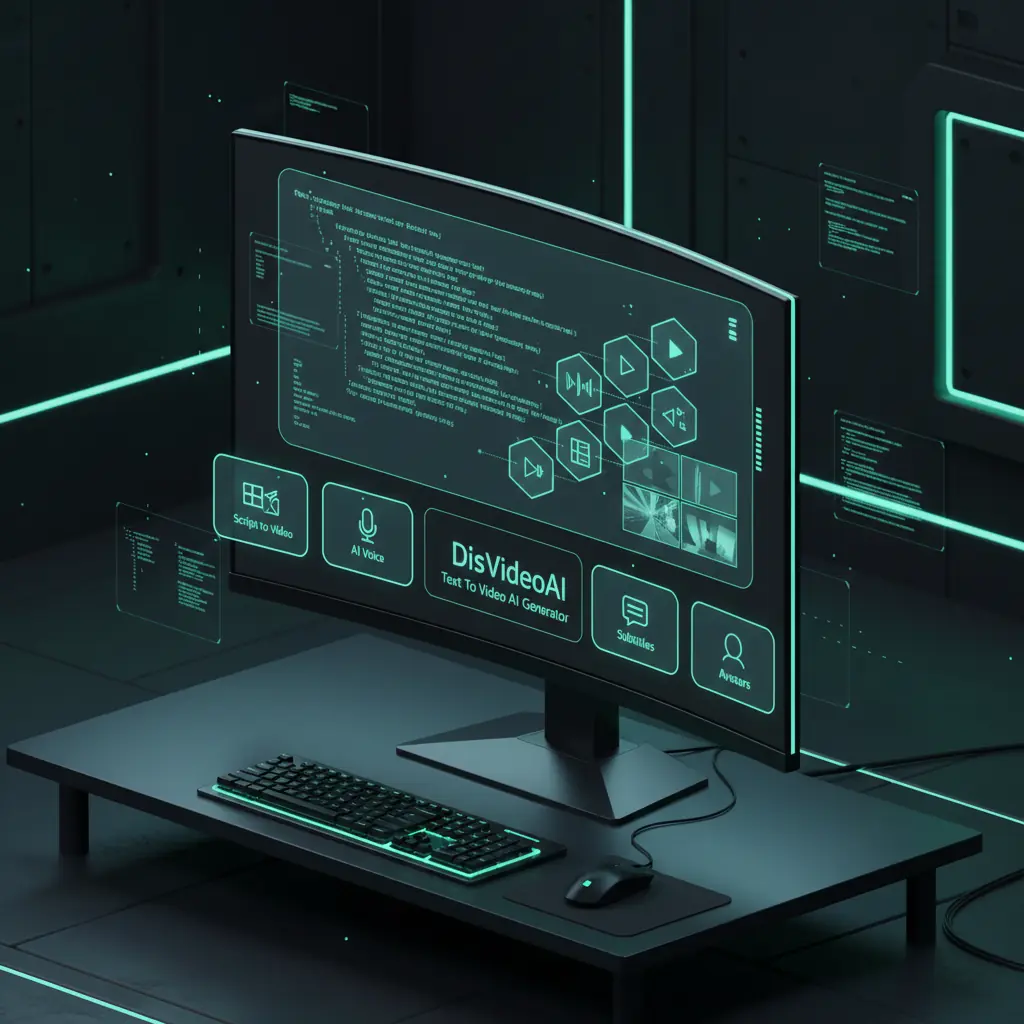
Explore leading Text To Video AI capabilities
See how DisVideoAI’s Text To Video AI features, workflow flexibility, and cost per rendered minute support your full video production pipeline.
Flexible Text To Video AI workflows
Many editors require a lot of manual work. DisVideoAI uses Text To Video AI to auto-build scenes, effects, and voiceovers, plus batch projects and multi-language support for scaling.

From demo clips to daily production
DisVideoAI focuses on practical Text To Video AI: scripts, ratios, safe stock, and brand presets you can use every day—not just showcase demos.
Credits, pricing, and language coverage
DisVideoAI combines strong Text To Video AI and voice tools with granular credit billing, team workspaces, and deep localization so you track every text to video render across markets.
Flexible workflows with batch generation
Flexible Text To Video AI workflows
Many editors require a lot of manual work. DisVideoAI uses Text To Video AI to auto-build scenes, effects, and voiceovers, plus batch projects and multi-language support for scaling.
Practical daily marketing production
From demo clips to daily production
DisVideoAI focuses on practical Text To Video AI: scripts, ratios, safe stock, and brand presets you can use every day—not just showcase demos.
Credits, pricing, and language coverage
Credits, pricing, and language coverage
DisVideoAI combines strong Text To Video AI and voice tools with granular credit billing, team workspaces, and deep localization so you track every text to video render across markets.
Deep Text To Video AI capabilities
DisVideoAI combines Text To Video AI, timeline editing, AI video editing tools, text to speech, avatars, and automation so teams can ship consistent video at scale.
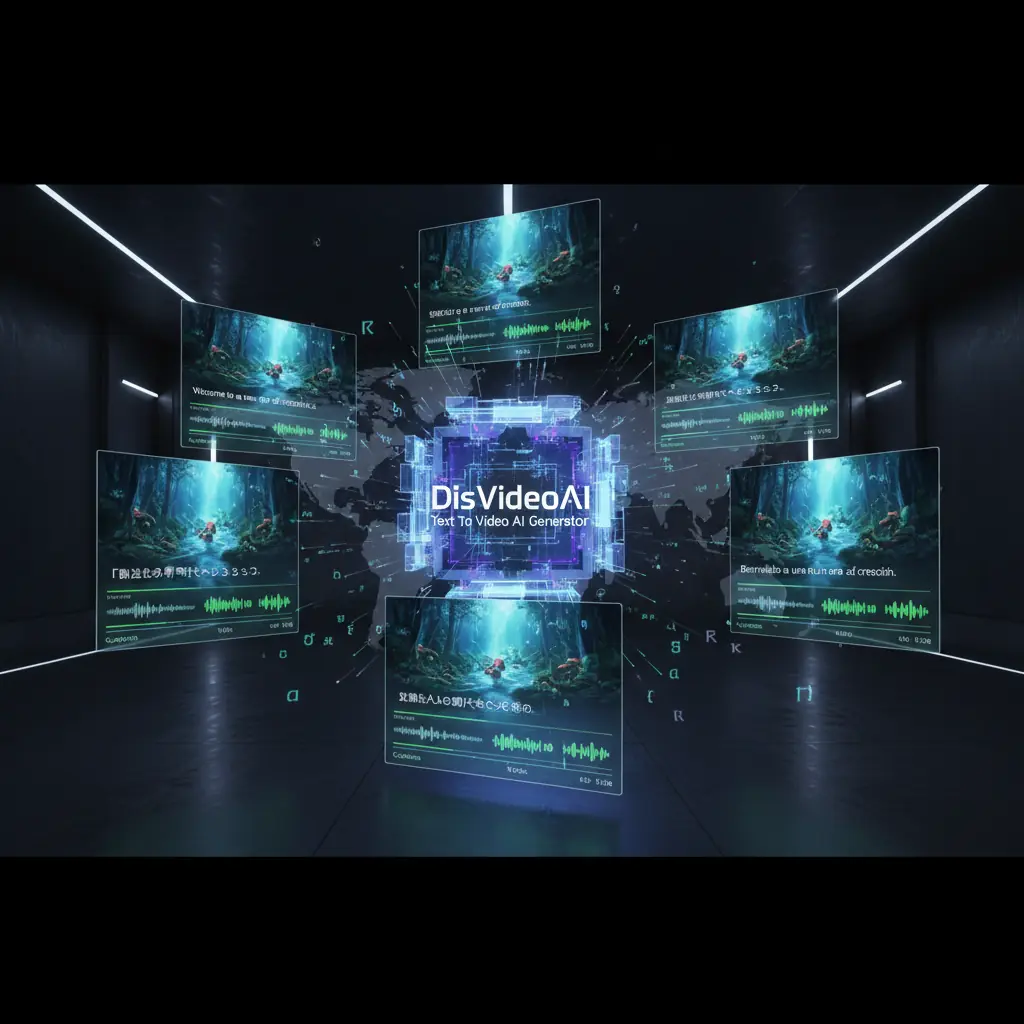
Multi-language script, voice, and subtitles
Create Text To Video AI projects in your native language, then localize voiceovers and subtitles. Line breaks and reading speed auto-adjust for clear, readable scenes.
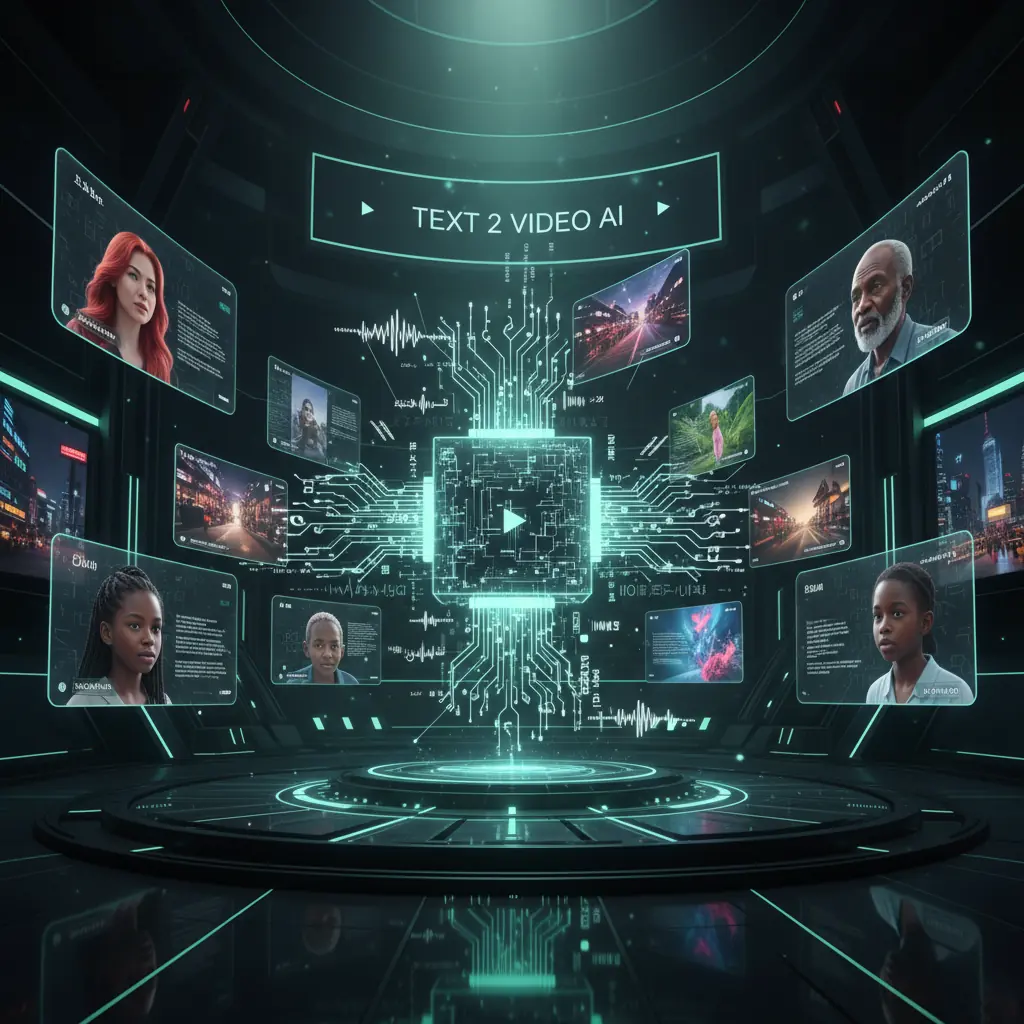
Automated brand-safe visual selection
Let Text To Video AI scan your script and pull on-brand stock, motion graphics, or product shots. Approve or swap clips while staying compliant and saving hours of manual search.
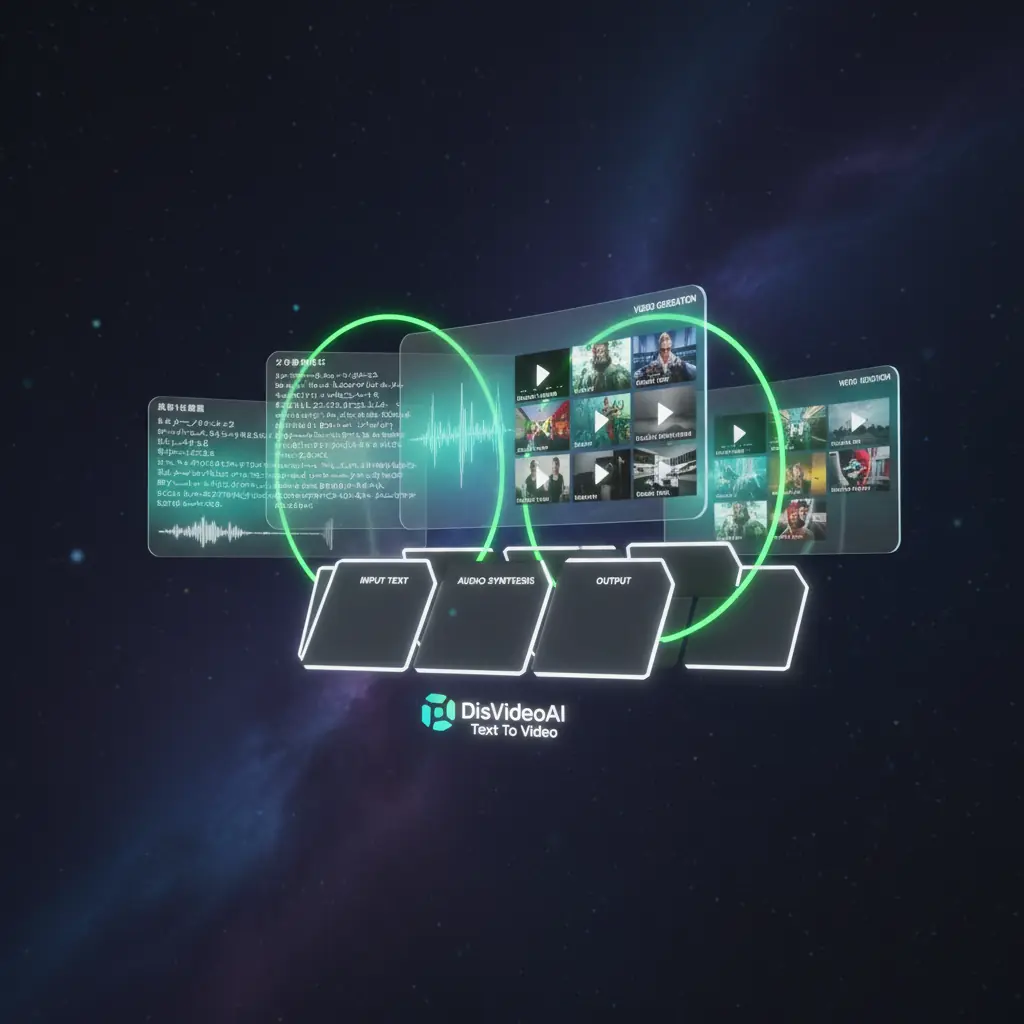
Templates, presets, and batch automation
Build reusable templates with locked brand elements, then run batch Text To Video AI from sheets or feeds. Perfect for catalogs, real estate, courses, and daily news.
How DisVideoAI Text To Video works
Turn text into video in a few guided steps. Paste your script, pick a template, let Text To Video AI build scenes, then fine-tune and export.
Paste your script or blog post
Import text, audience, and aspect ratio so Text To Video AI builds the right structure and pacing.
Pick style, template, and voice
Choose a template, music, AI voice, and optional avatar. Preview how Text To Video AI combines them before you spend credits.
Review scenes and customize visuals
Text To Video AI auto-creates scenes with clips, transitions, and captions. Reorder, edit overlays, or swap media while timing stays smooth.
Render, download, and repurpose
Use credits to render high-quality videos, then export in multiple sizes. Quickly clone projects for other languages or social cutdowns.
Text To Video AI use cases
Use our Text To Video AI to speed up marketing, social, training, and product video production while keeping brand quality high.
Marketing campaign videos
Turn briefs and landing page copy into ad-ready clips. Text To Video AI finds hooks, benefits, and calls to action for each scene.
Social media content at scale
Feed DisVideoAI short scripts or posts and get vertical videos with captions and on-beat animations for every channel.
Explainer and product demos
Convert product descriptions or help docs into clear explainers. Combine screen recordings, AI avatars, and Text To Video AI annotations.
Training and onboarding courses
Turn manuals and slide decks into structured training videos. Text To Video AI groups content into lessons and syncs voiceovers to visuals.
Blog to evergreen video
Repurpose top blog posts into SEO-friendly videos. Text To Video AI highlights headings, stats, and quotes as dynamic visuals.
Ecommerce and catalog promos
Generate product promos from descriptions and specs. Map catalog fields into templates, then let Text To Video AI assemble offer-focused scenes.
Text To Video AI FAQ
Get quick answers about using DisVideoAI as your Text To Video AI platform, from pricing and workflows to how it fits into your existing video production stack.
The best Text To Video AI tool depends on your goals and team. Some platforms focus on pure generative video, while others provide simple editors. DisVideoAI is built to turn real marketing and business text into finished videos, combining script to video automation, editing, avatars, and multilingual support for daily use.
Start creating videos from text in minutes
Sign in to unlock Text To Video AI, multilingual voices, templates, avatars, and batch generation. Use your free credits to test real campaigns now.