Image To Video AI For Creators
Use Image To Video AI to turn images into scroll-stopping videos in seconds. Sign in, claim free credits, and create AI video for social media, brands, and campaigns.
AI image to video powerhouse
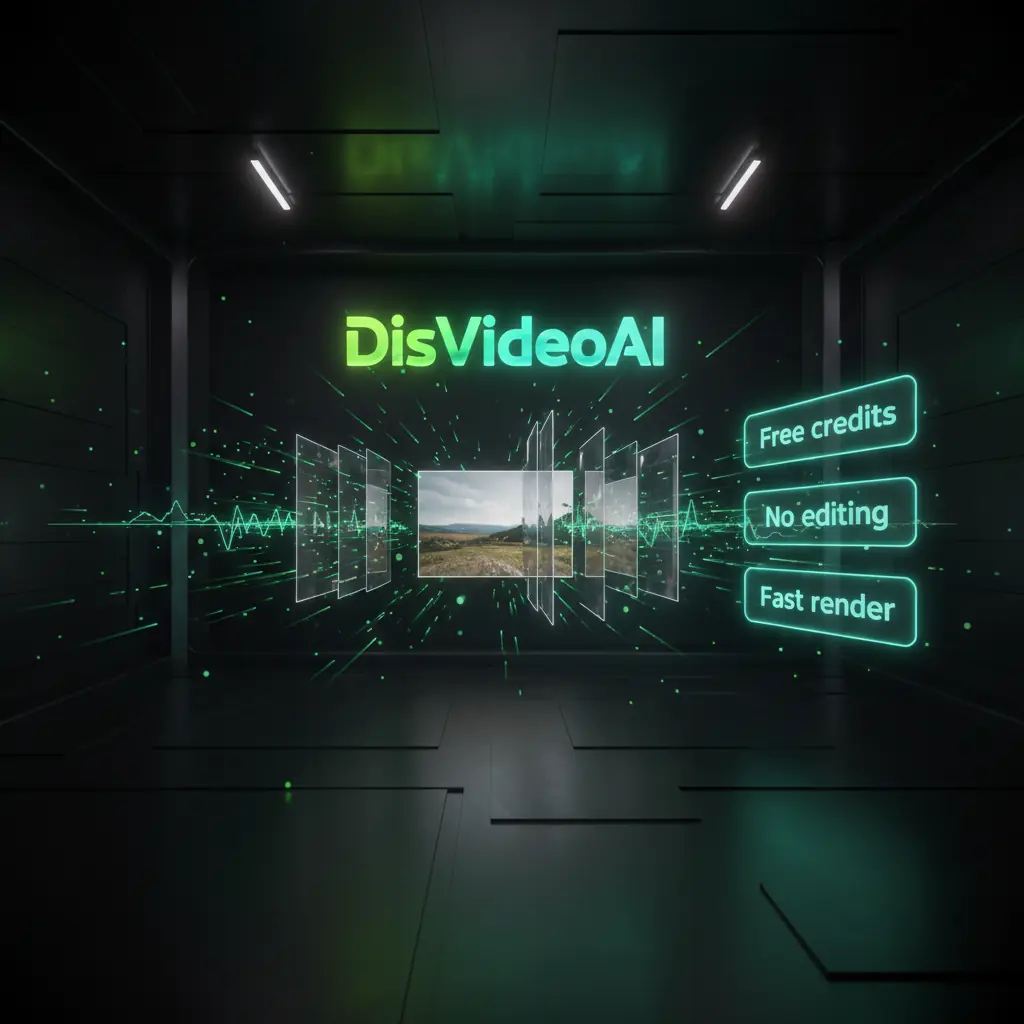
Use DisVideoAI’s Image To Video AI workspace with credit based pricing, batch tools, and templates to create AI video for social media at scale. Sign in to claim free credits.
Turn single images into rich videos
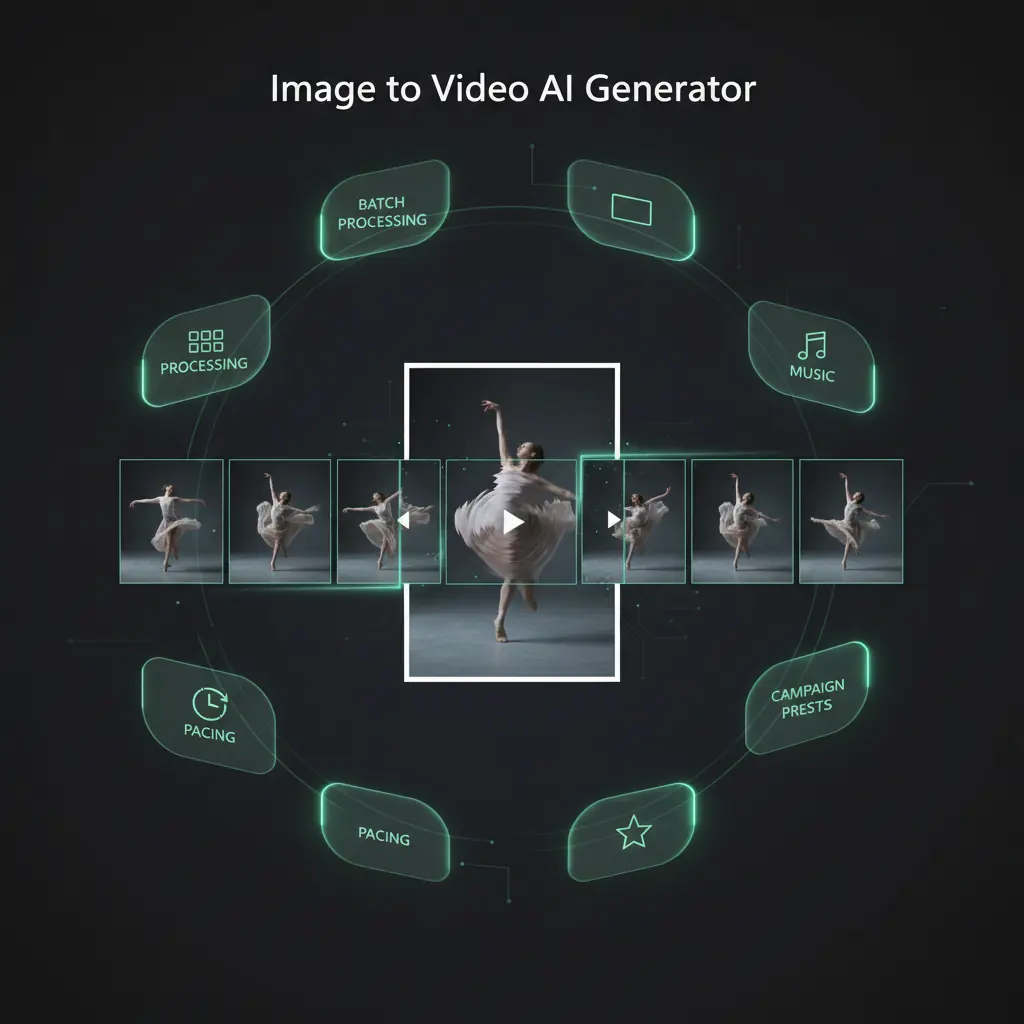
Upload any photo and let Image To Video AI add motion, camera moves, and pacing. Adjust duration, aspect ratio, and music, then render MP4s ready for social media and ads.
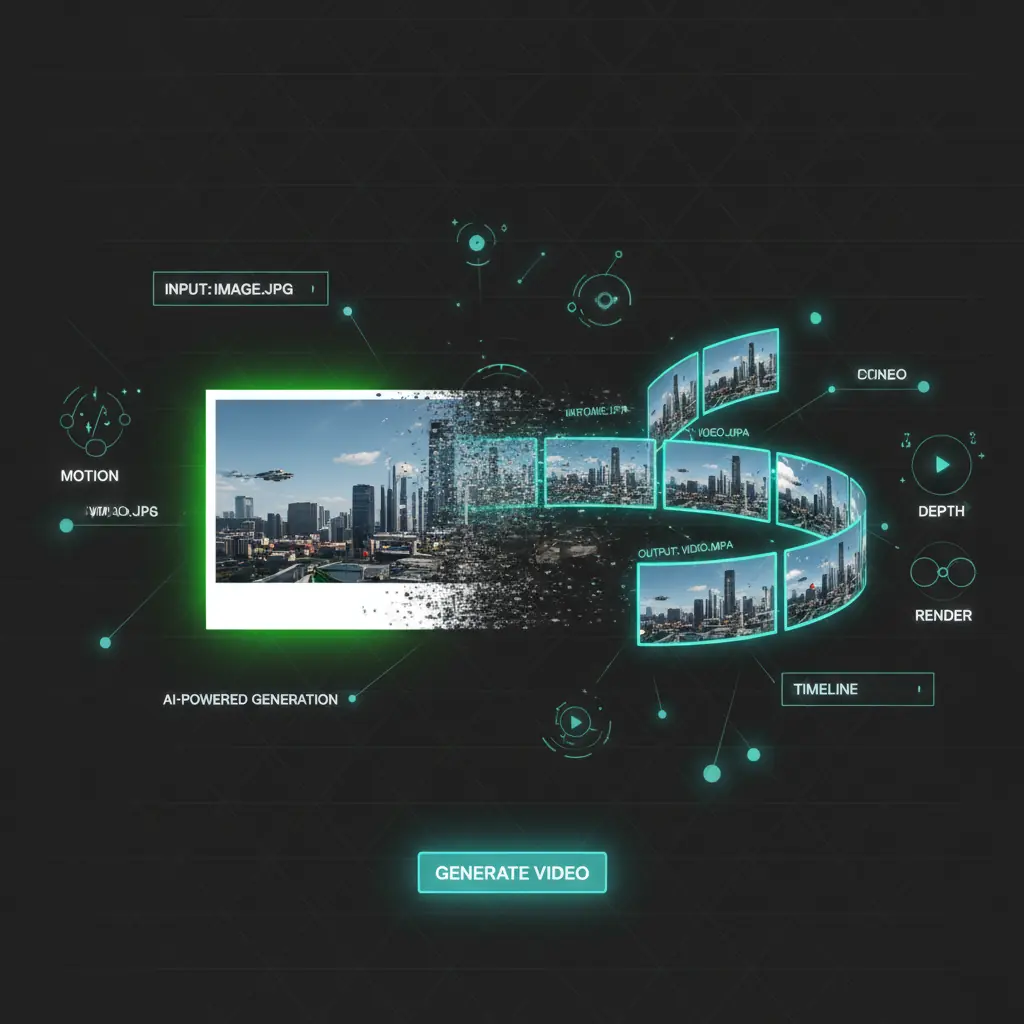
Image To Video Designed for real content teams
Scale Image To Video AI production with quality and control. DisVideoAI blends collaboration, automation, and credits so creators ship more AI image to video content.
Simple workflow for non editors
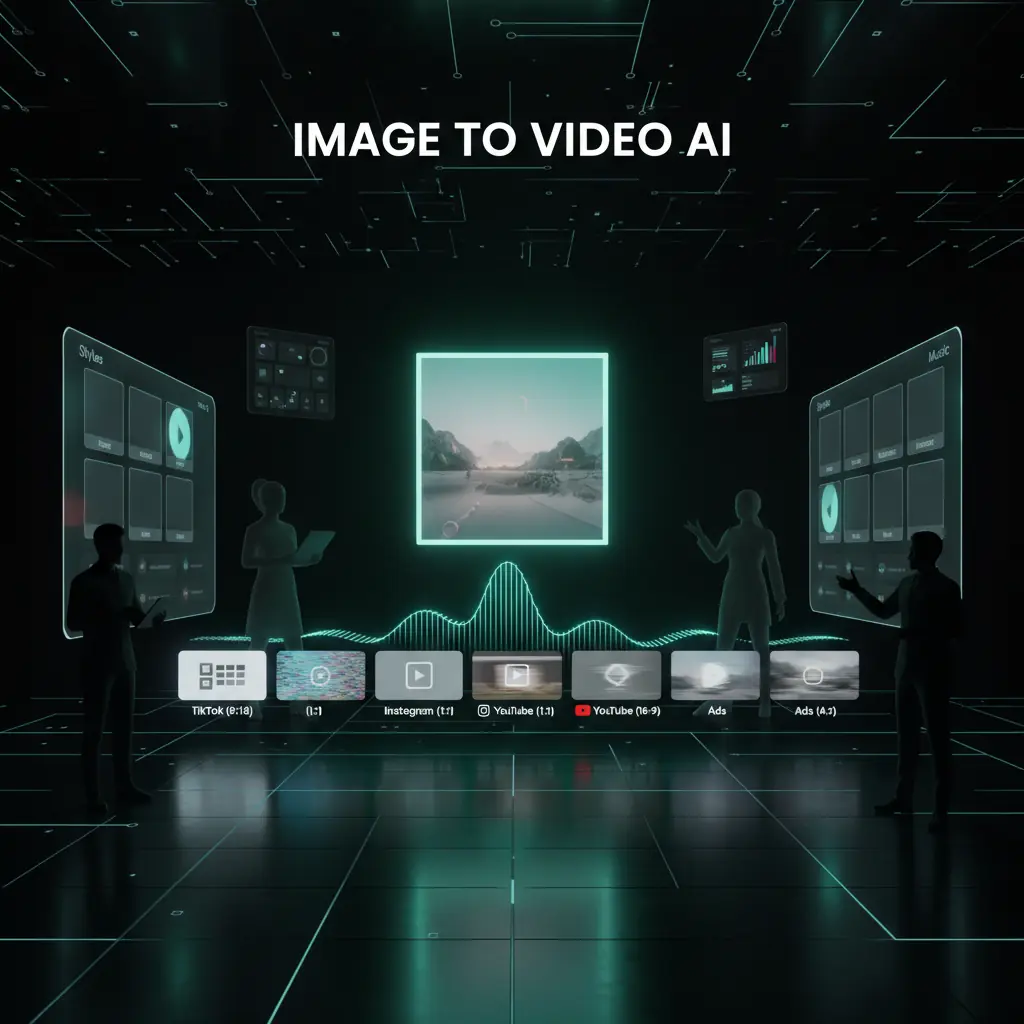
Drop your image, choose a template, and let Image To Video AI suggest motion and formats for TikTok, Instagram, YouTube, and ads. Create AI video without complex editing.
Creative controls when you need them
Fine tune camera paths, motion, overlays, and color. Use AI suggestions from engines like Google Gemini or Kling AI, then save presets your team can reuse.
Team friendly credit based pricing
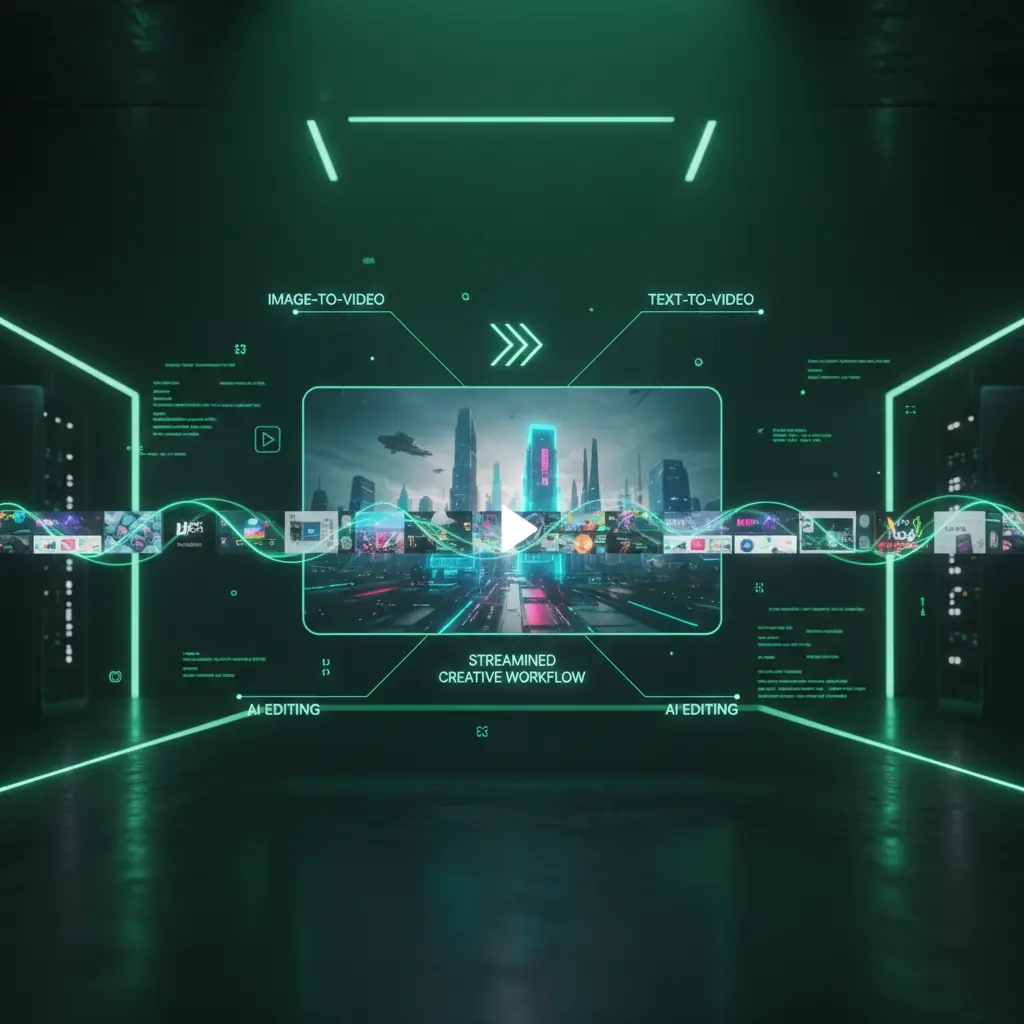
Use one credit system across Image To Video AI, text to video, and AI editing. Sign in to claim free credits, share pools with teammates, and control campaign costs.
No timeline headaches required
Simple workflow for non editors
Drop your image, choose a template, and let Image To Video AI suggest motion and formats for TikTok, Instagram, YouTube, and ads. Create AI video without complex editing.
Advanced settings for power users
Creative controls when you need them
Fine tune camera paths, motion, overlays, and color. Use AI suggestions from engines like Google Gemini or Kling AI, then save presets your team can reuse.
Predictable, scalable generation costs
Team friendly credit based pricing
Use one credit system across Image To Video AI, text to video, and AI editing. Sign in to claim free credits, share pools with teammates, and control campaign costs.
Visual storytelling made effortless With Image To Video
Create cinematic Image To Video AI content online. DisVideoAI delivers fast, high quality image to video generation with control for brand-safe marketing teams.
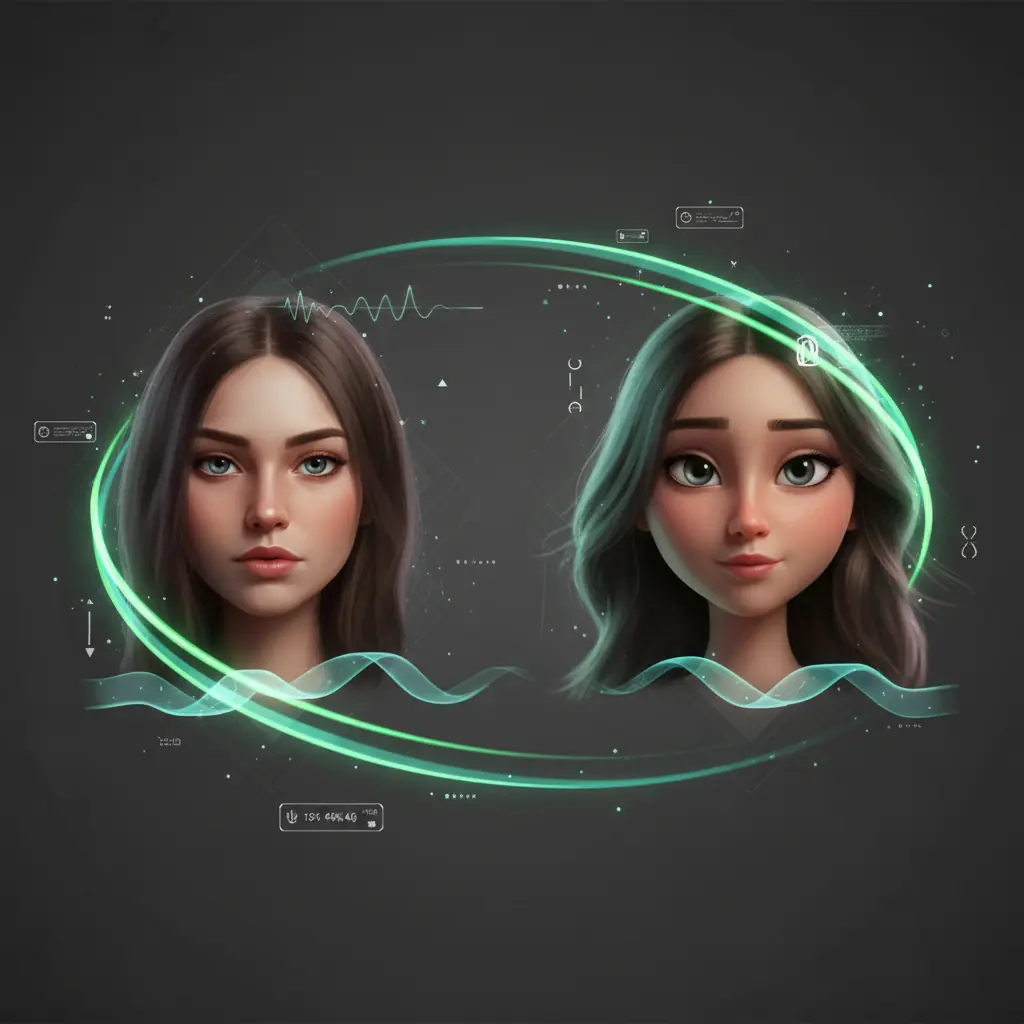
Portrait and character animation magic
Animate portraits, avatars, and character art with Image To Video AI motion models. Add natural movement and depth for narrative shorts, VTubers, and branded spokescharacters.
Social first templates and formats
Use social templates for Reels, Shorts, TikTok, and stories. Image To Video AI fits your photos into on trend layouts, adds motion text, and syncs pacing to royalty free tracks.
Slideshows, storyboards, and sequences
Combine multiple images into storyboard-style AI video. Drag photos into order, pick a theme, and let Image To Video AI animate transitions, zooms, captions, and music.
How Image To Video AI works
Turn images into AI video in four simple steps. Upload, style, customize, and export ready to publish clips for every channel.
Upload one or many images
Sign in, then drag in a photo, portrait, storyboard frame, or full folder from your device or cloud storage.
Choose style, format, and length
Pick a template, aspect ratio, and duration. Image To Video AI suggests motion styles for social, ads, and slideshows.
Customize captions, music, and effects
Add text, brand fonts, and logos. Choose music, tweak transitions, and preview your AI image to video in the browser.
Render, download, and publish
Use credits to render high quality MP4s, then download or publish to social channels, CMS, or ad platforms.
Image To Video AI use cases
Use DisVideoAI to turn photos, illustrations, and screenshots into Image To Video AI content for marketing, social media, learning, and ads.
Product promo videos
Turn ecommerce product photos into polished promo videos. Use Image To Video AI for smooth pans, zooms, and callout text in every format.
Social media content
Convert photos, UGC, and testimonials into short AI videos for social media. Swap images and captions while Image To Video AI keeps layouts on brand.
Portrait and avatar animation
Bring portraits and avatars to life for YouTube, Twitch, and TikTok. Use Image To Video AI motion plus voiceovers for personal explainer content.
Learning and presentations
Turn slide decks, whiteboards, and diagrams into micro-learning videos. Image To Video AI animates highlights and zooms into key details.
Storyboards and concept videos
Preview ideas using concept art and storyboard frames. Image To Video AI adds camera moves and transitions to sell direction fast.
Ads and performance creatives
Generate multiple ad variations from one hero image. Combine Image To Video AI with dynamic text and local offers while credits keep tests affordable.
Image To Video AI FAQs
Find quick answers about Image To Video AI, free credits, pricing, export quality, and how DisVideoAI compares to other AI video generators.
You only need a browser, an image, and a DisVideoAI account. Upload your photo, artwork, screenshot, or storyboard frame into our Image To Video AI editor, then pick a template such as product promo or portrait animation. The AI adds motion, camera moves, and pacing for you. Customize text, colors, and audio, then use credits to render a high quality MP4 ready to download or publish.
Start creating Image To Video AI content today
Sign in, upload a single photo or full folder, and let Image To Video AI turn them into videos for social, ads, and presentations. Claim free credits and explore AI image to video, text to video, and AI editing in one workflow.