AI Video Generator for Every Team
Turn scripts and ideas into polished videos in minutes with DisVideoAI's AI Video Generator. Sign in to use text, image, and multi-language voice features with free credits.
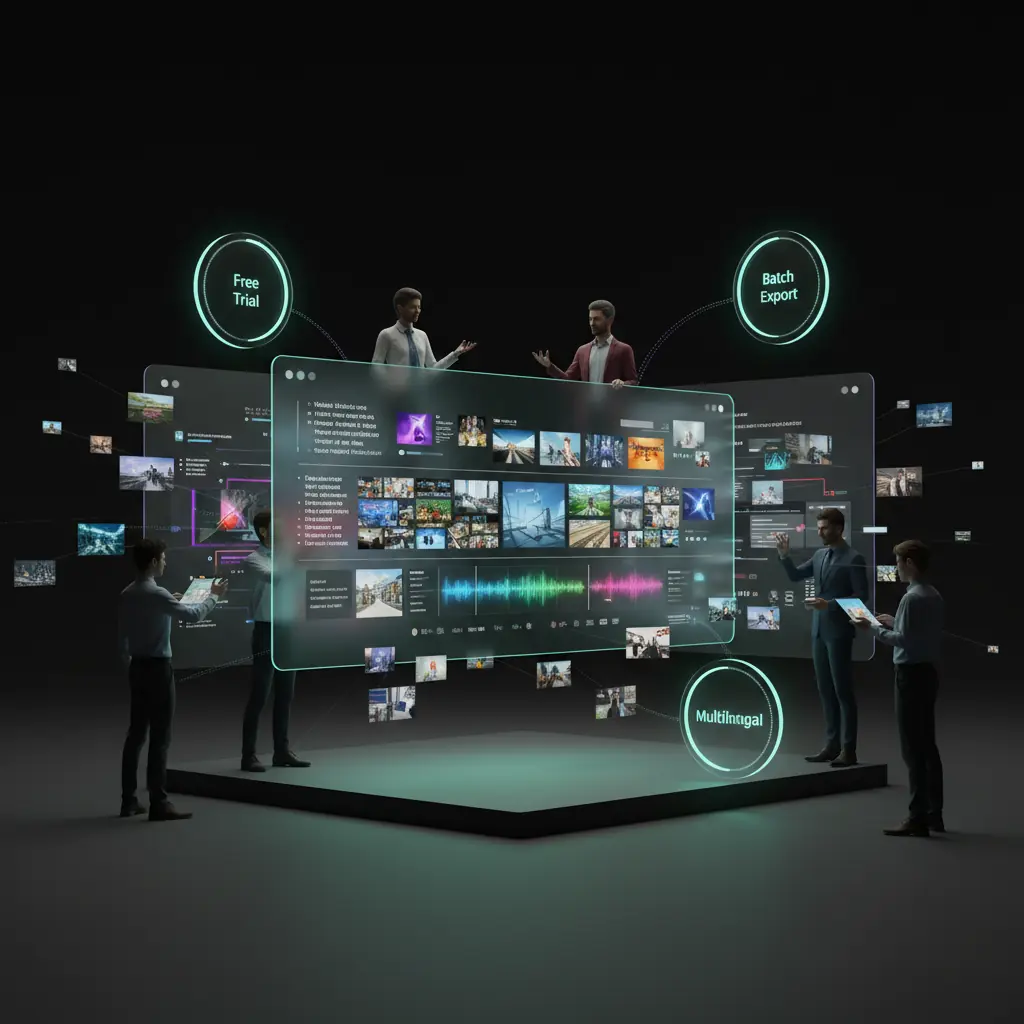
AI video generator features that scale
DisVideoAI combines an AI Video Generator, templates, and batch workflows so teams make professional videos fast. Sign in to unlock all AI video tools with credits.
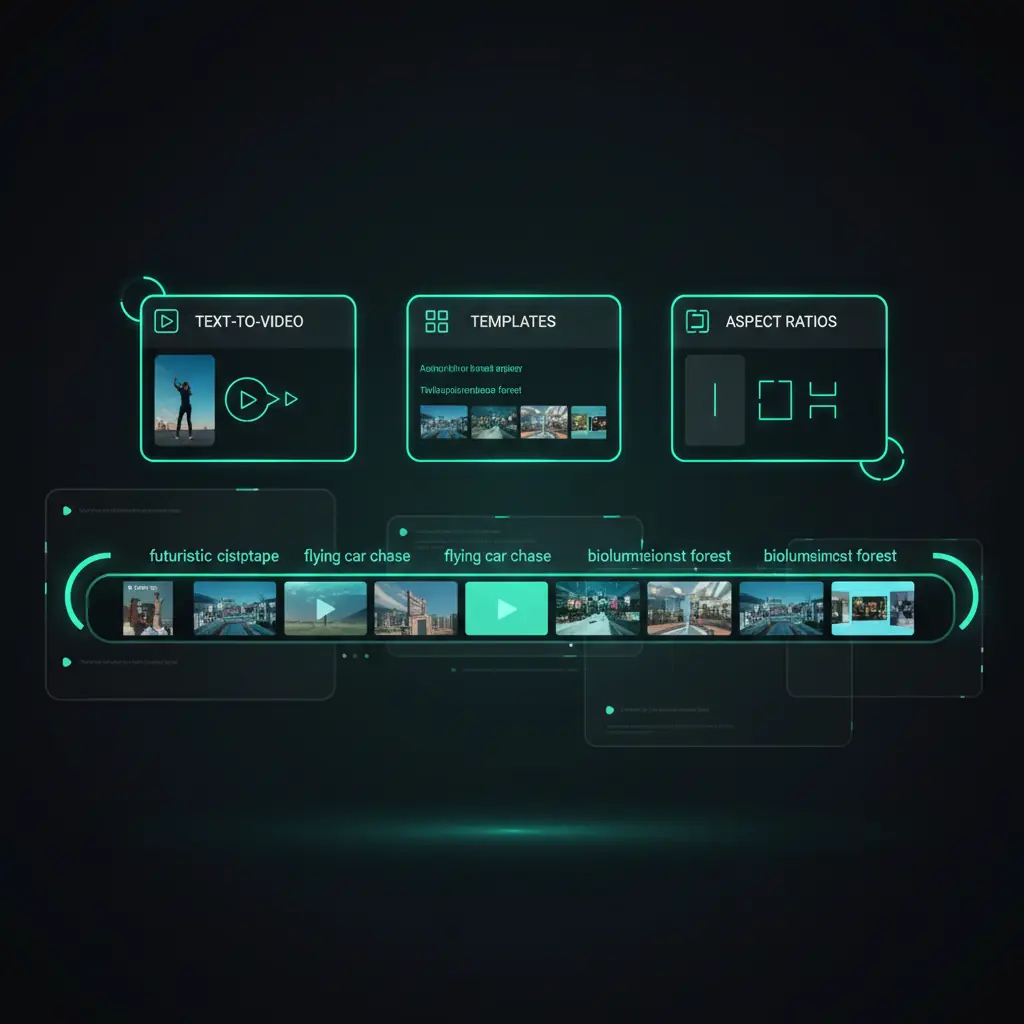
Text to video in a few clicks
Paste your script, pick a template, and let the AI Video Generator build scenes, timing, and transitions for YouTube, TikTok, and social. Sign in to export with credits.
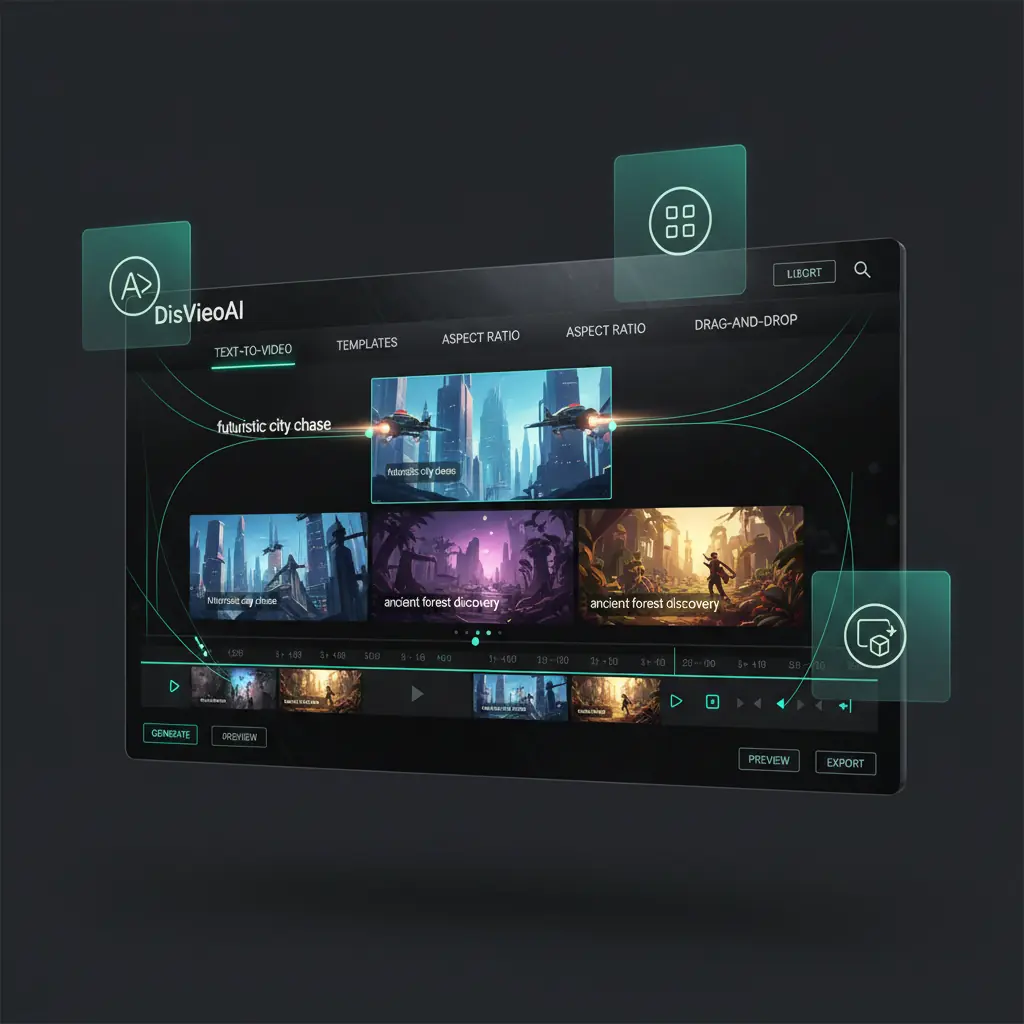
Next-generation AI workflow automation
DisVideoAI connects an advanced AI Video Generator with batch automation to speed up text to video and script to video workflows.
Batch AI video generation at scale
Upload a list of texts and let the AI Video Generator render many video variations automatically. Perfect for product catalogs, localized ads, and A/B tests.
Multilingual voice and subtitle engine
Generate natural AI voiceovers and synced subtitles in many languages. Duplicate one video into multiple locales with a few clicks.
Template library and brand kits
Use ready-made templates and save your own brand kits. The AI Video Generator keeps logos, fonts, and colors consistent in every video.
Create dozens of videos automatically
Batch AI video generation at scale
Upload a list of texts and let the AI Video Generator render many video variations automatically. Perfect for product catalogs, localized ads, and A/B tests.
Reach audiences in any language
Multilingual voice and subtitle engine
Generate natural AI voiceovers and synced subtitles in many languages. Duplicate one video into multiple locales with a few clicks.
Stay fully on brand everywhere
Template library and brand kits
Use ready-made templates and save your own brand kits. The AI Video Generator keeps logos, fonts, and colors consistent in every video.
AI-first video generation, not manual editing
DisVideoAI focuses on powerful AI video generation so you can turn ideas into finished content fast, without spending hours on traditional editing.
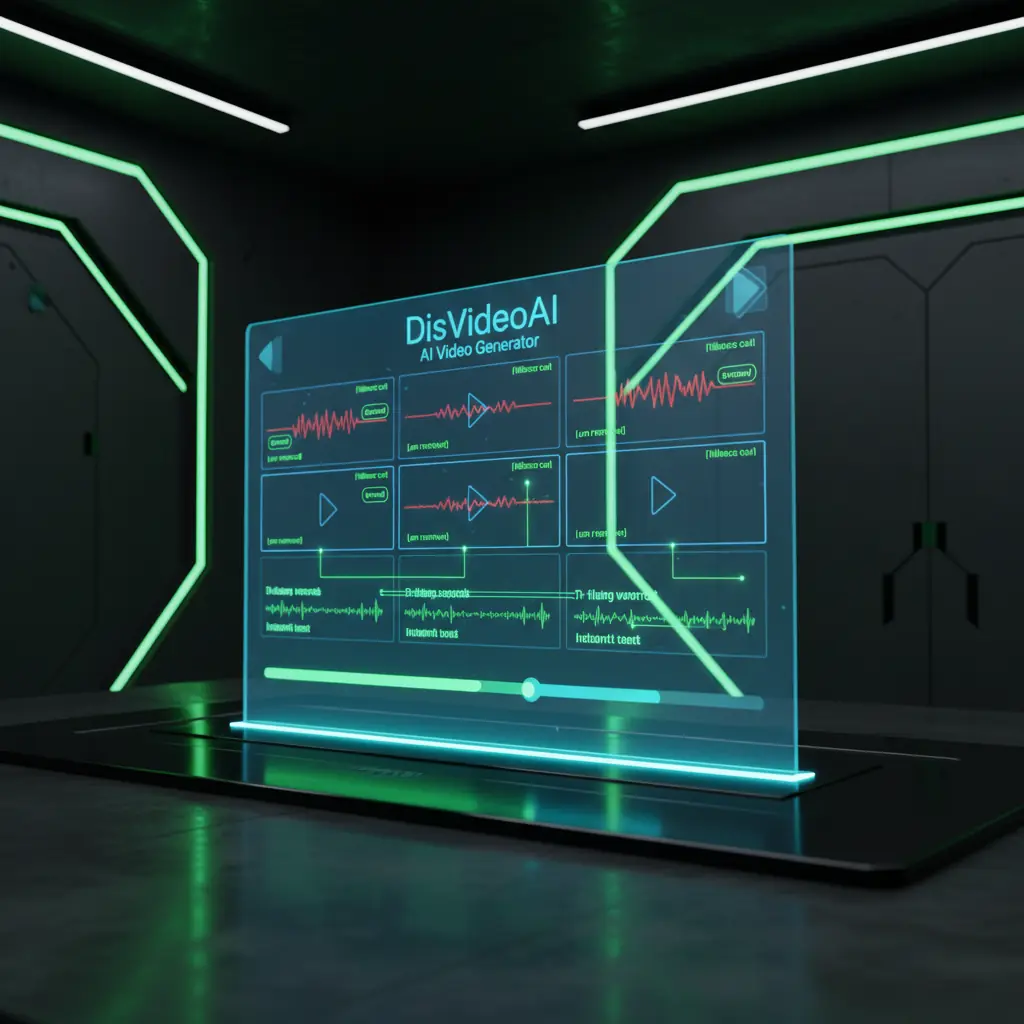
Smart AI-powered video assembly
Go from prompt or script to a complete video draft in one step. The AI Video Generator assembles scenes, timings, captions, and voiceover so you can publish faster.
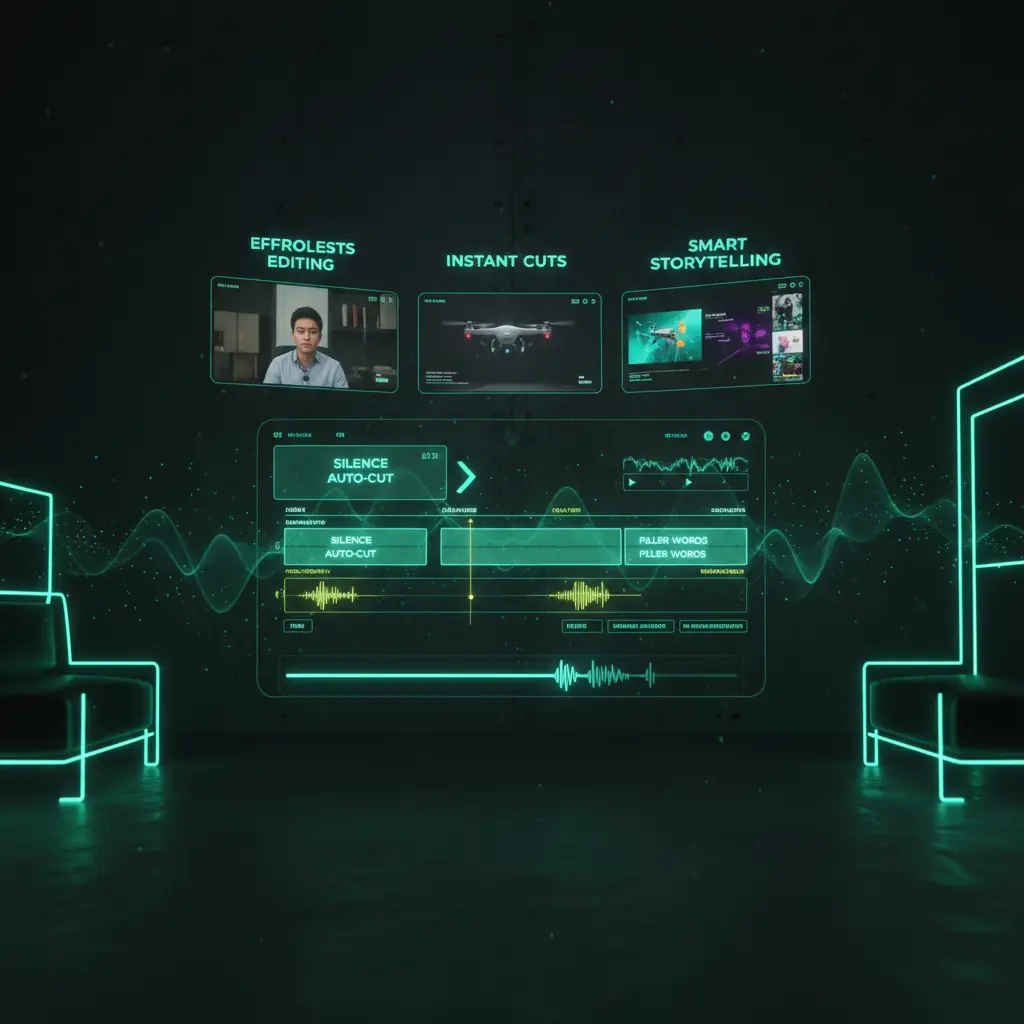
AI scenes, effects, and assets on demand
Let the AI Video Generator suggest visuals, transitions, and supporting clips for every moment of your script so you spend time creating, not editing.
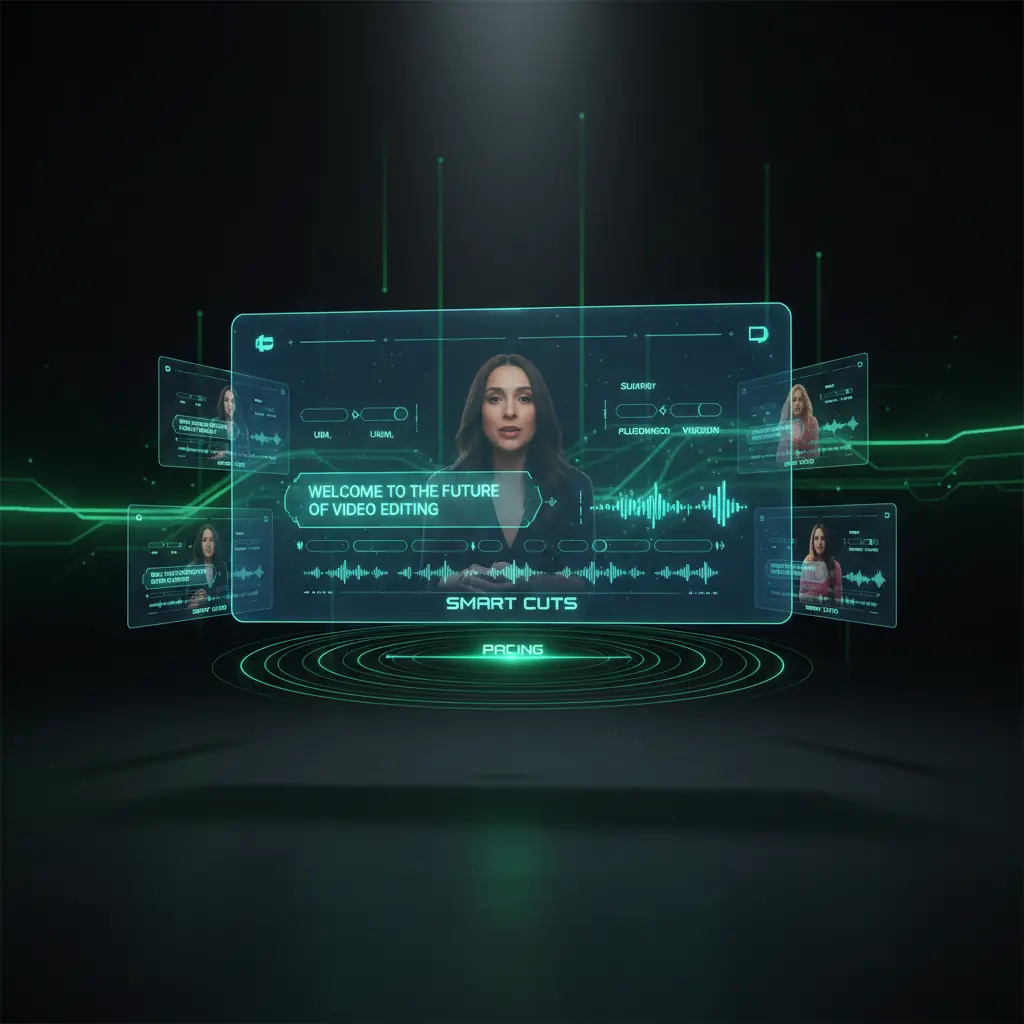
Publish-ready outputs for every channel
Generate videos that are ready for YouTube, Instagram, TikTok, and more in a single click, with formats and ratios optimized by the AI Video Generator.
How DisVideoAI video generation works
Turn text, images, and ideas into publish-ready content in four simple steps using our AI Video Generator.
Choose a workflow and template
Pick text to video, image to video, or script to video, then choose a template for YouTube, social, or ads.
Add your content and brand
Paste your script, upload media, and apply your brand kit so every AI-generated video stays consistent.
Let the AI Video Generator build
Generate full videos with scenes, voiceovers, captions, and effects in minutes, ready for quick review.
Review, refine, and export
Make quick adjustments and export videos. Sign in to use credits for watermark-free exports.
AI video generator frequently asked questions
Learn how to use our AI Video Generator, how pricing and credits work, and how DisVideoAI compares with tools like InVideo AI and Canva.
Choose the text to video workflow, paste your script or blog copy, and pick a template for YouTube, Instagram, or other formats. The AI Video Generator splits text into scenes, suggests visuals, and can add AI voiceover and captions. You then review the video and export when ready. Sign in to claim free credits before generating.
Start creating with DisVideoAI's AI Video Generator today
Turn scripts, images, and ideas into publish-ready videos in minutes with our online AI Video Generator. Sign in to claim free credits, explore templates, and unlock watermark-free exports and batch workflows when you upgrade.