Preview sample · Generate to create your images
AI Music Generator for instant songs
Generate full songs, instrumentals, and AI background music in seconds for creators, marketers, and teams.
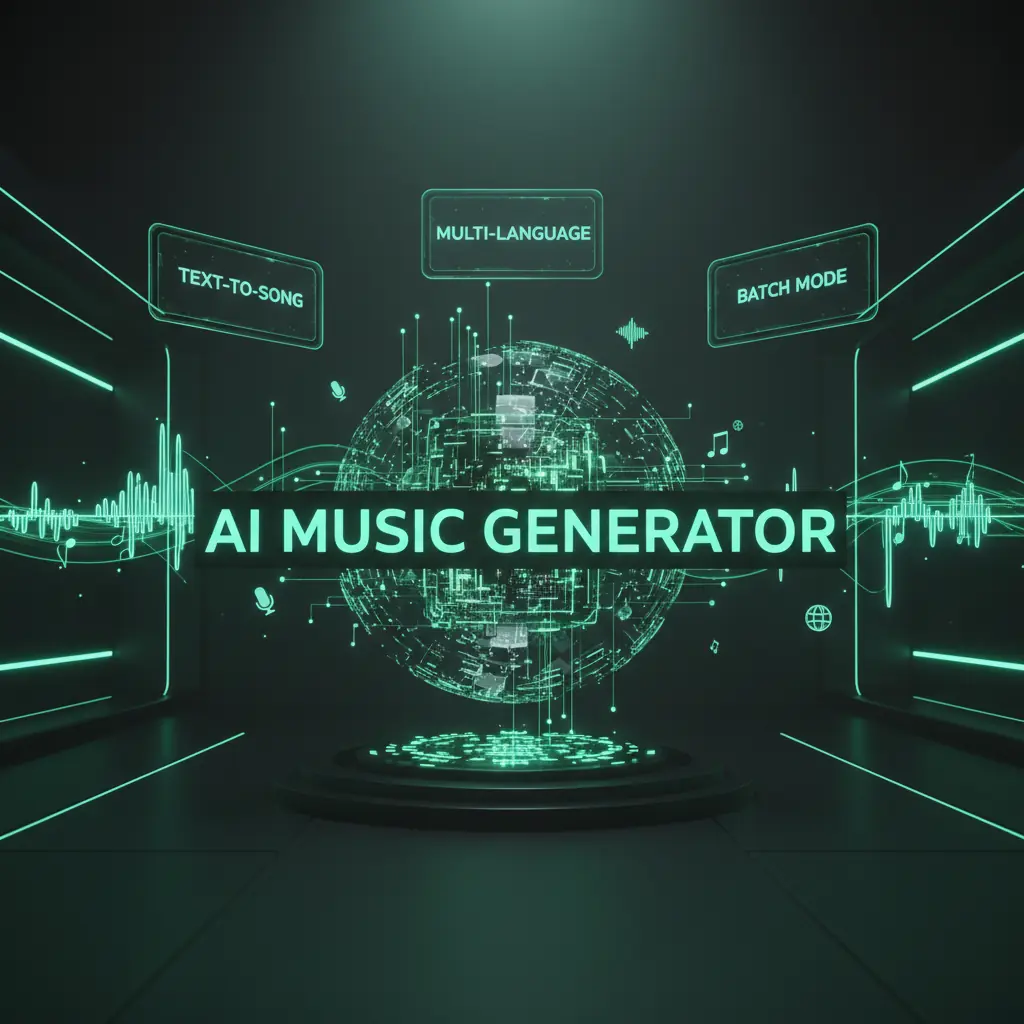
AI music Generator features built for production
DisVideoAI’s AI Music Generator delivers studio quality songs, lyrics, vocals, and flexible workflows in one simple tool.
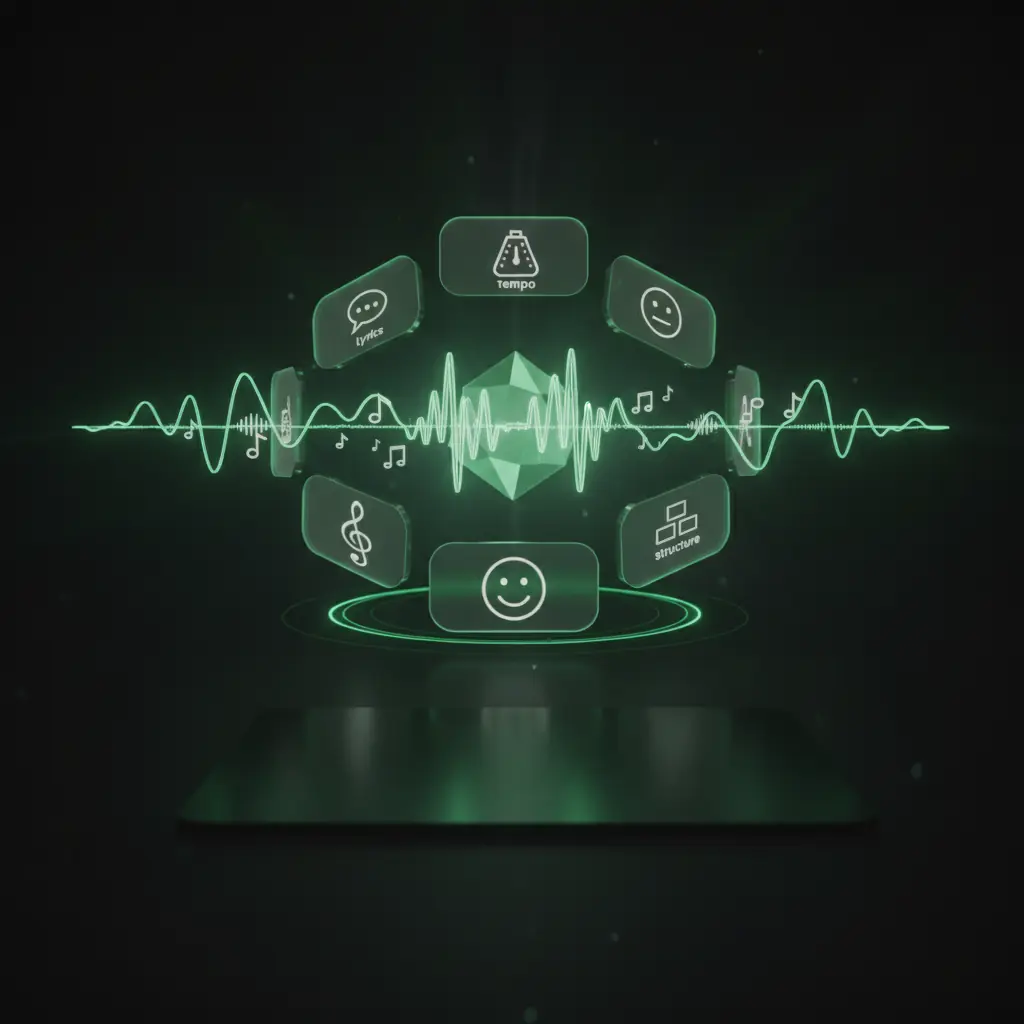
Generate full songs from any text prompt
Turn any text prompt into a complete AI generated song with structure, hooks, tempo, and genre control.
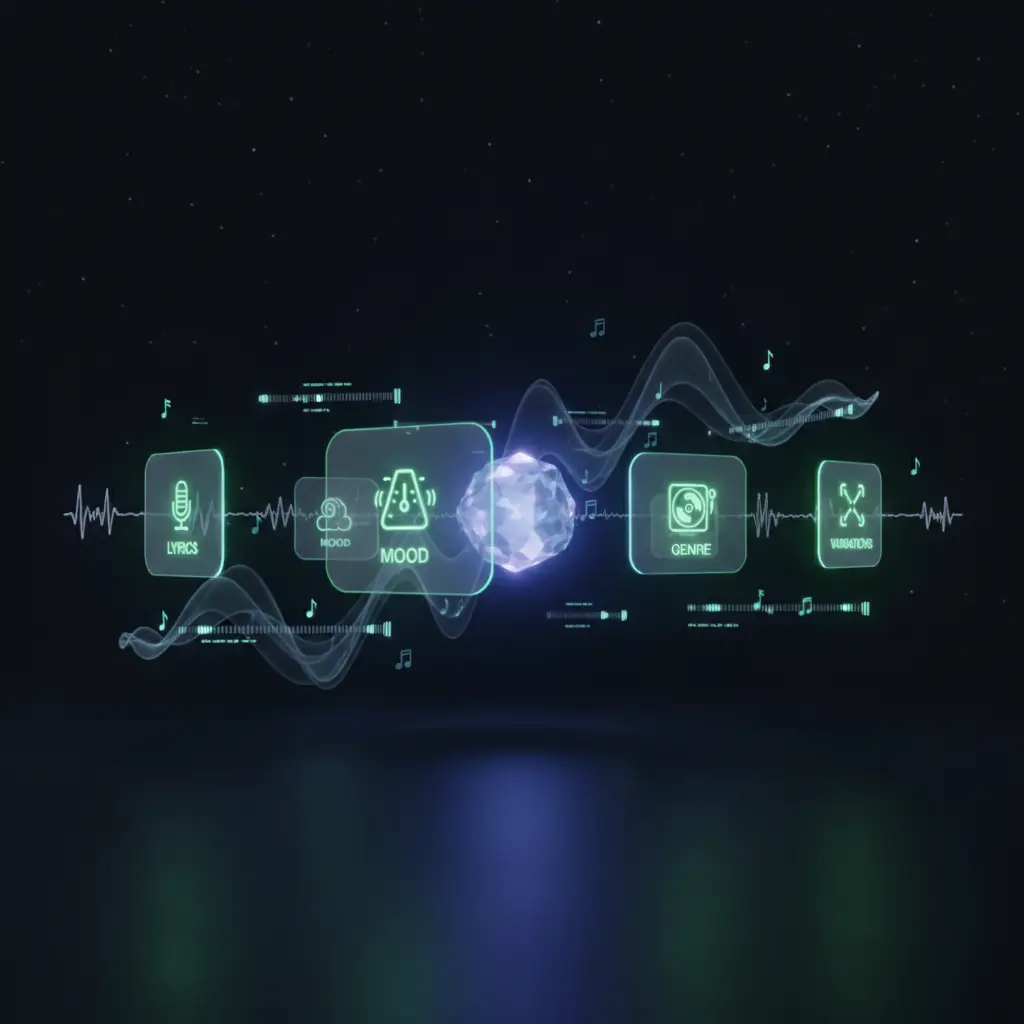
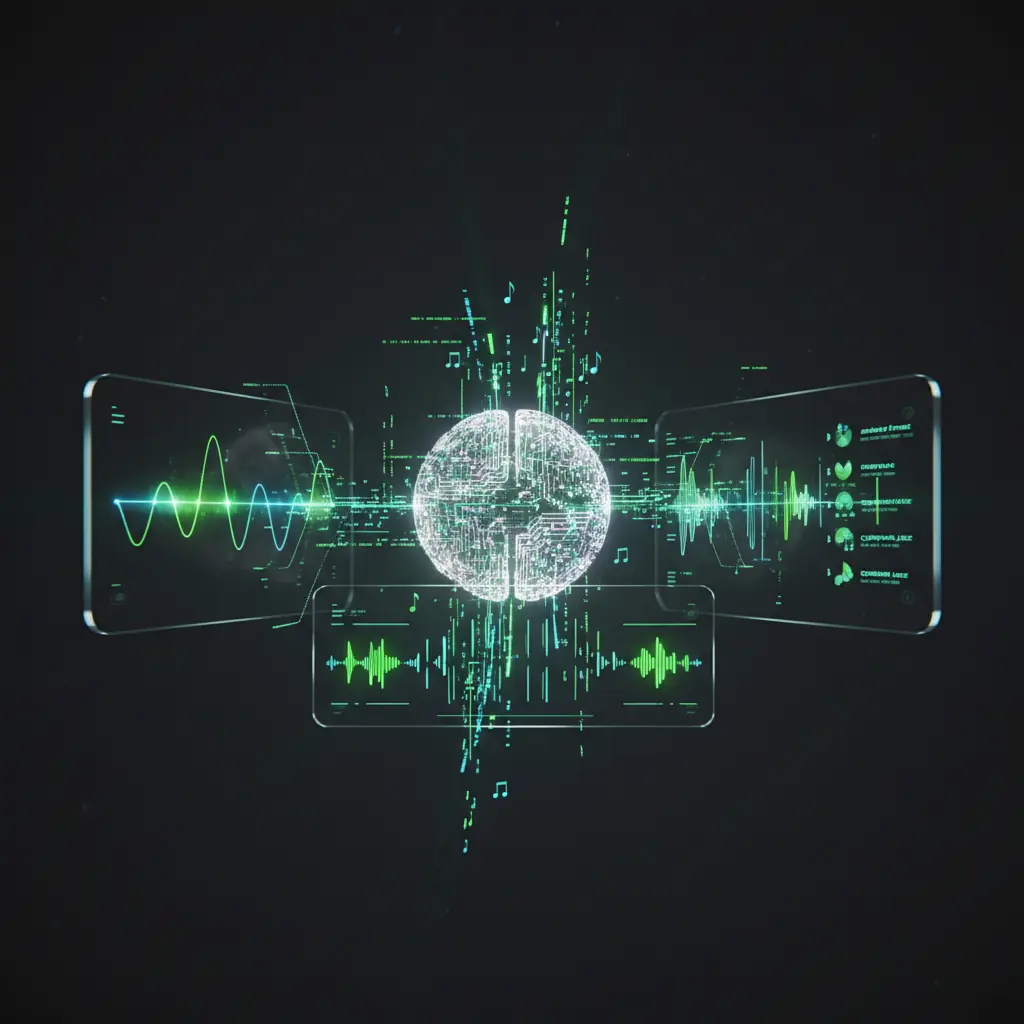
Next generation AI music Generator engine
Our AI Music Generator combines powerful models with simple controls for fast, high quality text to music creation.
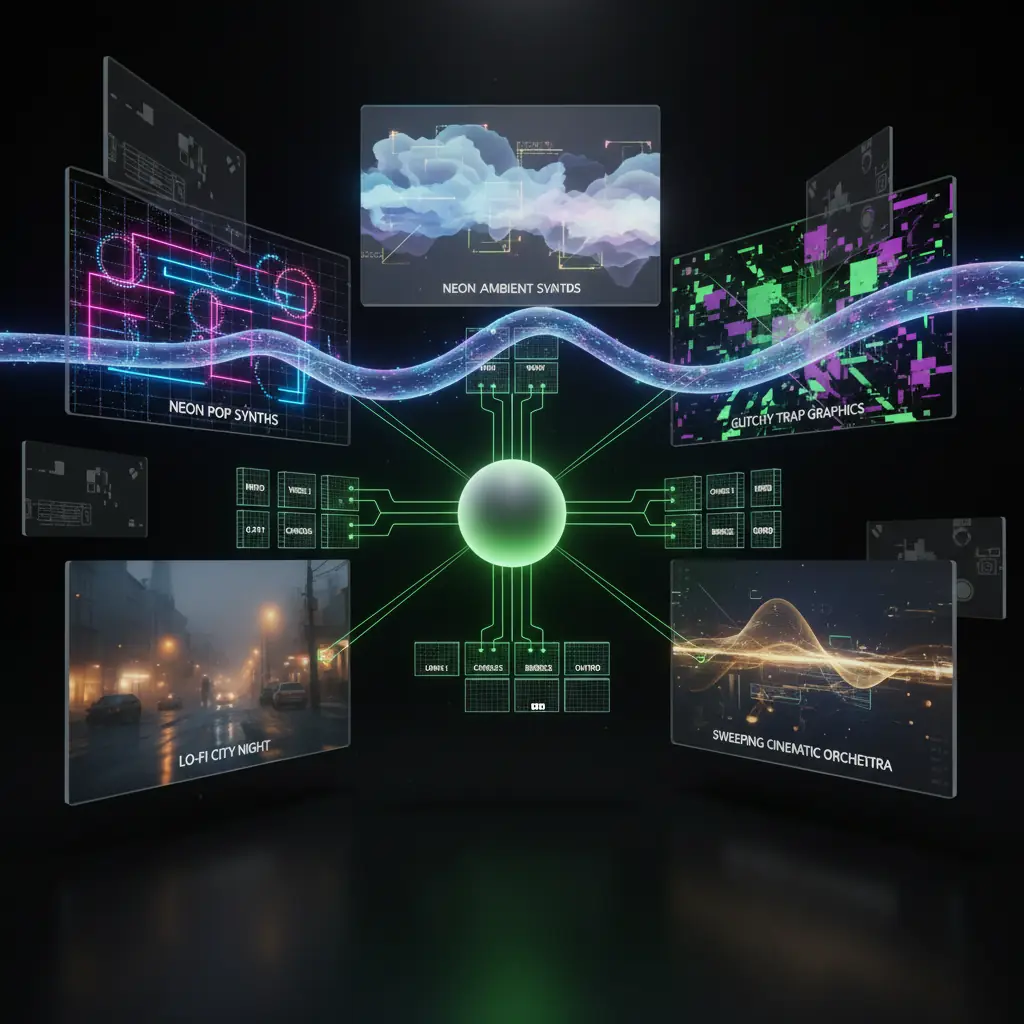
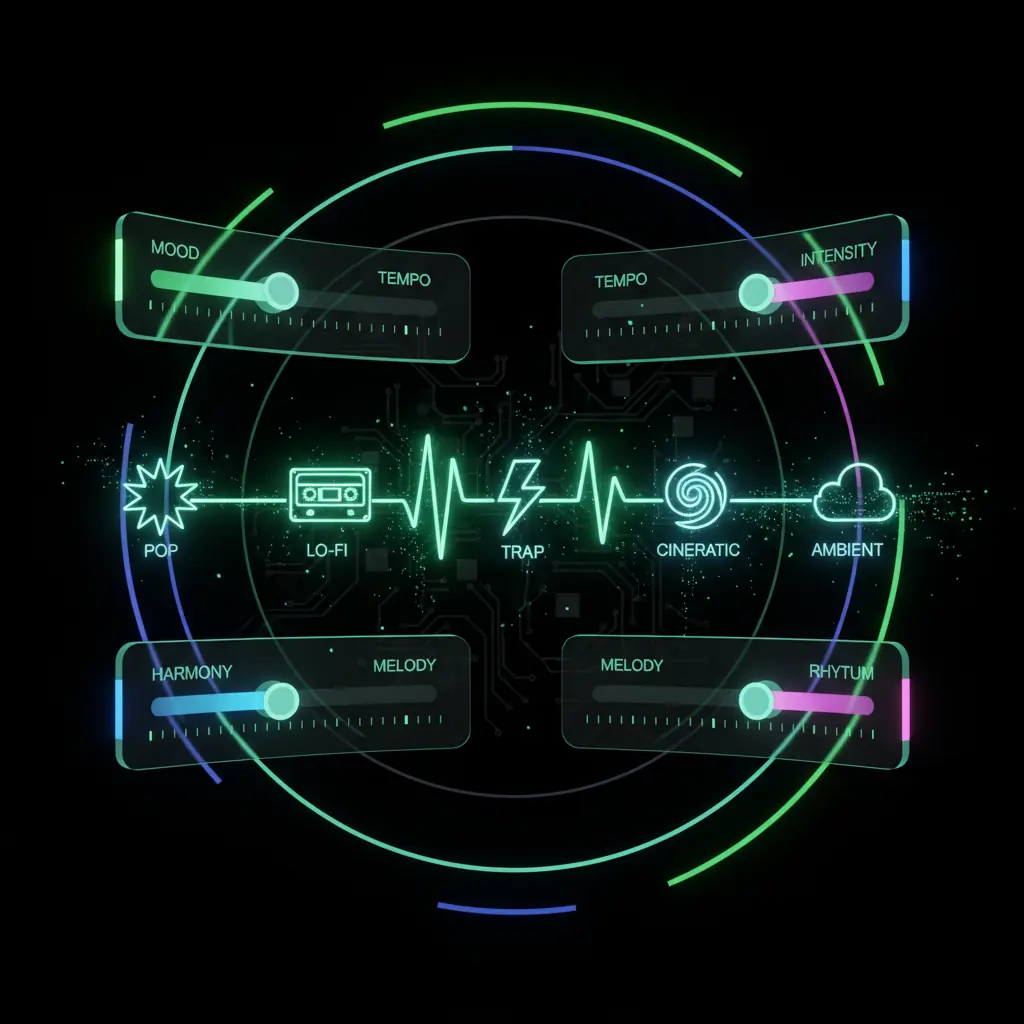
Text to music with genre level control
Describe mood, genre, and tempo, and the text to music generator turns it into a full arrangement with intros and choruses.
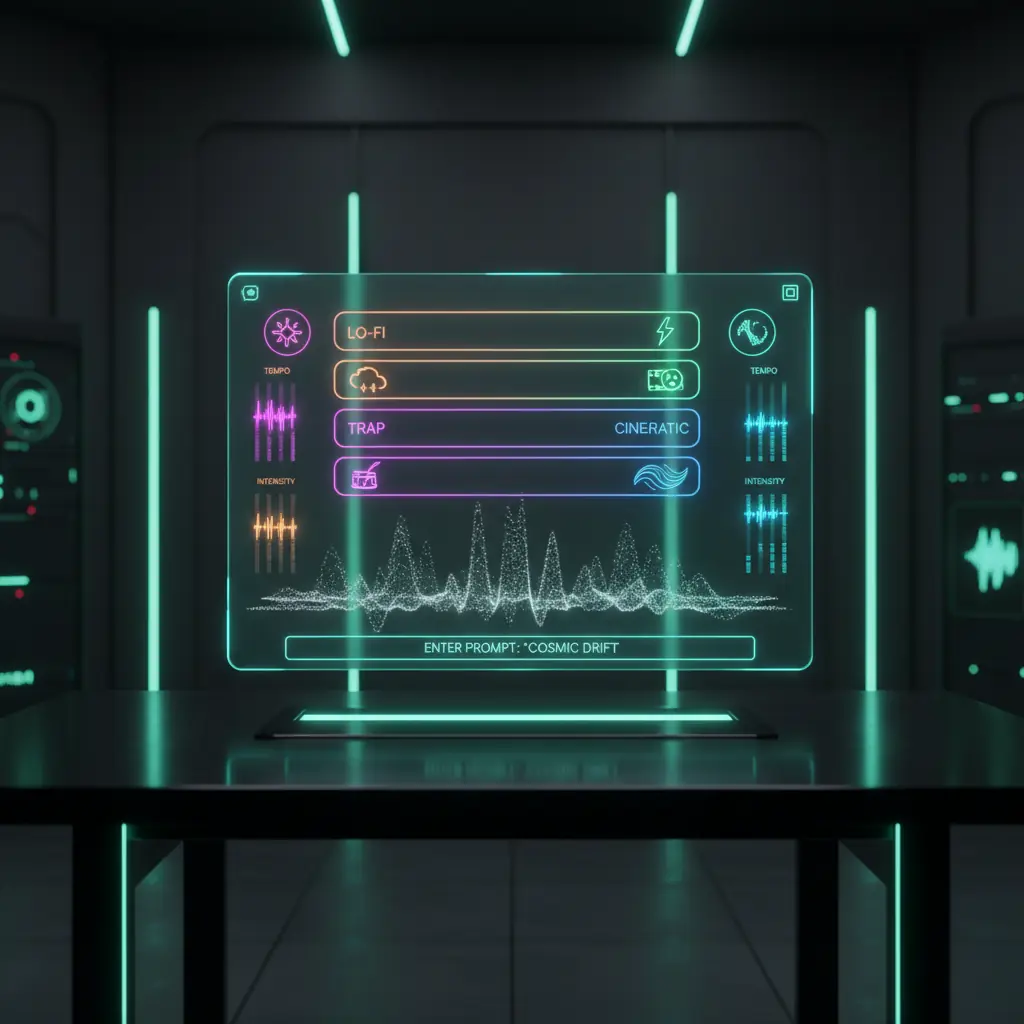
AI lyrics, songwriting, and translation
Generate and translate song lyrics with our AI lyrics and song creator while keeping rhyme, rhythm, and flow.
Stems, vocal remover, and remix tools
Split stems, remove vocals, and drive the AI Music Generator to create fresh, content safe remixes and instrumentals.
Describe mood, tempo, and style
Text to music with genre level control
Describe mood, genre, and tempo, and the text to music generator turns it into a full arrangement with intros and choruses.
Generate lyrics in many languages
AI lyrics, songwriting, and translation
Generate and translate song lyrics with our AI lyrics and song creator while keeping rhyme, rhythm, and flow.
Repurpose existing songs safely
Stems, vocal remover, and remix tools
Split stems, remove vocals, and drive the AI Music Generator to create fresh, content safe remixes and instrumentals.
Advanced AI Music Generator for serious creators
DisVideoAI brings AI music generation, lyrics, and media tools into one credit based, login-first platform for teams and creators.
Music for YouTube, TikTok, and Reels
Create perfectly timed AI background music for YouTube, TikTok, and Reels with custom duration and loop points.
Brand safe music for marketing teams
Use the AI Music Generator to create brand safe tracks with saved presets for campaigns, teams, and clients.
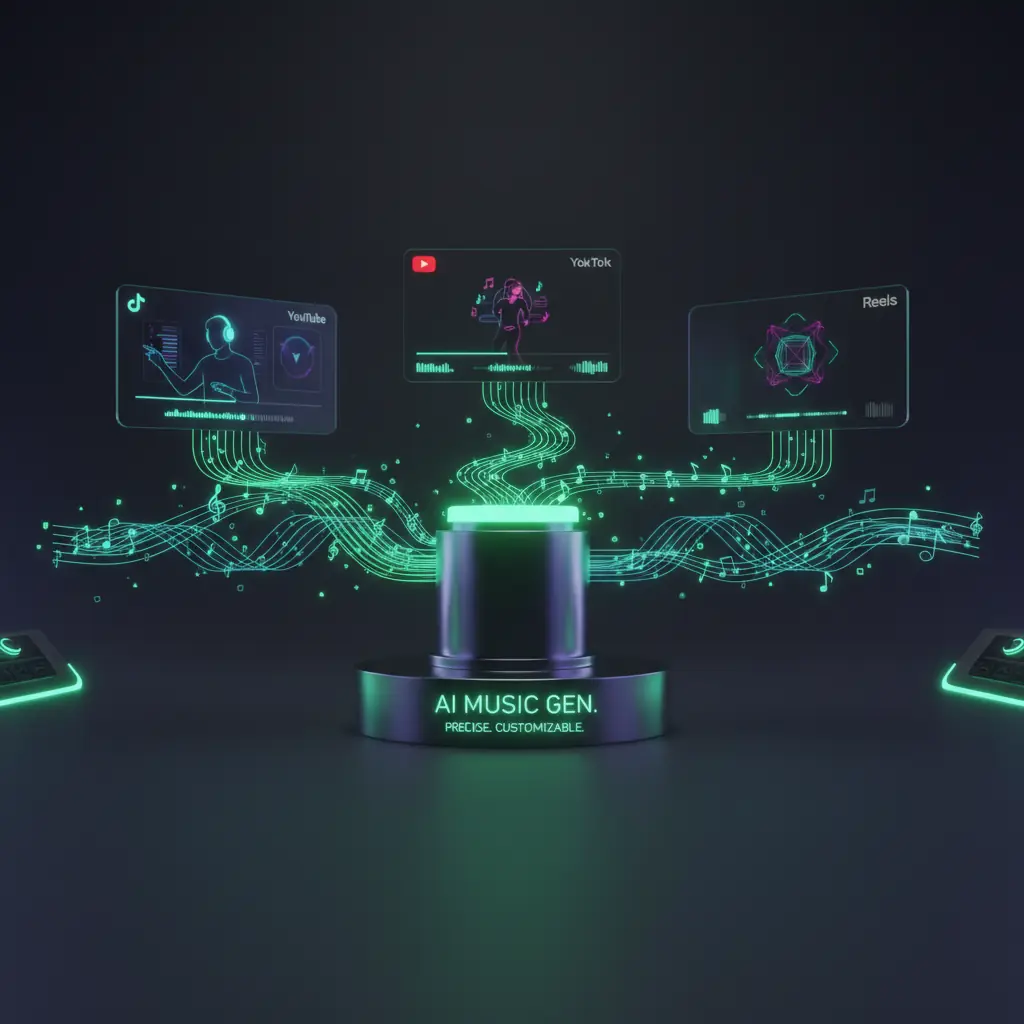
Integrated media studio across formats
Create music, video, voice, and graphics together so every AI generated song fits your full media workflow.
Create AI music Generator in four simple steps
Use the AI Music Generator online with no downloads. Sign in, use free credits, and export music for your projects.
Choose template or start from scratch
Pick a style template or blank project to start your AI generated music track.
Describe your song or background track
Write a short prompt or paste lyrics and let the AI Music Generator plan the song.
Customize vocals, language, and length
Set vocal style, language, and duration, then preview and refine sections.
Render, download, and reuse across channels
Export WAV or MP3 and reuse your AI generated music across all channels.
AI music generator use cases
DisVideoAI’s AI Music Generator fits creators, marketers, agencies, and teams that need fast, scalable music production.
YouTube and video creators
Generate copyright safe AI background music that matches your pacing, intros, outros, and series branding.
TikTok, Reels, and Shorts
Create catchy AI music hooks and beats tuned for 15–60 second clips and trending formats.
Marketers and growth teams
Localize campaigns with region specific AI music while keeping consistent brand motifs and workflows.
Indie musicians and songwriters
Turn ideas into demos with AI songwriting, arrangement, and vocals you can export as stems.
Game, app, and product teams
Create adaptive background music, loops, and UI sounds with scalable, credit based AI music generation.
Agencies and production studios
Offer fast AI music services, manage clients in one account, and connect your music to the rest of your media pipeline.
AI music generator FAQs
Learn how our AI Music Generator works, how pricing and credits function, and how it compares to other AI music tools.
Open the DisVideoAI music workspace in your browser, choose a template, and type a short description of your track. Specify genre, instruments, tempo, mood, and vocals or instrumentals only.
The AI Music Generator then builds a song structure and renders a preview. You can tweak lyrics, change language, adjust energy, or regenerate parts, then export the final audio for any use.
Start using the AI Music Generator today
Create songs, background tracks, and AI music for campaigns in your browser. Sign in to claim free credits and unlock all tools.