Generate Veo 3.1 videos in one workspace
Use Veo 3.1 as your main AI video generator on DisVideoAI. Sign in, claim free credits, and turn prompts, storyboards, and assets into polished AI videos in a single logged‑in workspace.
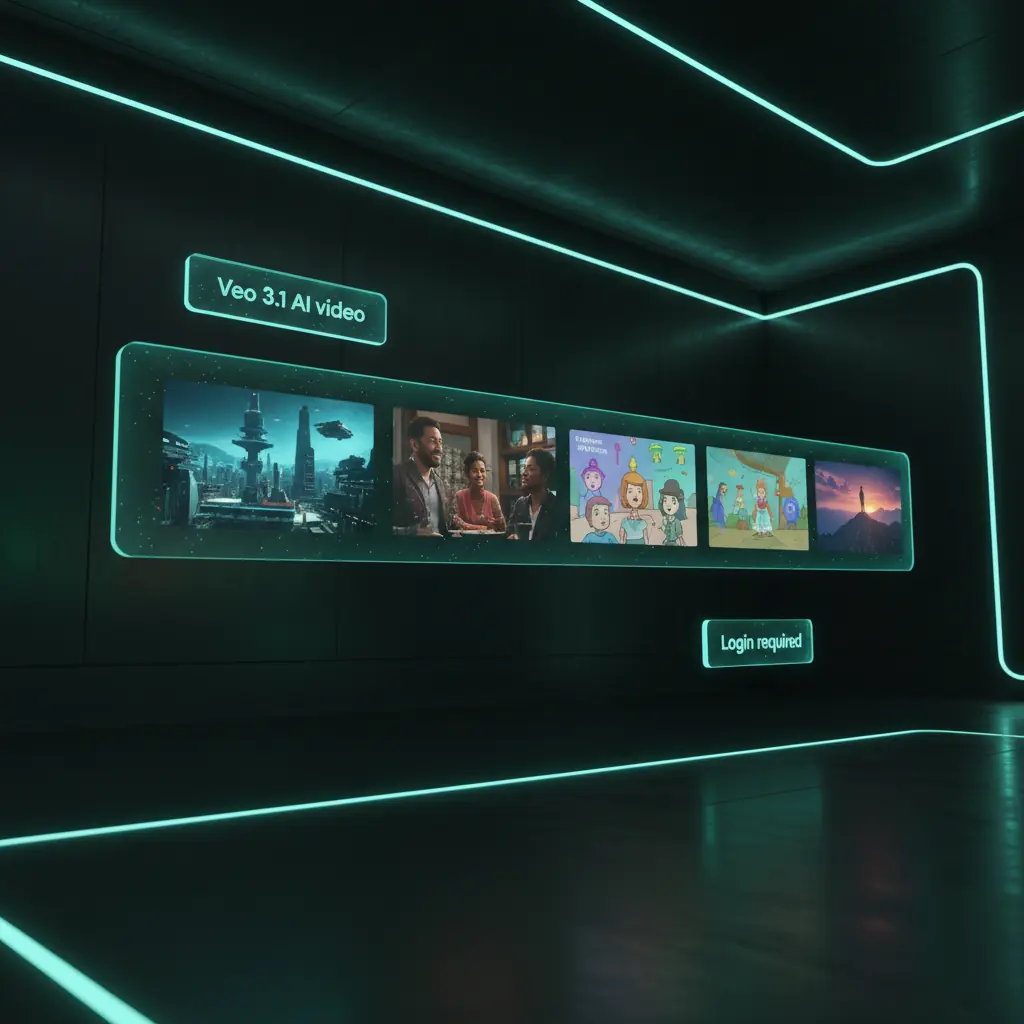
Veo 3.1 AI video generator features
Plan prompts, generate videos, and manage all your AI video runs in one logged‑in DisVideoAI account powered by free starter credits.
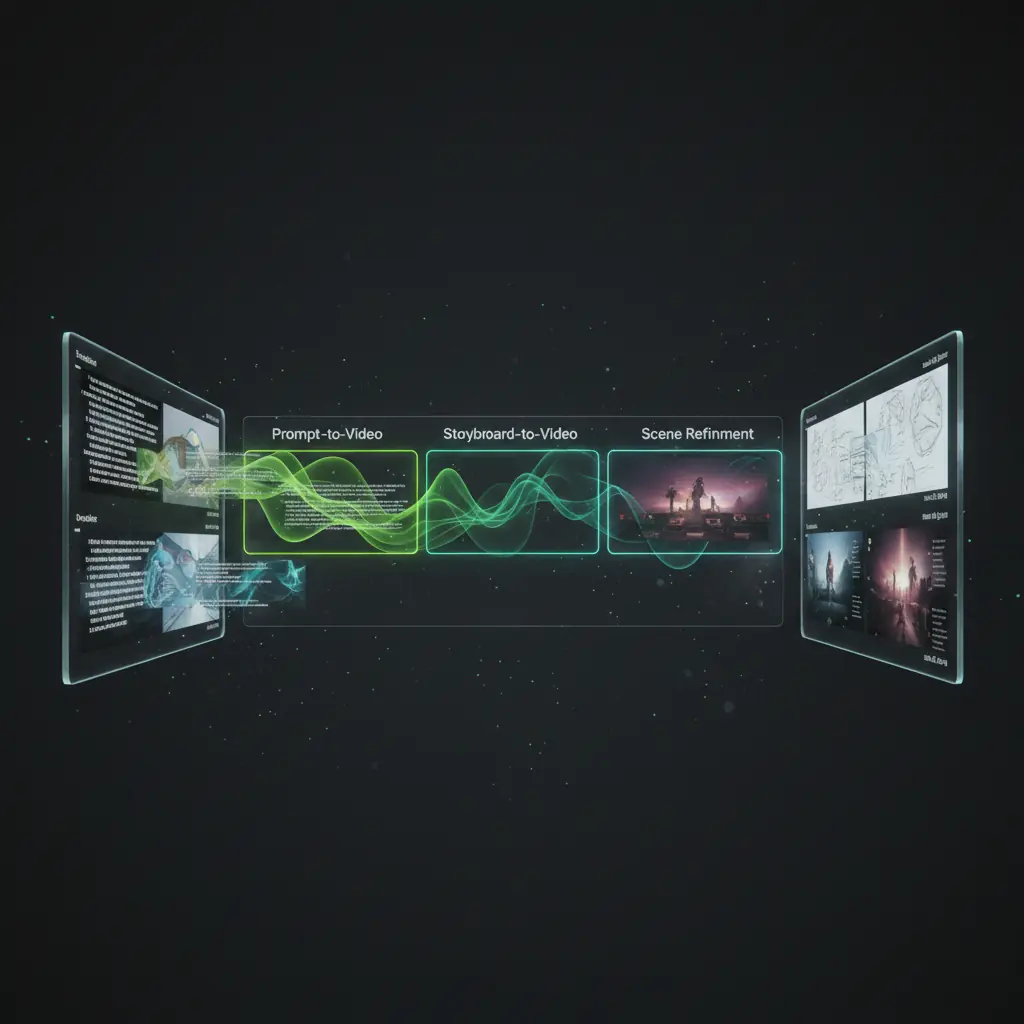
prompt‑to‑video
Enter a text prompt, adjust key options, and trigger video generations directly from your DisVideoAI workspace once you are logged in and have credits.

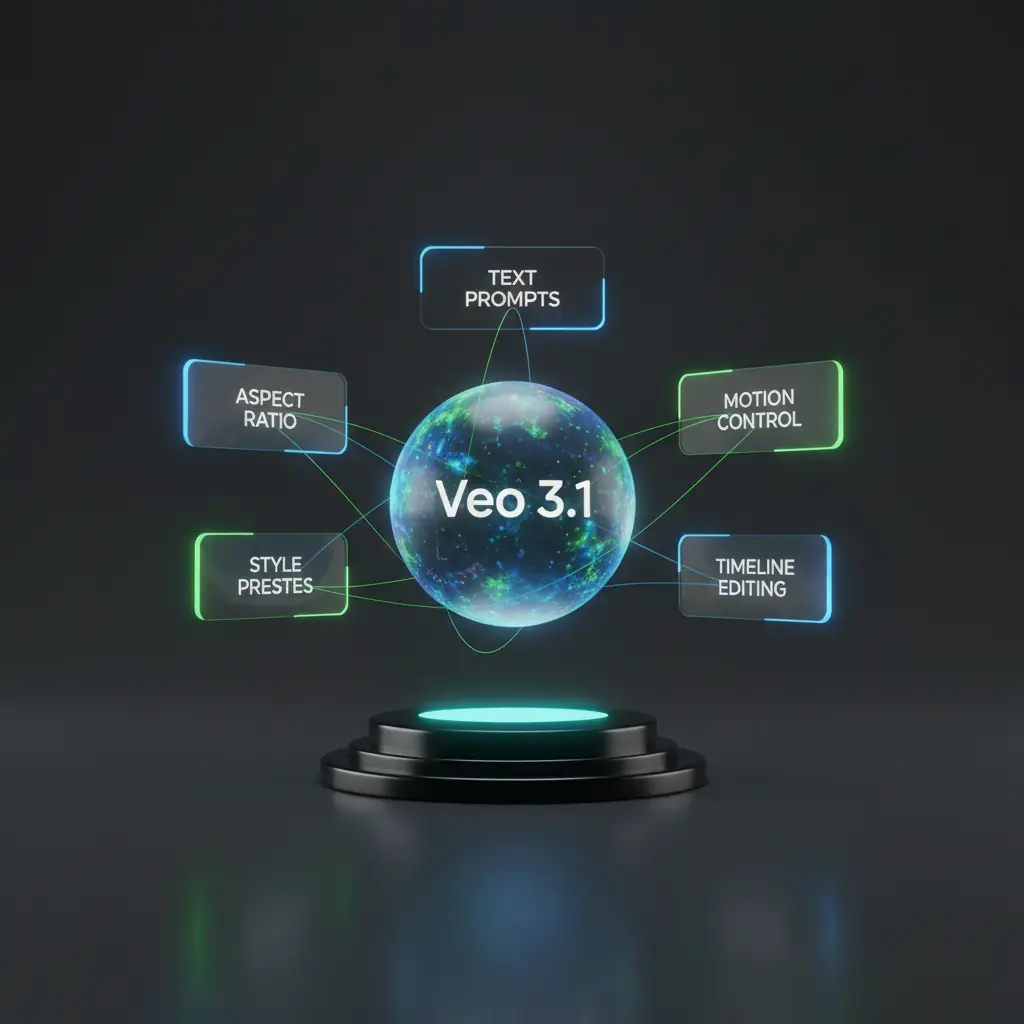
Veo 3.1 features that unlock more
Scroll through how it on DisVideoAI turns login, free credits, and prompts into polished videos.

Prompt builder for Veo 3.1
Describe subjects, motion, and cinematic style, then generate Veo 3.1 videos after login using your free starter credits.
Reuse Video template and effects
Reuse regenerate matching videos for fresh scripts and campaigns in a click.
Organize every Veo 3.1 clip
Keep Veo 3.1 generations, edits, and client-ready exports attached to your logged-in account so teams always find the approved video fast.
Guided text
Prompt builder for Veo 3.1
Describe subjects, motion, and cinematic style, then generate Veo 3.1 videos after login using your free starter credits.
Repeat winners
Reuse Video template and effects
Reuse regenerate matching videos for fresh scripts and campaigns in a click.
Library view
Organize every Veo 3.1 clip
Keep Veo 3.1 generations, edits, and client-ready exports attached to your logged-in account so teams always find the approved video fast.
Multimodal Veo 3.1 generator workspace
Go beyond simple prompts. With a logged‑in DisVideoAI account you can connect ai videos to reference images, music, and scripts for a full AI video production pipeline.
Reference boards that feed Veo 3.1
Combine stills, style frames, and text notes into reference boards that you can instantly turn into AI video prompts once you are signed in.
Audio and narration for your Veo 3.1 clips
Write voiceover, choose music, and align beats with ai video segments so your final AI videos feel complete, not just visual tests.
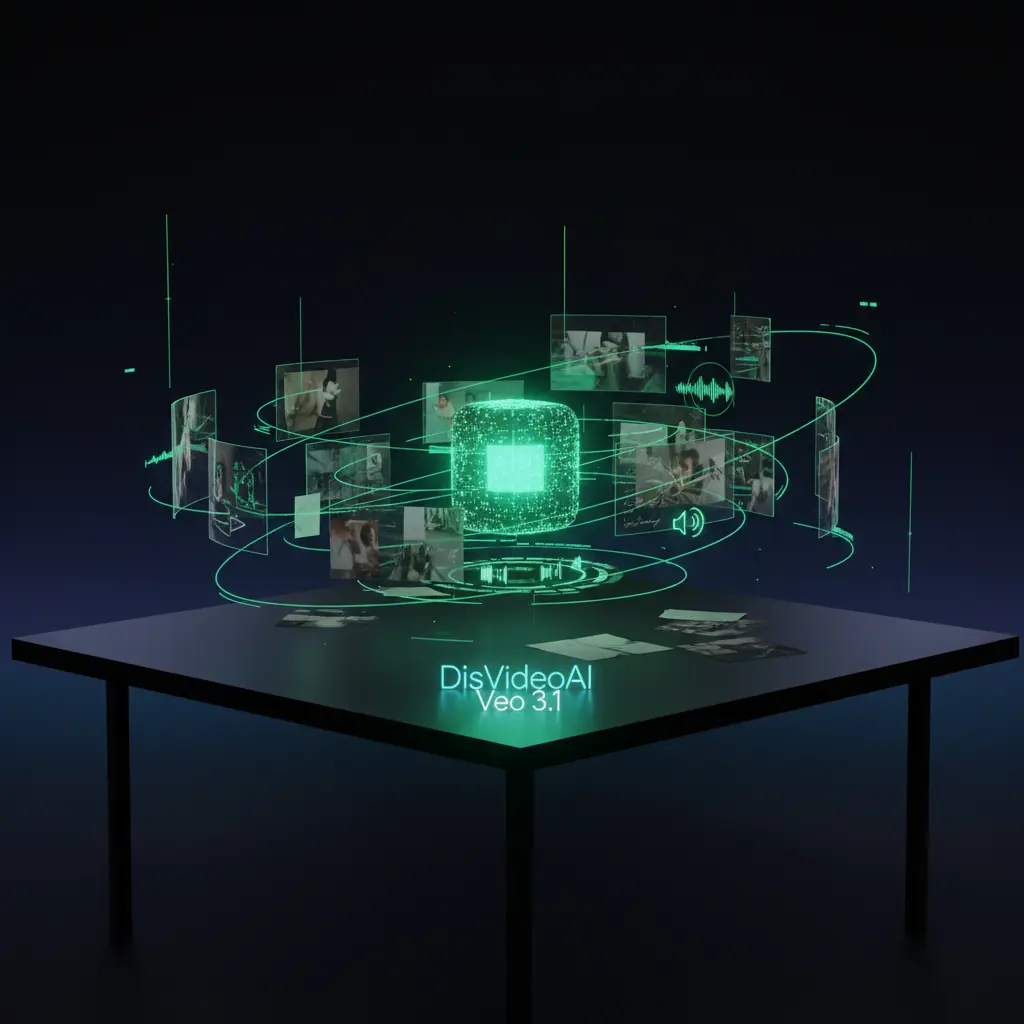
Track every Veo 3.1 experiment
Run many video generations, compare thumbnails and notes side by side, and keep the best ones pinned in your logged‑in workspace for future reuse.
How to use Veo 3.1 as your AI video generator
Follow these steps to go from login and free credits to finished AI videos in DisVideoAI.
Choose Veo 3.1 Model
Start a new project, add your brief, upload references, and choose Veo 3.1 as your AI video generator inside the workspace.
Write prompts or storyboards
Use the prompt builder or storyboard view to describe scenes, motion, pacing, and style before triggering Veo 3.1 generations.
Generate Veo 3.1 videos
Spend credits to run video generation from your logged‑in account, then preview, compare, and bookmark the best AI video outputs.
export & Share
export ready‑to‑share AI videos and post to different socail media platform
Who uses our Veo 3.1 AI video generator
Creators, teams, and studios log in to DisVideoAI to run AI generations, organize experiments, and build repeatable AI video workflows.
Content creators and YouTubers
Log in, claim free credits, and quickly generate Veo 3.1 clips for intros, explainers, and b‑roll, keeping prompts and versions in one place.
Marketing and growth teams
Use Veo 3.1 as an AI video generator for ads and social content. Test multiple prompts, log conversions, and keep all generations tied to your team account.
Product and UX storytellers
Create Veo 3.1 walkthroughs and product demos from a logged‑in workspace, then pair them with UI captures, annotations, and scripts.
Agencies and studios
Standardize Veo 3.1 prompting and approval flows across client projects, all secured behind account login and credit controls.
Developers and technical teams
Experiment with AI video outputs, record parameters and prompts, and manage runs per logged‑in environment for reproducible tests.
Education and training teams
Generate AI educational videos from your account, organize lessons, and keep scripts, captions, and versions together for every course.
Veo 3.1 FAQs
Get quick answers about Veo 3.1 on DisVideoAI, including login, free credits, workflows, and secure project storage.
It is the latest generative video model integrated directly into your DisVideoAI workspace. You describe scenes, motion, and style in natural language, then Veo 3.1 turns your prompt into short, high quality clips. Because everything runs in a logged in account, each generation run, prompt, and output is saved for review, collaboration, and iteration.
Teams generating AI video with Veo 3.1
Once we logged into DisVideoAI and started using Veo 3.1, AI video drafts went from scattered tests to a clear, repeatable generator workflow.
Once we logged into DisVideoAI and started using Veo 3.1, AI video drafts went from scattered tests to a clear, repeatable generator workflow.
Our team signs in, spends a few credits on Veo 3.1 prompts, and instantly sees which AI video concept is worth scaling into a full campaign.
Our team signs in, spends a few credits on Veo 3.1 prompts, and instantly sees which AI video concept is worth scaling into a full campaign.
Having all Veo 3.1 generations, edits, and feedback inside one logged‑in workspace cut our AI video review time nearly in half.
Having all Veo 3.1 generations, edits, and feedback inside one logged‑in workspace cut our AI video review time nearly in half.
We treat DisVideoAI as our Veo 3.1 notebook and generator. Every logged‑in run leaves a trail of prompts, settings, and outputs our team can trust.
We treat DisVideoAI as our Veo 3.1 notebook and generator. Every logged‑in run leaves a trail of prompts, settings, and outputs our team can trust.




start generating Veo 3.1 videos
Create your account or sign in to DisVideoAI, get free credits, and use Veo 3.1 as your AI video generator for storyboards, campaigns, and experiments.